Everything You Need to Know About Apple Warranty in India
What the Apple Warranty Actually Covers
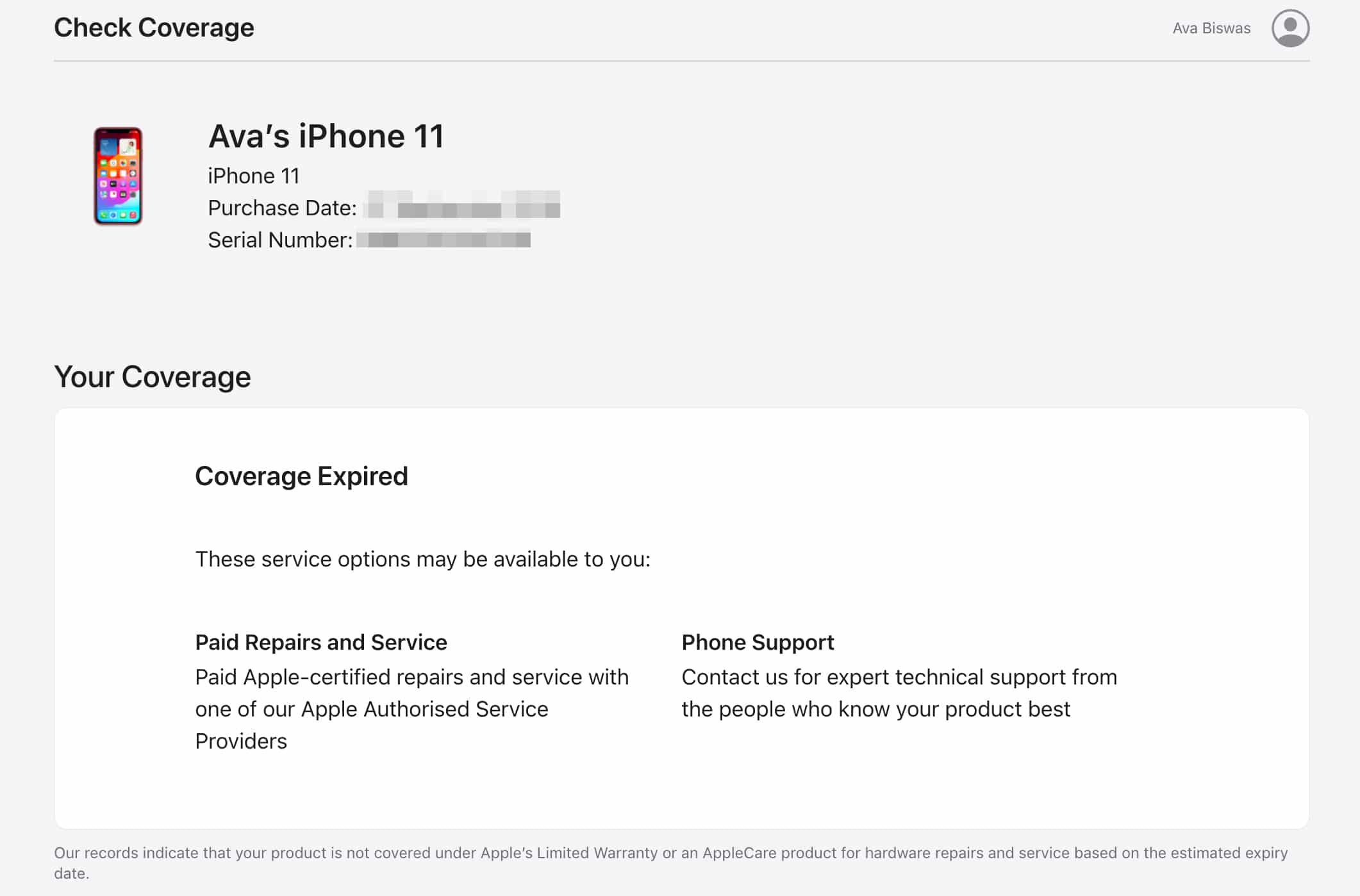
When you buy an iPhone, iPad, Mac or any other Apple device in India, you automatically receive a limited warranty that lasts one year from the date of purchase. This Apple warranty coverage in India is designed to protect you against manufacturing defects and hardware failures that are not caused by accidental damage or normal wear and tear.
In practice, the warranty will replace or repair a faulty component at an authorized service provider, provided you can show a valid proof of purchase. Software issues, battery health that falls below the expected capacity, or cosmetic scratches are generally excluded, unless they result from a defect covered by the warranty.
Standard Warranty vs. AppleCare+
The standard one‑year warranty is a baseline, but many users opt for AppleCare+ to extend protection. AppleCare+ adds two years of coverage and includes up to two incidents of accidental damage (subject to a service fee). In India, the cost varies by device – for an iPhone 14, AppleCare+ adds roughly ₹8,500, while a MacBook Pro may cost around ₹13,000.
Beyond the extra years, AppleCare+ also offers priority access to technical support, battery service if capacity drops below 80 % of its original design, and coverage for accessories like the Apple Pencil. If you travel frequently within India, the extended coverage can be a real peace‑of‑mind boost.
How to Register Your Device for Warranty
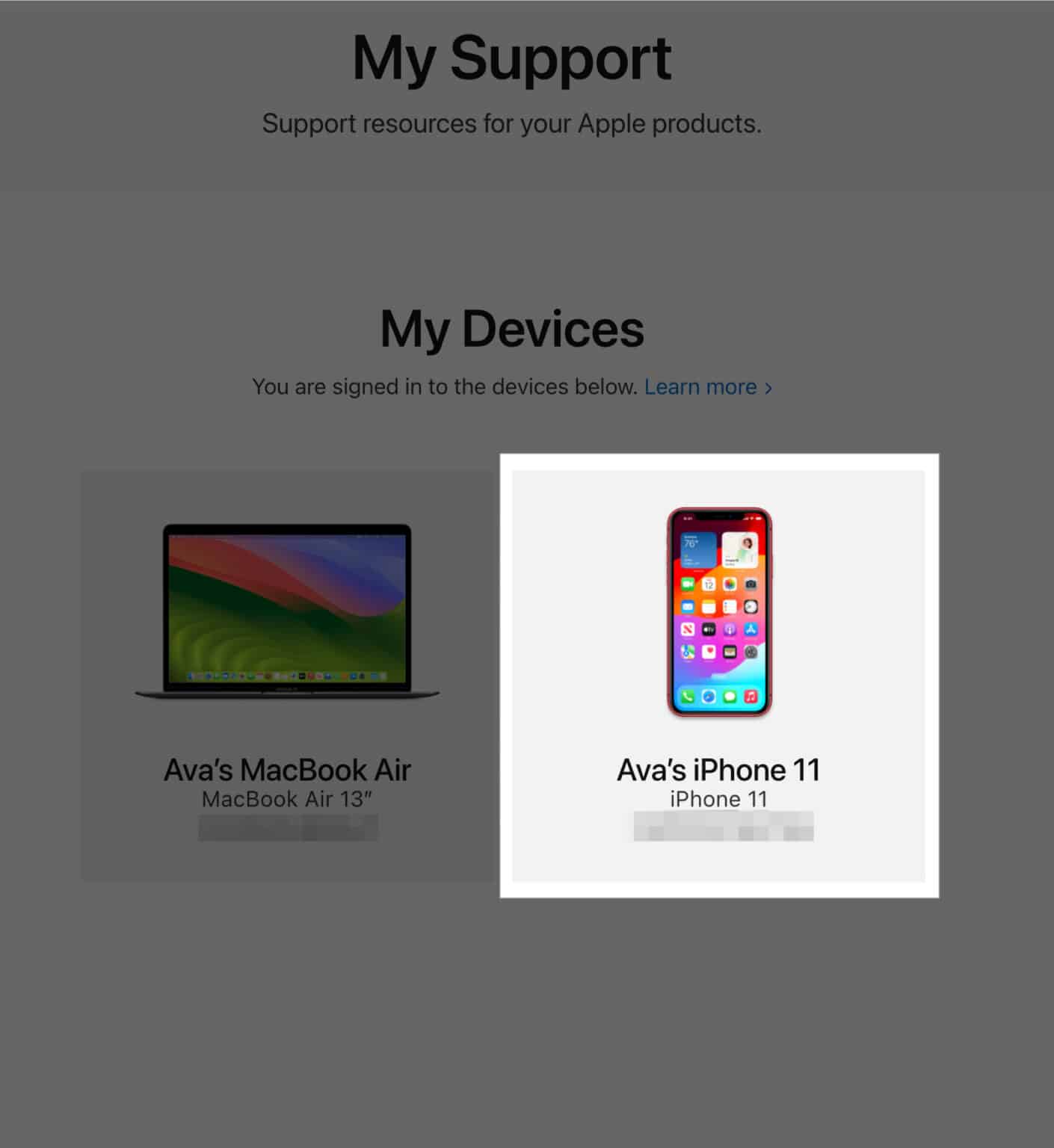
Apple automatically registers your device when you purchase it from an authorized reseller, but it’s wise to double‑check. Log in to appleid.apple.com, navigate to “Devices,” and confirm that your product appears with the correct purchase date.
If you bought the device from a third‑party retailer, you may need to manually add it. Keep the original invoice handy; the serial number, purchase date, and retailer name are required. Registration usually takes just a few minutes and can prevent future headaches when you need service.
Common Scenarios That Trigger Warranty Service
- Faulty display or touch screen – A non‑responsive or discolored screen caused by a manufacturing issue is covered.
- Battery that won’t hold charge – If the battery’s health drops dramatically within the warranty period, Apple will replace it.
- Audio glitches – Speakers, microphones, or headphone jacks that malfunction due to a defect qualify for repair.
- Connectivity problems – Wi‑Fi, Bluetooth, or cellular modules that fail without physical damage are eligible for service.
Things the Warranty Doesn’t Cover
Understanding the limits can save you from surprise fees. The standard warranty excludes:
- Accidental drops, spills, or water damage (unless you have AppleCare+).
- Cosmetic damage such as scratches, dents, or screen cracks caused by user handling.
- Issues arising from unauthorized repairs or modifications.
- Loss or theft of the device.
In many cases, Apple will still offer a repair but will charge the out‑of‑warranty fee, which varies by model and region.
Extending Coverage Beyond AppleCare+
If AppleCare+ expires and you still want protection, you can purchase an extended service plan from third‑party insurers. These plans often mirror Apple’s coverage but may include additional benefits like data recovery or theft protection. Before signing up, compare the fine print: some policies limit claims per year or have higher deductibles for certain types of damage.
Another option is to keep your device under the standard warranty as long as possible by buying a new device before the old one’s warranty lapses. Apple’s trade‑in program sometimes offers a discount that effectively reduces the cost of a new device while you still have the old one covered.
How to Get Service at an Authorized Provider
When a problem arises, the first step is to schedule a visit through the Apple Support app or the Apple website. Choose “Repair” and select a nearby authorized service center. In major cities like Delhi, Mumbai, and Bengaluru, you’ll find Apple‑authorized “iStore” or “Reseller” locations that can handle most repairs on the spot.
Bring the original receipt and a government‑issued ID. If your device is still under warranty, the repair will be free of charge, except for any consumable parts that fall under “out‑of‑pocket” categories (e.g., a cracked glass screen without AppleCare+).
Frequently Asked Questions
Is the Apple warranty valid if I buy the device online?
Yes. Devices purchased from Apple’s official Indian online store or from other authorized e‑commerce platforms receive the same one‑year warranty, provided you have a valid invoice.
Can I transfer the warranty to a new owner?
The warranty is linked to the serial number, not the original buyer, but the new owner must present the original purchase proof. Apple typically honors the warranty if the device is still within the coverage period.
What happens if I use an unofficial repair service?
Having a third‑party repair the device usually voids the remaining warranty. Apple may refuse future service on that unit, and any subsequent repairs could be billed at the out‑of‑warranty rate.
Do I need to register my device for the warranty to work?
Registration is not mandatory, but it speeds up verification. If you can show the purchase invoice, Apple can still honor the warranty even without prior registration.