Everything You Need to Know About the AMD Ryzen 5 3600X
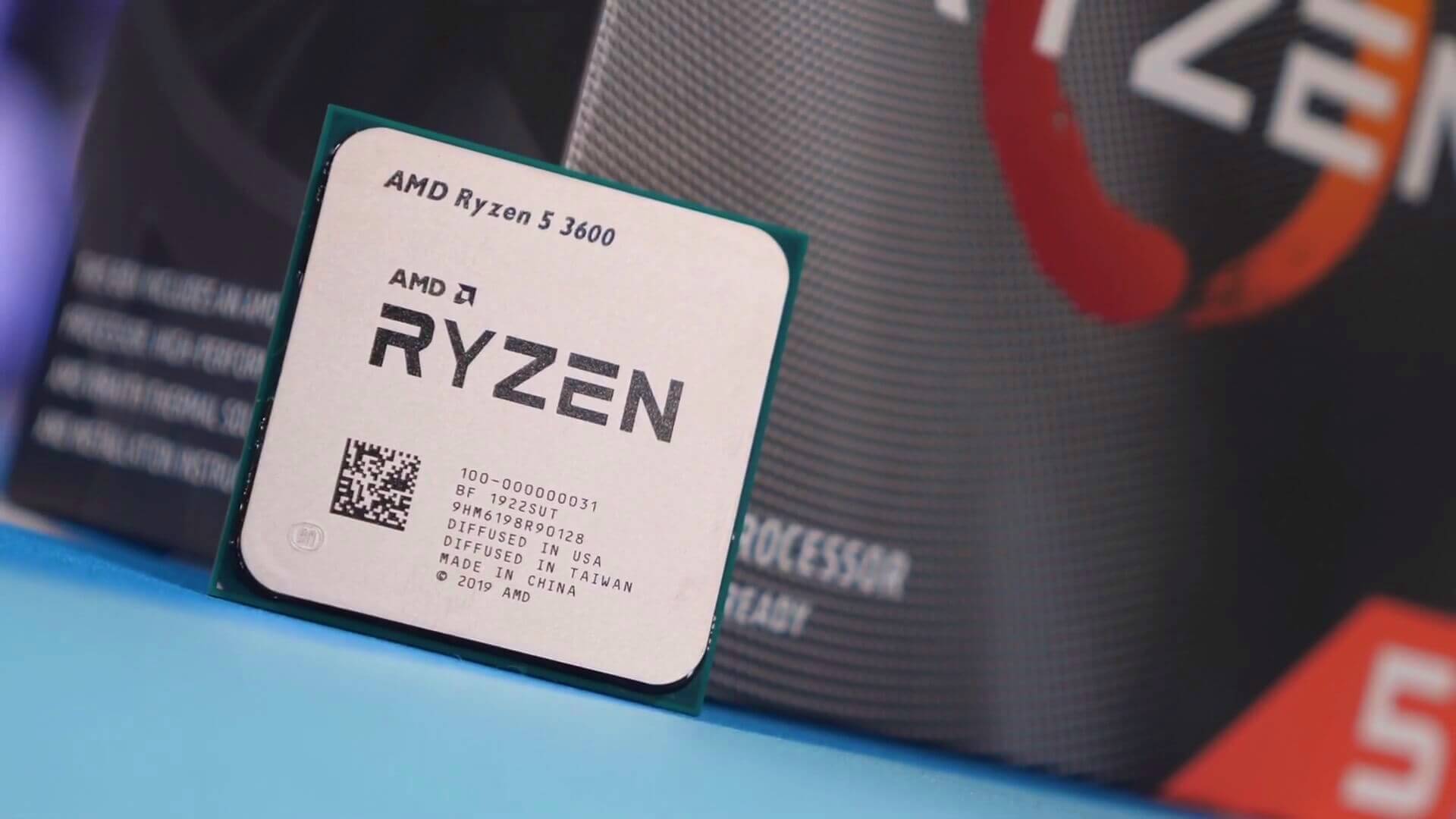
The AMD Ryzen 5 3600X has become a go‑to option for gamers and creators who want solid performance without breaking the bank. With six cores, twelve threads, and a boost clock that nudges up to 4.4 GHz, it sits squarely in the mid‑range segment while still delivering a feel of high‑end power. In this guide we’ll unpack the specs, look at real‑world performance, compare it to its nearest rivals, and flag the practical bits you’ll face when installing the chip.
Key Specs and What They Mean
Understanding the raw numbers helps you predict how the processor will behave under load. The 3600X is built on AMD’s 7 nm Zen 2 architecture, which offers a notable jump in instructions per clock compared to the previous generation. Its specifications read as follows:
- Core/Thread Count: 6 cores / 12 threads – ample for modern games and multitasking.
- Base Clock: 3.8 GHz – the speed you’ll see in lighter workloads.
- Boost Clock: Up to 4.4 GHz – the peak frequency when a single core is pushed.
- L3 Cache: 32 MB – helps keep data close to the cores, reducing latency.
- TDP: 65 W – a modest power draw that eases cooling requirements.
- Socket: AM4 – compatible with a wide range of motherboards, especially those with B550 or X570 chipsets.
All these figures translate into a processor that feels responsive in day‑to‑day tasks and can sustain high frame rates when paired with a decent graphics card.
Performance in Real‑World Scenarios
Benchmarks are useful, but how the 3600X behaves in the wild matters more for most users. In gaming, the CPU typically feeds the GPU, so its impact varies with the graphics card you choose. Pair it with a mid‑range GPU such as the NVIDIA RTX 3060, and you’ll often see 1080p titles cruising above 100 fps on medium‑high settings. In more demanding titles like Cyberpunk 2077 or Microsoft Flight Simulator, you’ll still hit 60‑70 fps if you dial graphics down to a balanced level.
For content creation, the extra threads shine. Rendering a 1080p video in Adobe Premiere Pro usually finishes 15‑20 % faster on the 3600X compared to the non‑X sibling, the Ryzen 5 3600. Likewise, 3D rendering in Blender sees noticeable time savings, especially when using the CPU‑based Cycles engine.
When it comes to productivity, everyday tasks such as web browsing with dozens of tabs, compiling code, or running virtual machines feel snappy. The chip’s 32 MB L3 cache mitigates bottlenecks that can arise during repetitive calculations, making it a reliable workhorse for developers and students alike.
How It Stacks Up Against the Competition
At launch, AMD positioned the 3600X against Intel’s 9th‑gen i5‑9600K and the earlier i7‑8700. While the Intel offering sported higher single‑core boost clocks (up to 4.6 GHz), it lacked hyper‑threading, limiting it to six threads. In multi‑threaded workloads, the 3600X’s extra threads give it a clear edge.
Comparing it to its AMD cousin, the Ryzen 5 3600, the differences are subtle but meaningful. The 3600X enjoys a higher boost clock and a slightly better binning process, which can translate to marginally higher frame rates—often a few frames per second in CPU‑bound games. For most users, the price premium may feel modest, but those hunting every ounce of performance for competitive gaming might lean toward the X variant.
Looking forward, newer generations like the Ryzen 5 5600X have entered the market with even better IPC and higher boost clocks. However, the 3600X remains a solid value, especially when you can find it on discount or as part of a pre‑built system.
Installation, Cooling, and Power Considerations
Because the 3600X has a 65 W TDP, you don’t necessarily need an elaborate cooling solution. A quality aftermarket air cooler—think Cooler Master Hyper 212 or Noctua NH‑U12S—will keep temperatures well below 70 °C under full load. Stock coolers that shipped with earlier Ryzen models can suffice, but they may run louder during sustained gaming sessions.
Power delivery is another practical angle. The processor works best with a motherboard that offers a robust VRM design; B550 boards with at least a 6‑phase power stage are a safe bet. Pair this with a 450‑550 W PSU from a reputable brand, and you’ll have enough headroom for a mid‑range GPU and a few peripherals.
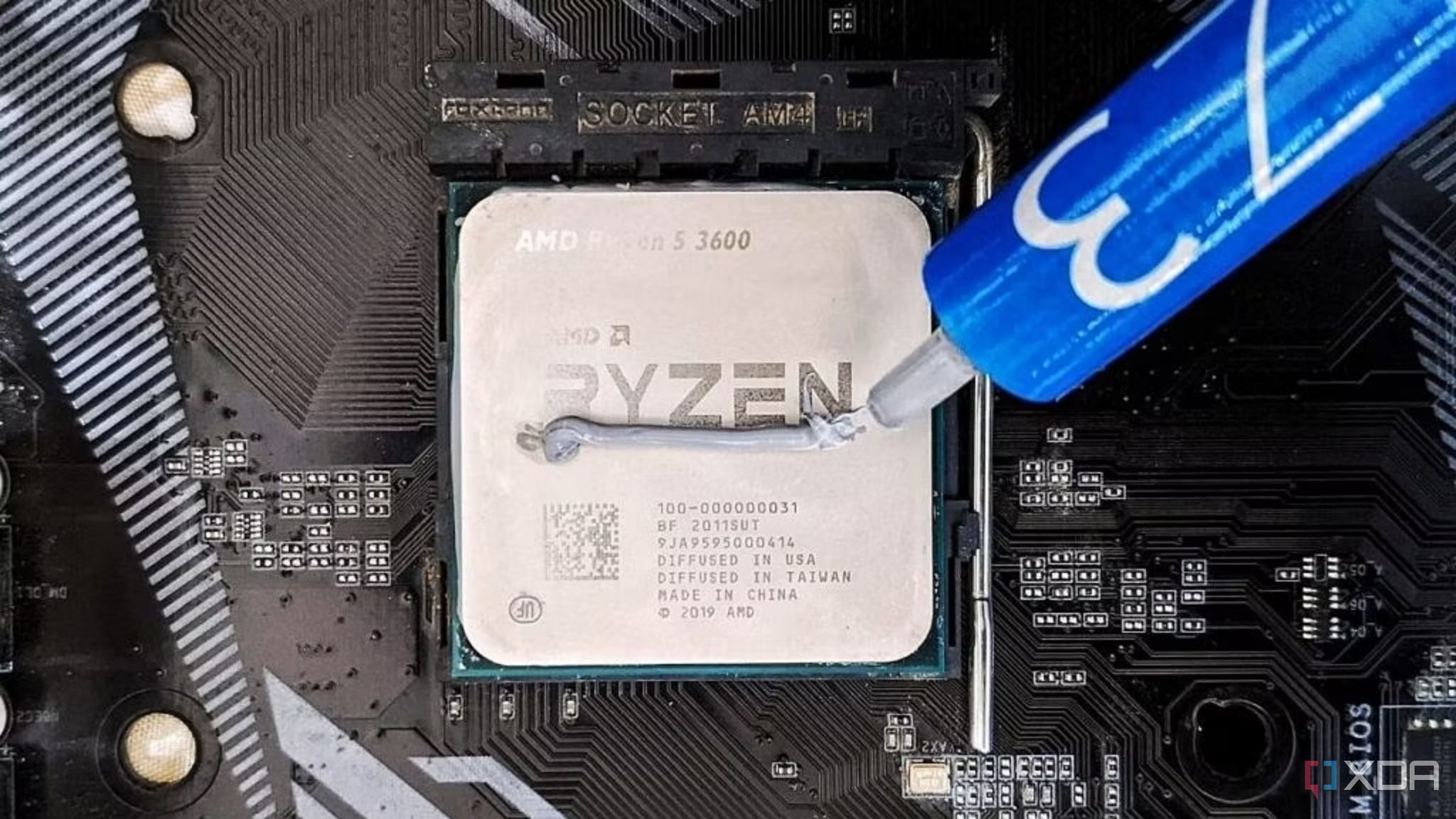
Installation is straightforward thanks to the AM4 socket’s zero‑insertion force (ZIF) design. Just align the notches, lower the cooler, and secure the mounting bracket. Remember to apply a thin, even layer of thermal paste if your cooler doesn’t come with pre‑applied compound.
Is the Ryzen 5 3600X Right for You?
If you’re building a PC that needs to handle modern games at 1080p or 1440p, do light to moderate video editing, and want a platform that will stay relevant for a few years, the 3600X checks most boxes. Its balance of core count, clock speed, and power efficiency makes it a versatile choice for both enthusiasts and budget‑conscious users.
Frequently Asked Questions
- Can the Ryzen 5 3600X be overclocked safely? Yes. Although it already runs near its boost limits out of the box, many users push the core clock into the 4.6‑4.8 GHz range with modest voltage increases, especially when paired with a high‑quality motherboard and cooling solution.
- Do I need to update the BIOS for the 3600X? Most modern B550 and X570 boards ship with firmware that supports Zen 2 CPUs. If you have an older B450 board, a BIOS update may be required before the processor will POST.
- How does the 3600X handle future game titles? With its 12 threads and strong IPC, the chip should remain competent for upcoming titles that continue to favor multi‑core efficiency. However, for the very latest AAA releases at ultra settings, pairing it with a more powerful GPU will be essential.