How AI Video Style Changers Can Transform Your Footage
What Is an AI Video Style Changer?
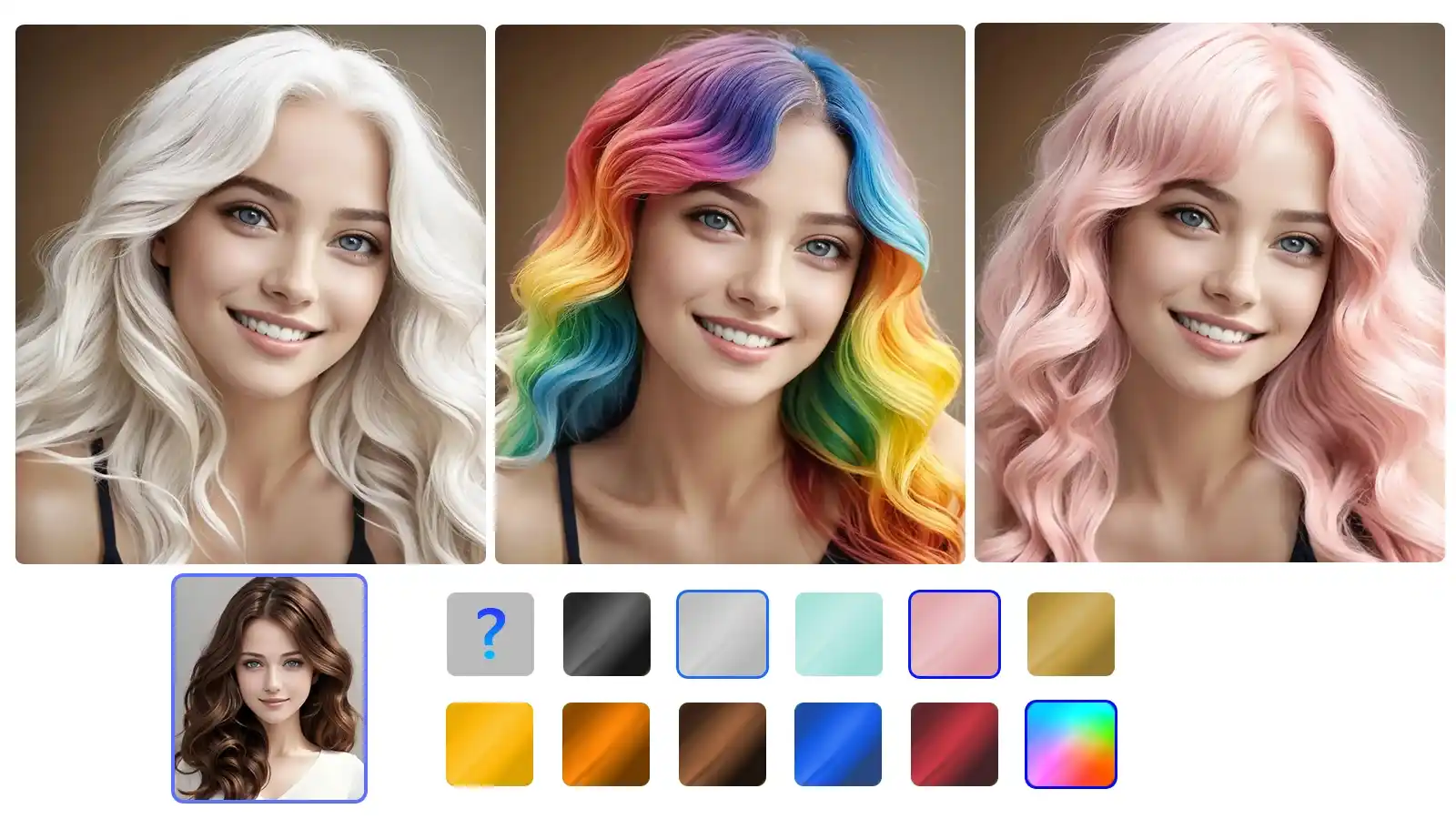
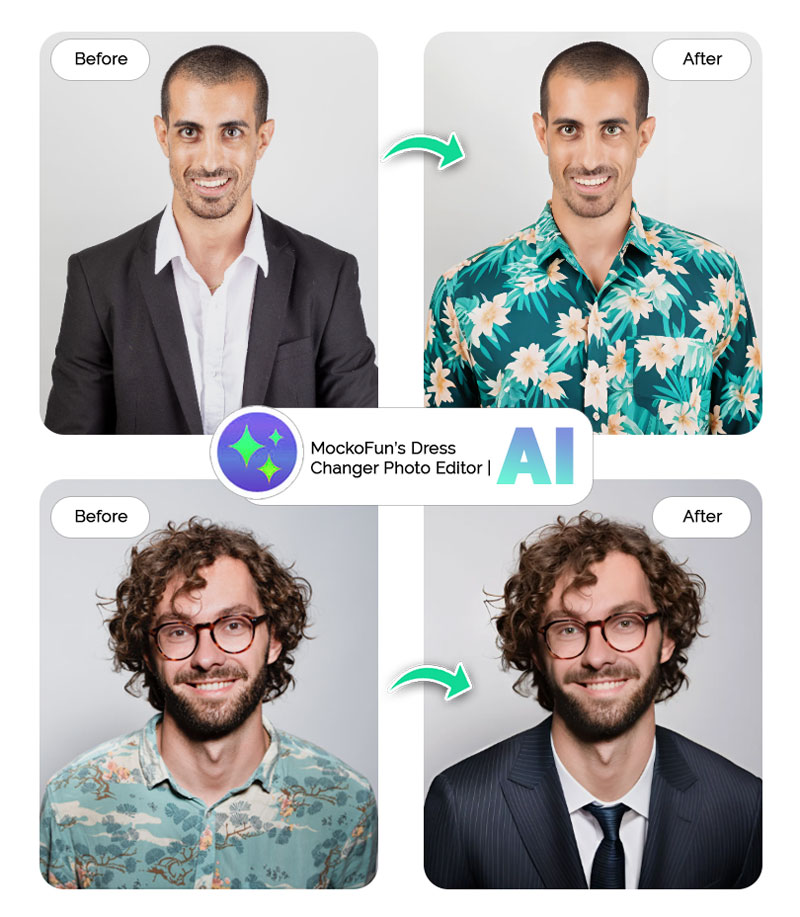
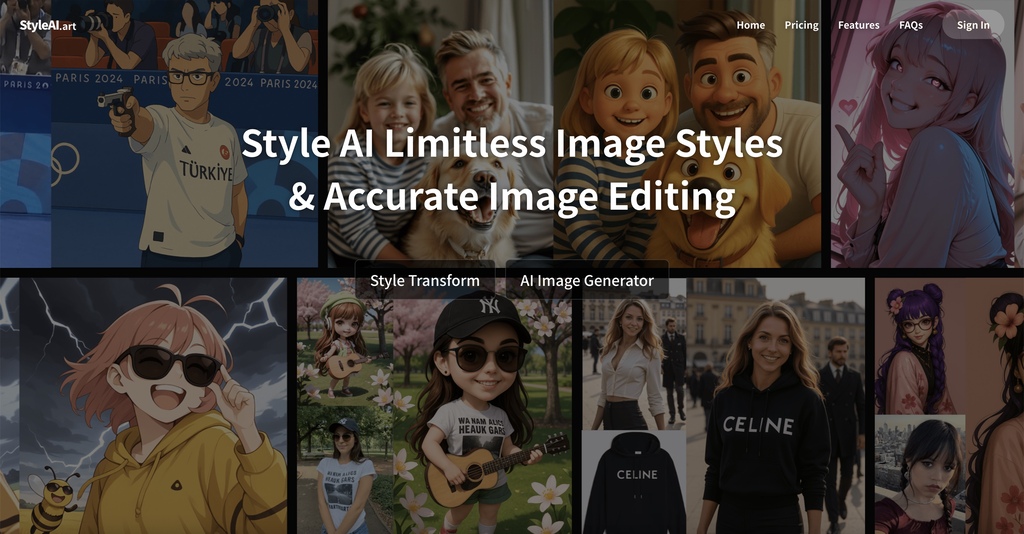
An AI video style changer is a software tool that rewrites the visual language of a clip without altering its underlying motion or narrative. In plain terms, it can take raw footage and make it look like a hand‑drawn cartoon, a vintage film, or even a futuristic hologram—all with a few clicks. The promise is simple yet powerful: an AI video style changer can transform your videos into something that feels fresh, on‑brand, or dramatically different from the original.
How the Technology Works Behind the Scenes
At its core, the technology blends computer vision with generative AI. The system first breaks a video into individual frames, then applies a style model to each frame, finally stitching them back together while preserving temporal consistency. Modern pipelines often rely on three main families of models:
Key Techniques: Neural Style Transfer, Diffusion Models, and GANs
- Neural style transfer – adapts the texture and color palette of a reference image onto each frame, preserving edges and motion.
- Diffusion models – iteratively refine a noisy version of a frame until it matches a desired artistic distribution.
- Generative adversarial networks (GANs) – pit a generator against a discriminator to produce realistic yet stylized outputs.
Each approach has trade‑offs. Neural style transfer is fast but can produce flickering if not tuned. Diffusion delivers high fidelity at the cost of processing time, while GANs often strike a middle ground, offering smooth transitions and relatively quick renders.
Practical Ways to Use a Style Changer
Creative professionals quickly discovered that style changers are more than a novelty. Here are a few scenarios where they shine:
- Social‑media influencers can give a consistent aesthetic to a series of reels without hiring a graphic designer.
- Brands looking to repurpose legacy footage can instantly align older ads with a new visual identity.
- Educators transform lecture recordings into engaging, storyboard‑like animations that hold students’ attention.
- Independent filmmakers experiment with genre‑bending looks—think “noir” lighting on a sci‑fi scene—without reshooting.
Choosing the Right Tool for Your Needs
Not all style changers are built the same. When evaluating options, consider three practical dimensions:
- Processing mode: Real‑time tools let you preview styles on the fly, while batch processors handle higher resolution and longer clips.
- Cost structure: Some platforms charge per minute of output; others offer subscription tiers with unlimited rendering.
- User interface: Drag‑and‑drop simplicity is great for beginners, whereas a node‑based workflow may appeal to technical artists who want granular control.
Reading reviews and testing free trials can save you from committing to a pricey solution that doesn’t meet your quality expectations.
Limitations and Ethical Considerations
Even the most sophisticated AI has blind spots. Style transfer can introduce visual artifacts—ghosting around fast motion or inconsistent shading in low‑light scenes. Moreover, the technology raises questions about copyright: applying a famous painter’s style to commercial footage might infringe on intellectual property rights in some jurisdictions.
There’s also a growing conversation about deepfake potential. While most style changers focus on artistic transformation rather than identity swapping, the same underlying models could be repurposed for deceptive content. Responsible users should watermark transformed videos and be transparent about AI involvement.
Tips to Get the Best Results
- Start with high‑quality source footage; grainy videos amplify artifacts.
- Match the reference style’s lighting conditions to your original clip whenever possible.
- Use a short test segment to fine‑tune parameters like frame‑rate consistency and style intensity.
- Apply post‑processing—such as subtle color correction—to smooth out any residual flicker.
Frequently Asked Questions
Can I apply multiple styles to a single video?
Yes, many platforms let you layer effects or switch styles at specific timestamps, enabling dynamic visual storytelling.
Do I need a powerful GPU to use an AI video style changer?
Real‑time tools generally require a recent graphics card, but cloud‑based services handle the heavy lifting on remote servers, sparing you the hardware expense.
Is the output suitable for broadcast or cinema?
Professional‑grade tools can output 4K or higher, but you should verify that the chosen style maintains the resolution and color depth required by your distribution channel.
How do I avoid copyright issues when using famous art styles?
Research the legal status of the style’s source—many classic works are public domain, but modern artists’ signatures may still be protected. When in doubt, seek permission or use royalty‑free style packs.