How Safe Is Samsung Secure Folder? An In‑Depth Insight
What Is Samsung Secure Folder and How Does It Work?
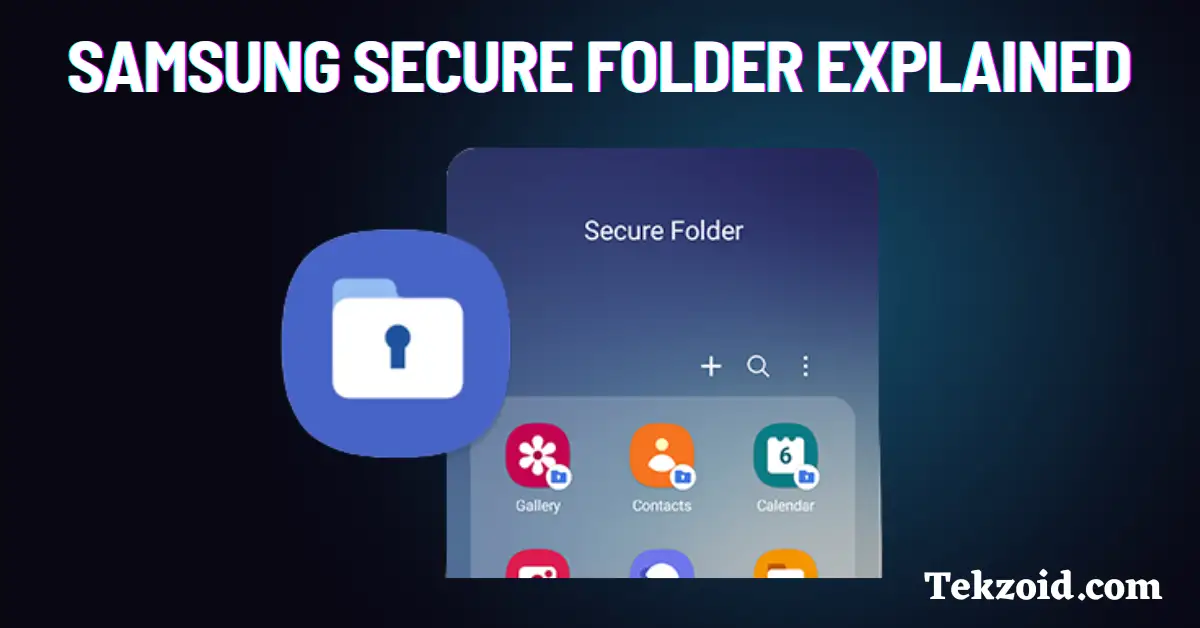
Samsung Secure Folder is a built‑in app that creates a private, encrypted space on your Galaxy device. When you enable it, the system spins up a separate container that runs its own instance of Android, isolated from the rest of the phone. This means you can store photos, documents, or even a second set of apps without them ever touching the main user profile. The concept sounds simple, but under the hood it leverages Samsung’s Knox security platform to keep the data locked away.
Key Security Mechanisms Behind Secure Folder
Three layers form the backbone of Secure Folder’s protection: hardware‑based isolation, strong encryption, and multi‑factor authentication. Each layer works in tandem, so compromising one doesn’t automatically give an attacker full access to the container.
Knox Platform and Hardware‑Based Isolation
Knox is Samsung’s proprietary defense suite that starts at the bootloader and continues throughout the device’s lifecycle. When Secure Folder is created, Knox assigns a dedicated Trusted Execution Environment (TEE) for the container, effectively sandboxing it at the hardware level. Even if a malicious app gains root on the primary OS, the TEE keeps the Secure Folder’s keys and processes out of reach.
Encryption and Authentication Layers
All data inside Secure Folder is encrypted with AES‑256, a standard that even most government agencies trust for classified information. The encryption key never leaves the device; it’s generated in the TEE and protected by your lock screen credential—whether that’s a PIN, password, pattern, or biometric. You can also enable a secondary lock specifically for Secure Folder, adding a second hurdle for anyone trying to peek inside.
Real‑World Threat Scenarios
In practice, Secure Folder shines when you need to keep work‑related apps separate from personal ones. A phishing‑laden email that tricks you into installing a malicious app on the main profile won’t automatically gain access to the apps stored inside the folder. Likewise, if you lose your phone, a thief who knows your main PIN still can’t open Secure Folder without the secondary credential you set. However, no system is impervious. If an attacker obtains your device and also knows your Secure Folder password, they can decrypt the data just like any legitimate user.
Known Vulnerabilities and How Samsung Addresses Them
Security researchers have occasionally uncovered bugs that could, under very specific conditions, leak metadata from Secure Folder. For example, a 2021 vulnerability allowed a crafted app to infer whether a particular file existed inside the container, though it couldn’t read its contents. Samsung patched the issue within weeks via a security update, illustrating the importance of keeping your device current. So far, there have been no public reports of a full‑scale break‑in that exposed the encrypted payload.
Best Practices to Maximize Your Secure Folder Protection
Even the strongest sandbox can be weakened by user habits. Here are a few practical steps:
- Choose a lock screen credential that’s hard to guess—avoid birthdays or simple patterns.
- Enable the secondary Secure Folder lock and, if available, biometric verification.
- Regularly install Samsung’s monthly security patches; they often contain fixes for the Knox framework.
- Limit the number of apps you install inside Secure Folder to those you truly need, reducing the attack surface.
- Back up Secure Folder data to Samsung Cloud or another encrypted service, but ensure the backup itself is password‑protected.
Frequently Asked Questions
- Is the data in Secure Folder encrypted?
Yes. All files, messages, and app data are encrypted with AES‑256, and the encryption key is stored in the device’s Trusted Execution Environment.
- Can malware on the main OS see apps inside Secure Folder?
Generally no. Knox isolates the container, so even a rooted device can’t directly access the apps or their data without the proper authentication.
- Do I need a Samsung account to use Secure Folder?
A Samsung account isn’t required for the folder itself, but linking one enables backup and synchronization across devices.
- What happens if I forget the Secure Folder password?
You’ll have to reset the folder, which erases all its contents. Samsung recommends writing the password down in a secure place or using a password manager.