How to Explore the Cosmos with 3D Solar System Simulators
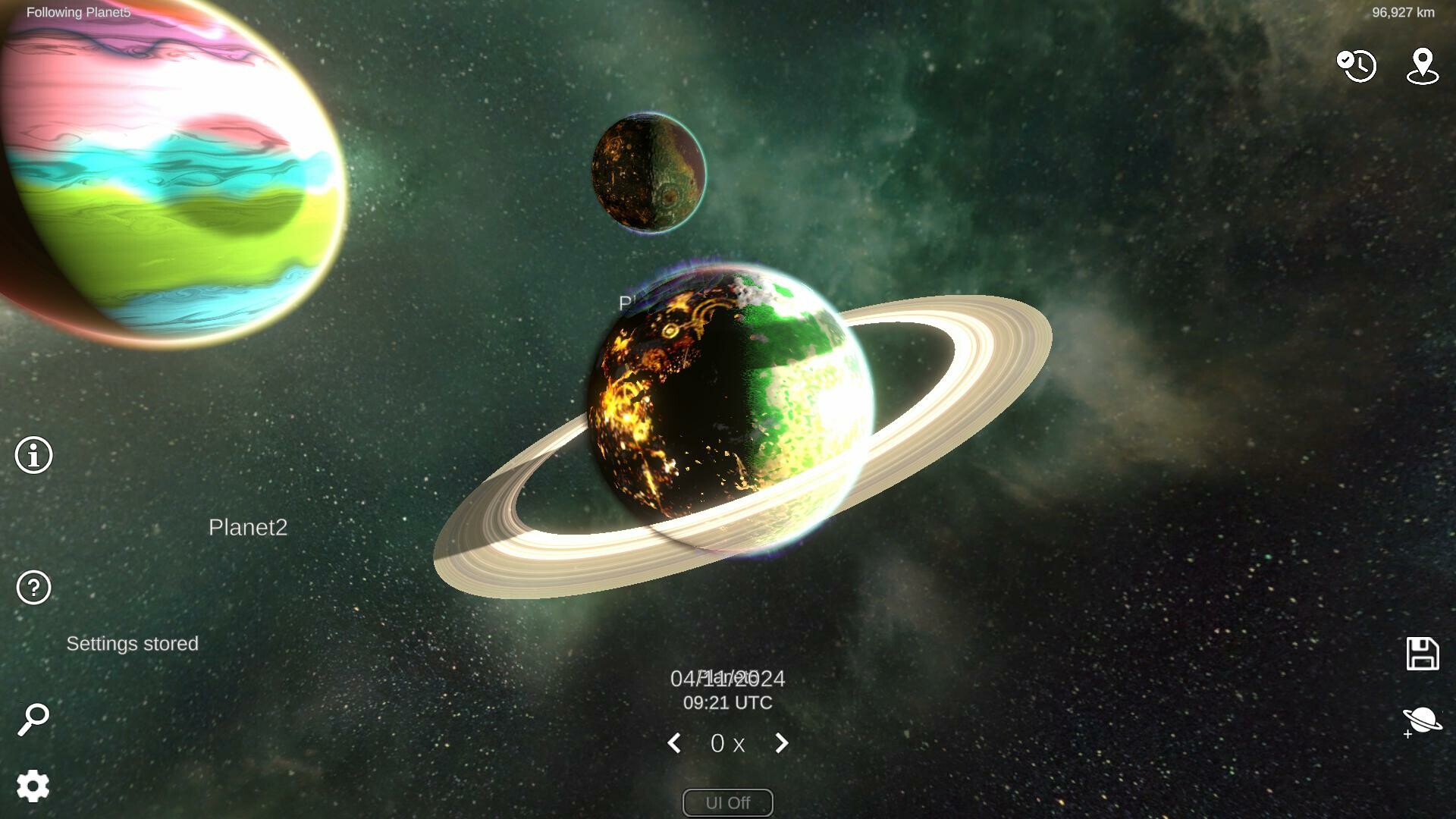
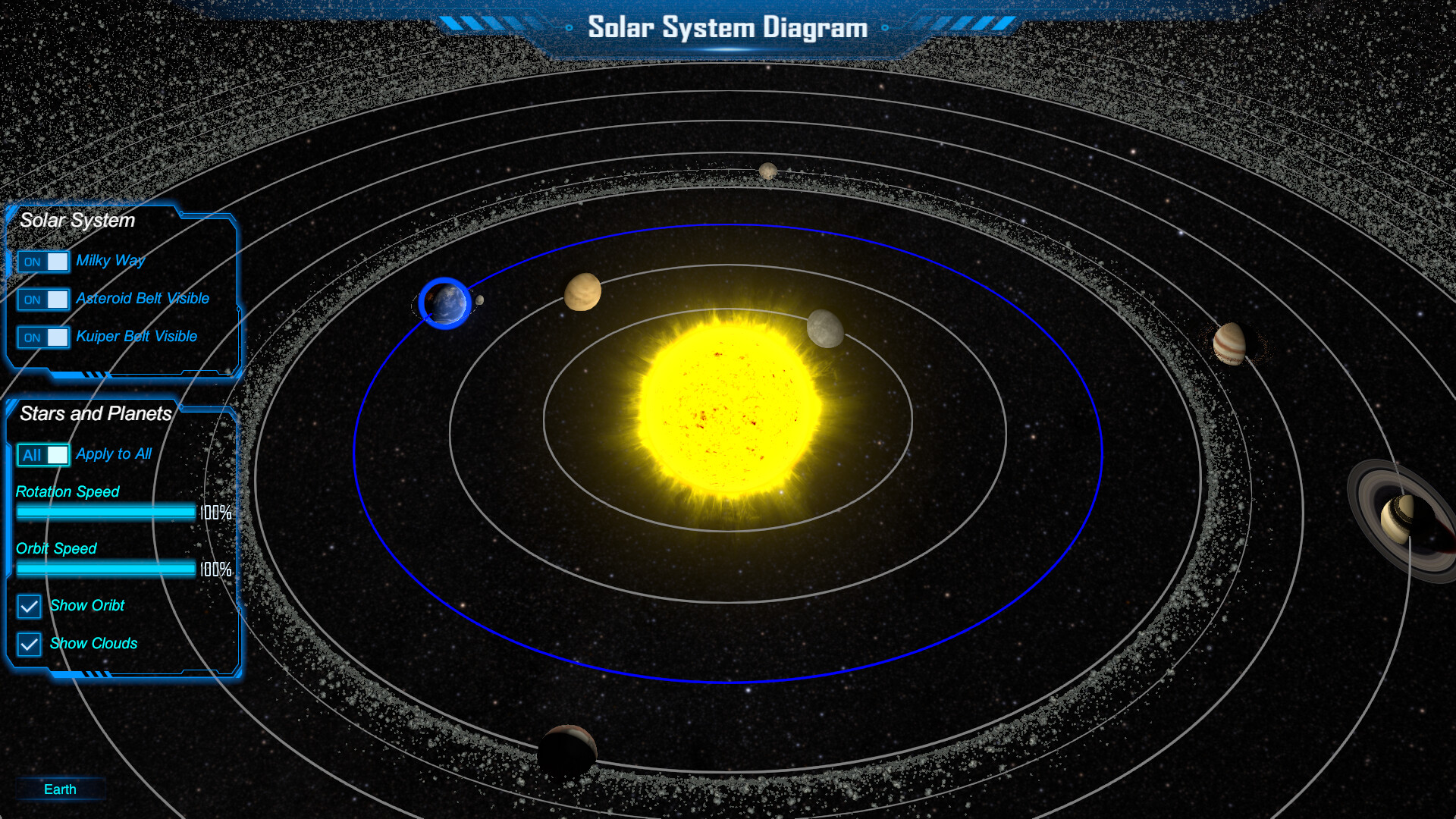
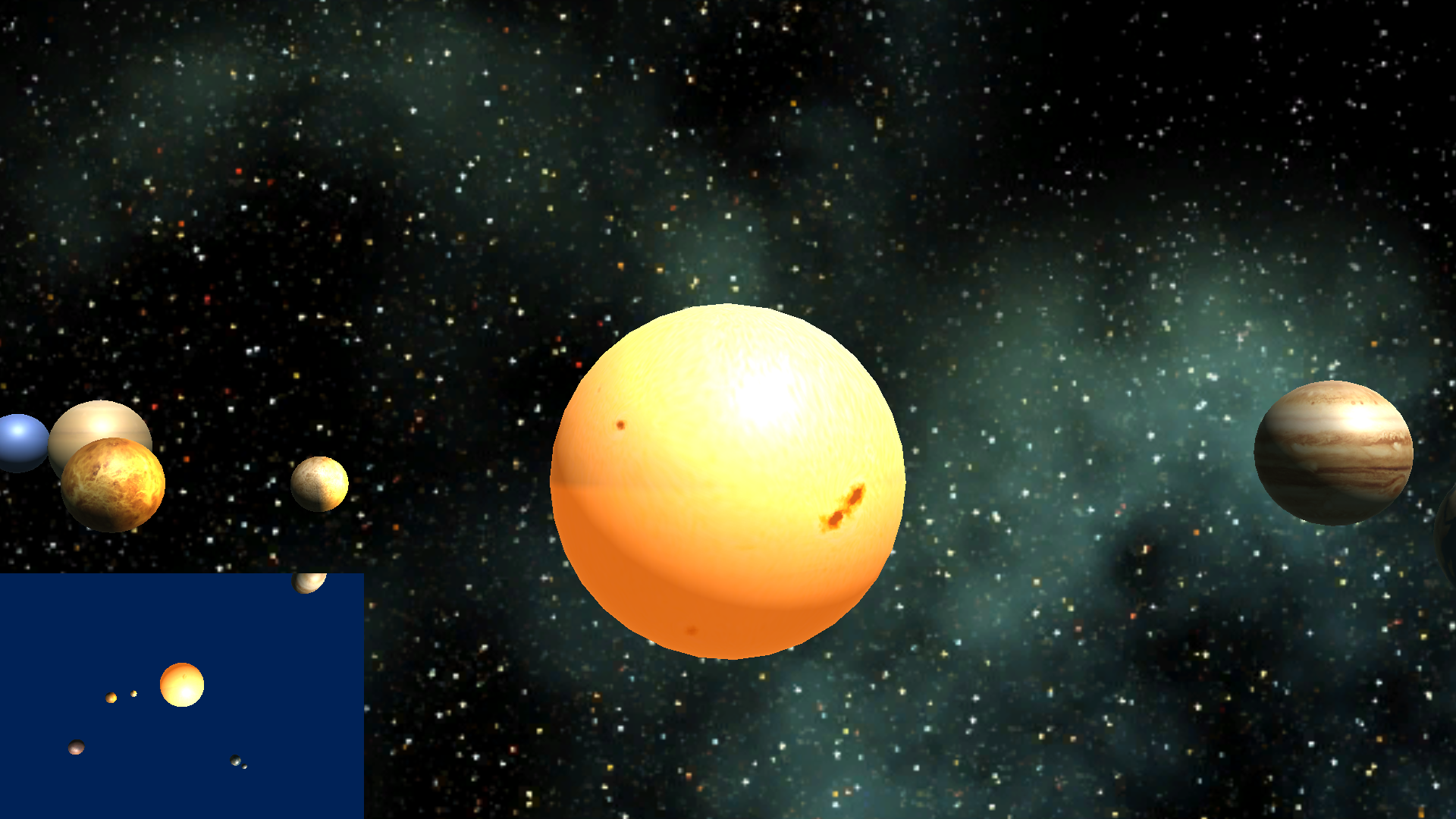
Ever wished you could zip around the planets without leaving your desk? 3D solar system simulators make that possible, turning a flat screen into a rotating, interactive universe. Whether you’re a classroom teacher, a hobbyist stargazer, or just curious about orbital mechanics, these tools let you visualize the cosmos in a way that static images never could.
Why 3D Simulators Transform Space Learning
The biggest advantage of a three‑dimensional model is perspective. When you can tilt, zoom, and pause a planet’s orbit, you start to grasp why seasons shift, why eclipses happen, and how gravity ties everything together. Research shows that visual, manipulable representations improve retention of complex scientific concepts, and a good simulator provides exactly that.
Beyond the classroom, the immersive feel can spark genuine wonder. Watching Jupiter’s Great Red Spot swirl in real time, or seeing Saturn’s rings cast shadows on its moons, feels more like an adventure than a lesson. That emotional hook often leads casual users to dig deeper into astronomy literature or even pursue formal study.
Key Features to Look For
- Accurate physics engine. Realistic orbital speeds, axial tilts, and gravitational influences keep the model grounded in actual science.
- Customizable time scale. Speed up months in a second or slow down to watch a single sunrise on Mars.
- High‑resolution textures. Detailed surface maps of planets, moons, and asteroids make each world feel distinct.
- Data layers. Ability to toggle information like temperature maps, atmospheric composition, or mission trajectories.
- Cross‑platform support. Runs on Windows, macOS, or browsers so you can explore from a laptop or a classroom computer.
If a program lacks most of these, you’ll likely feel the limits quickly. A solid simulator doesn’t just display planets; it invites you to experiment with them.
Popular Free and Paid Options
There’s a range of choices, from open‑source projects to commercial suites. Below are a few that consistently receive praise from educators and enthusiasts.
Celestia
Celestia is a free, open‑source application that lets you travel from Earth to the farthest known exoplanet with a few clicks. Its community‑driven add‑ons include detailed spacecraft models and historic mission paths, making it a versatile classroom companion.
NASA Eyes
NASA’s own “Eyes” series offers web‑based explorers for Earth, the Solar System, and even the Voyager missions. Because it pulls live data from NASA’s databases, users can watch the latest satellite positions or upcoming asteroid flybys in real time.
SpaceEngine
SpaceEngine leans toward the visually spectacular, rendering billions of stars and galaxies with impressive procedural detail. While the base version is free, a paid “Pro” license unlocks higher‑resolution textures and advanced scripting tools for custom scenarios.
Universe Sandbox
More of a physics sandbox than a pure visualizer, Universe Sandbox lets you smash planets together, alter gravitational constants, or simulate the impact of a rogue black hole. Its paid model is aimed at users who want to experiment with “what‑if” scenarios rather than just observe.
All of these platforms share a common strength: they let you pause, rewind, and annotate the scene, which is invaluable for lesson planning or personal study.
Tips for Getting the Most Out of Your Virtual Journey
Even the best software can feel clunky without a bit of strategy. Here are some practical ways to turn a casual session into a deeper learning experience.
- Start with a reference point. Pick a familiar object—Earth’s Moon, for instance—and compare its orbit to a less familiar one, like Neptune’s moon Triton.
- Use the time‑warp wisely. Speed up to watch a full Martian year, then slow down to study the exact moment a solar eclipse begins.
- Layer data. Turn on temperature maps while watching a planet’s rotation; notice how the hottest region tracks the sub‑solar point.
- Take notes inside the program. Many simulators let you drop markers or write captions, which helps retain insights for later discussion.
- Combine with real‑world observations. If you have a backyard telescope, try to match what you see on the screen with the night sky. The correlation reinforces both virtual and actual viewing skills.
Finally, don’t be afraid to explore beyond the official Solar System. Most simulators include nearby stars, dwarf planets, and even the Kuiper Belt, offering a glimpse of the broader Milky Way without needing a telescope the size of a building.
Frequently Asked Questions
Can I use these simulators on a tablet? Many tools, especially NASA Eyes, run directly in a web browser, so they’re accessible on tablets and even smartphones. Performance may vary, so a device with a decent graphics processor will give the smoothest experience.
Do I need a powerful computer? For basic navigation, a modest laptop suffices. High‑resolution textures and real‑time physics calculations—like those in SpaceEngine’s Pro version—benefit from a dedicated graphics card, but you can always lower visual settings.
Are the orbital data up to date? Most reputable simulators pull data from agencies such as NASA and ESA, updating automatically when new discoveries are logged. Always check the “Data Source” menu if you need the latest ephemeris.
Is there a way to simulate future missions? Yes. NASA Eyes, for example, includes upcoming spacecraft trajectories, letting you watch the planned path of Artemis missions or the Europa Clipper before they launch.