How to Find a Lost Phone Fast: Proven Tips and Tricks
When you realize you’ve lost your phone, the panic can be overwhelming. The good news is that most modern devices leave a digital breadcrumb trail you can follow. Below are practical steps that get you back in touch with your handset as quickly as possible.
If You’ve Lost Your Phone, Start Here
The first few minutes matter. Grab another device and make a call to your own number—often the ring will guide you to the spot you dropped it. If you hear no answer, check any nearby surfaces, cushions, and pockets where it could have slipped unnoticed.
Using Built‑In Tracking Tools
Both iOS and Android embed location services that work even when the screen is locked.
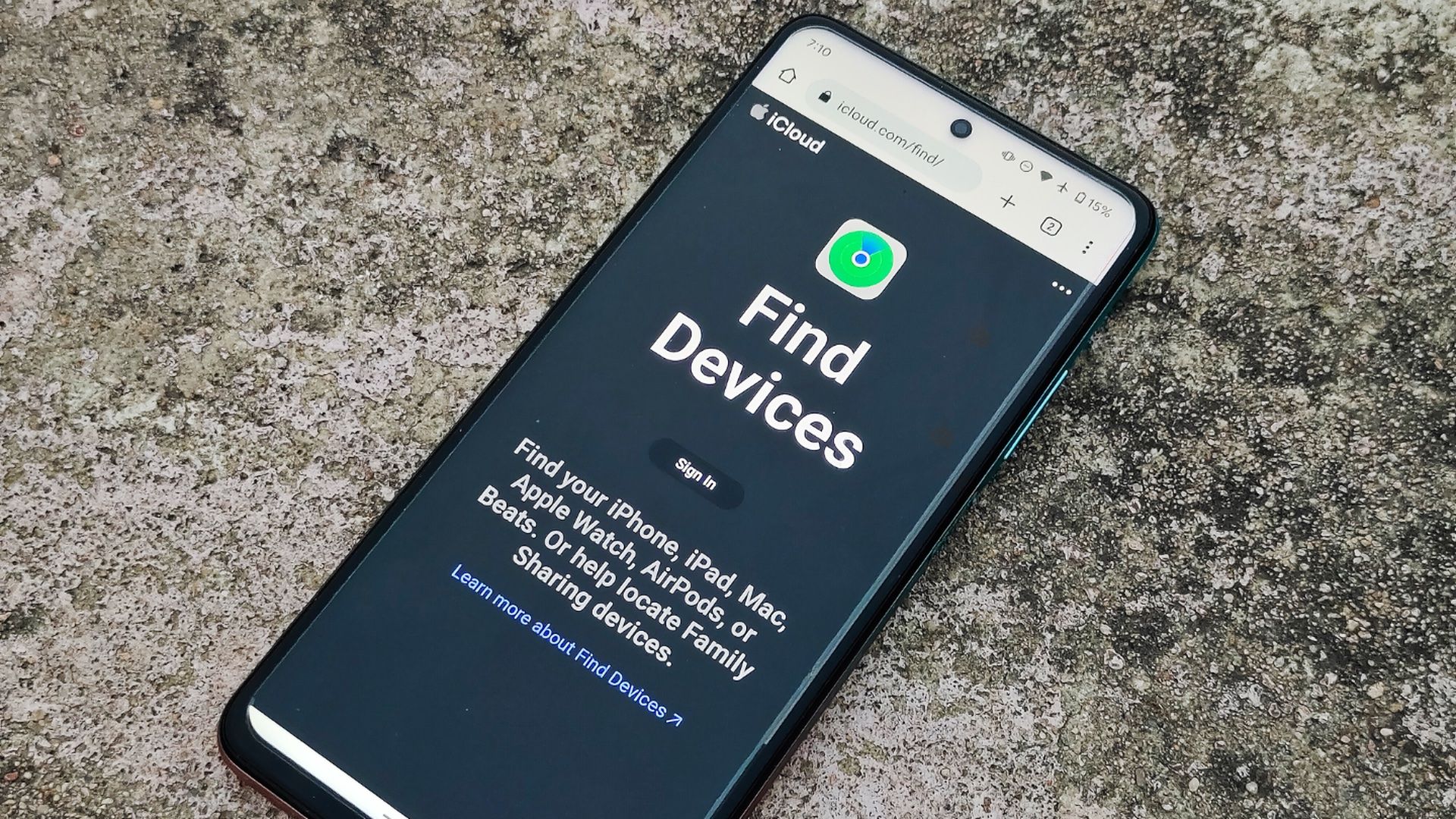
- Find My iPhone (Apple): Log in at iCloud.com or use the Find My app on another Apple device. The map shows the last known location, and you can trigger a sound, lock the phone, or erase data remotely.
- Find My Device (Google): Visit google.com/android/find and sign in with the Google account linked to the lost phone. You’ll see a similar map, with options to ring, secure, or wipe the device.
- Offline Finding (iOS 13+ & Android 11+): Even without an internet connection, nearby Apple or Android devices can relay an anonymous ping to the cloud, updating the phone’s position.
Leverage Third‑Party Apps and Services
If you installed a third‑party tracker before misplacing the phone, you’ve added a safety net.
- Life360: Family‑oriented app that shows real‑time location of all members, useful for kids’ devices.
- Prey Project: Offers geofencing alerts and can capture photos of anyone handling the phone.
- Lookout: Provides a “Find My Phone” button in its dashboard and can trigger a lock screen with a custom message.
Remember to enable these services in advance; they won’t work retroactively.
Practical Offline Tricks
Technology isn’t the only answer. Simple, low‑tech methods often succeed where GPS falters.
- Retrace your steps from the last place you remember using the phone.
- Ask anyone nearby—co‑workers, friends, or staff at a café—if they’ve seen it.
- Check lost‑and‑found offices, especially in public venues like gyms or libraries.
- Use a Bluetooth scanner app on another device to detect the phone’s signal if it’s still within range.
Protecting Your Data While You Search
While you hunt for the device, securing personal information is crucial. Enable a strong passcode or biometric lock before you lose it; this prevents strangers from accessing your apps.
If you suspect theft, use the remote‑wipe feature in Find My iPhone or Find My Device. It erases everything but preserves the ability to locate the phone until it’s fully reset.
Finally, notify your carrier. They can suspend service to stop unauthorized use and may help flag the device if it’s turned on elsewhere.
When All Else Fails: What to Do Next
If tracking shows the phone as “offline” for days, consider filing a police report with the IMEI number—found on the original box or receipt. Most carriers can block the device using this identifier, making it unusable to thieves.
Meanwhile, set up a new phone with your backed‑up contacts, photos, and apps. Both iCloud and Google automatically back up data, so restoration is usually painless.
FAQ
Can I locate my phone if it’s turned off?
Generally no, because the device can’t transmit a signal. However, some Android phones remember the last known location, which you can view in Find My Device.
What if the battery is dead?
A dead battery cuts off all tracking, but the device will appear as “last seen” at the location where it ran out of power. That spot becomes your next search area.
Is it safe to share my phone’s location with friends?
Sharing with trusted contacts via apps like Life360 can be helpful, but avoid posting location publicly to reduce the risk of theft.