How to Get Fast Orange Internet & TV Without Cable
If you’re wondering whether you can enjoy Orange internet and TV without cable, the answer is a resounding yes. The French‑based telecom giant has expanded its broadband and streaming offerings so you can ditch the coaxial bundle and still stream movies, binge series, and stay connected at high speeds. Below we walk through the options, the gear you’ll need, and the steps to make the switch smooth.
Why Go Cable‑Free with Orange?
Traditional cable often ties you to a single provider, limited channel line‑ups, and bulky wiring. Orange’s fiber‑to‑the‑home (FTTH) network, combined with its IPTV platform, lets you stream over the same high‑speed internet connection you use for work, gaming, and smart‑home devices. The result is a cleaner setup, lower latency, and the flexibility to pick only the services you actually watch.
Choosing the Right Connection
Orange offers three main pathways to a cable‑free experience:
- Fiber optic (FTTH) – the gold standard, delivering up to 1 Gbps downstream in many French cities.
- 4G/5G Fixed‑Wireless Access – a good alternative where fiber isn’t yet rolled out, using a rooftop antenna.
- ADSL/VDSL – still available on legacy copper lines, suitable for lighter usage but slower than fiber.
When possible, opt for fiber. It ensures the bandwidth needed for multiple 4K streams, online gaming, and video calls without buffering.
Orange’s TV Solution: IPTV
Orange’s TV service runs over the internet rather than a coaxial cable. It’s called “Orange TV” and works via an Android‑based set‑top box or directly through the Orange TV app on smart TVs, smartphones, and tablets. The platform includes live channels, on‑demand movies, and popular streaming services bundled into a single interface.
What Gear Do You Need?
Setting up an Orange‑only system is straightforward. You’ll typically need:
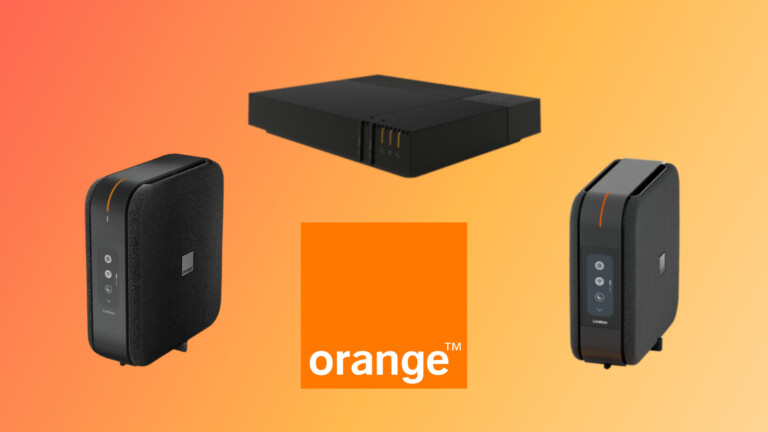
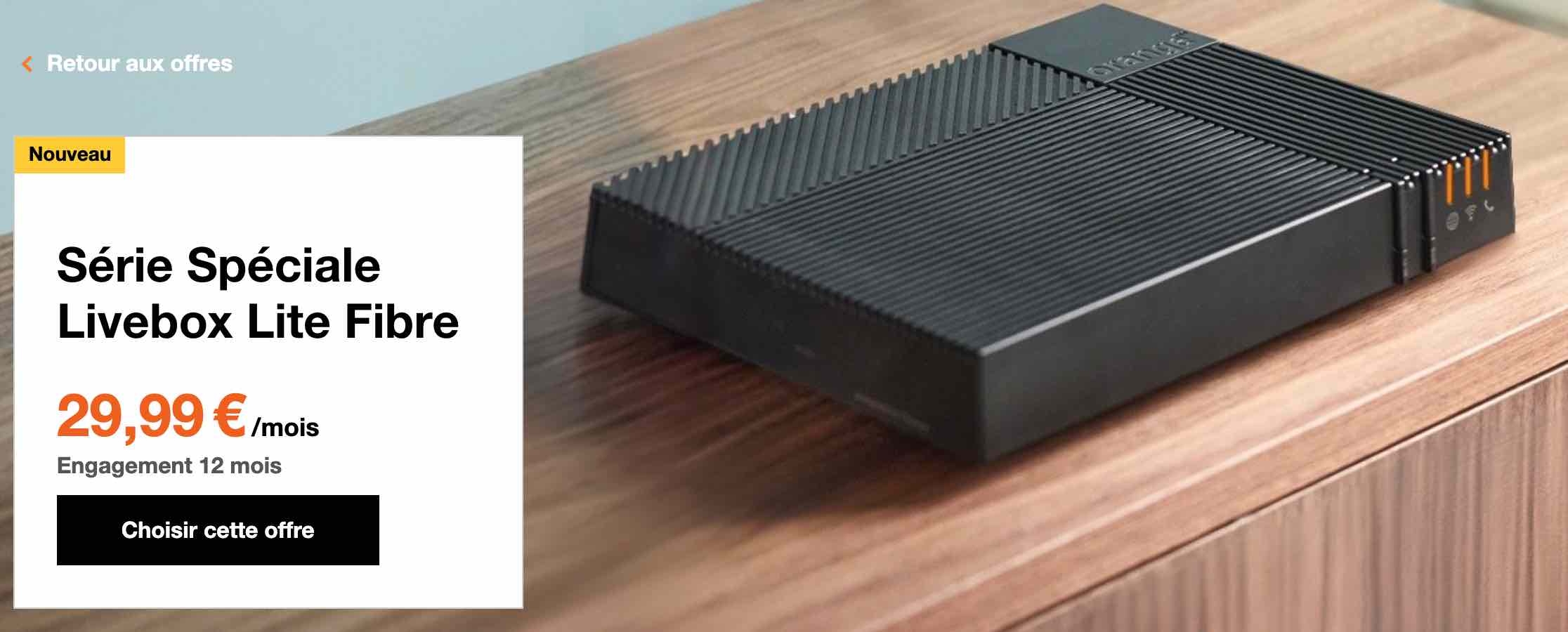
- A compatible Orange router (often supplied with the internet plan).
- An Orange TV set‑top box – the “Orange TV Box” or any Android TV box that supports the Orange TV app.
- Optional: a streaming stick (Chromecast, Amazon Fire TV) if you prefer using your own device.
All devices connect via Wi‑Fi or Ethernet, and the set‑top box plugs into your TV’s HDMI port.
Step‑by‑Step: Going Cable‑Free
Follow these simple steps to transition:
- 1. Check Availability – Use Orange’s online checker to confirm fiber or 4G/5G coverage at your address.
- 2. Choose a Bundle – Select an internet speed that matches your household’s needs (e.g., 300 Mbps for a typical family). Add the Orange TV option if you want live channels.
- 3. Schedule Installation – A technician will either install the fiber ONT (optical network terminal) or set up the fixed‑wireless antenna.
- 4. Connect the Router – Plug the router into the ONT or the broadband modem provided for ADSL.
- 5. Set Up the TV Box – Connect the set‑top box to the router (Wi‑Fi or Ethernet), then to your TV via HDMI.
- 6. Activate Services – Follow on‑screen prompts to log into your Orange account, choose a channel pack, and start streaming.
- 7. Fine‑Tune Settings – Adjust picture mode, enable HDR if supported, and configure parental controls.
Cost Considerations
Orange’s pricing varies by region, but a typical mid‑range package might look like this:
- Internet 300 Mbps – €29.99/month
- Orange TV (basic channels) – €9.99/month
- Premium channel add‑ons (sports, cinema) – €5–€12 each
Bundling internet and TV often nets a discount of €5‑10 compared to subscribing separately. Keep an eye on promotional periods; Orange frequently offers the first three months at reduced rates.
Benefits Over Traditional Cable
Beyond the obvious lack of physical coaxial wiring, here are a few perks:
- Scalability – Upgrade your internet speed without overhauling the whole system.
- On‑Demand Flexibility – Add or remove channel packs instantly via the app.
- Better Picture Quality – IPTV streams in 1080p or 4K, depending on your plan, while cable often tops out at 720p on older infrastructure.
- Unified Billing – One monthly statement for both services simplifies budgeting.
Tips for a Smooth Experience
Even with a robust fiber link, a few habits can keep your streaming buttery smooth:
- Place the router centrally; avoid thick walls that block Wi‑Fi signals.
- Use Ethernet for the TV box when possible – it eliminates wireless interference.
- Enable QoS (Quality of Service) on the router to prioritize video traffic.
- Regularly update the firmware on both router and set‑top box to benefit from security patches and performance tweaks.
Is Orange the Right Choice for You?
If you already have a good internet connection but rely on cable for TV, switching to Orange can consolidate services and potentially lower your bill. However, compare local competitors – some may offer cheaper streaming bundles or unique channel line‑ups. The key is to match the speed, channel selection, and price to your household’s viewing habits.
Frequently Asked Questions
Can I keep my existing TV antenna?
Yes. Orange TV works alongside a traditional antenna, so you can still receive free‑to‑air channels while using the IPTV service for premium content.
Do I need a contract?
Orange typically requires a 12‑month commitment for bundled packages, though there are month‑to‑month options for internet‑only plans.
What happens if the internet goes down?
Since Orange TV streams over the internet, a loss of connectivity will temporarily halt live channels and on‑demand content. The router’s diagnostic tools can help pinpoint the issue, and Orange’s support line is reachable 24/7.
Is the Orange TV app compatible with Apple TV?
The app is officially supported on Android TV and the Orange set‑top box. For Apple TV, you can cast from an iPhone or iPad using AirPlay, but a native app is not currently available.