How to Keep Your Galaxy S22 Ultra Cool and Running Smoothly
The Samsung Galaxy S22 Ultra is a powerhouse, but its high‑performance hardware can generate heat that feels uncomfortable in your hand and may throttle speed. If you’ve noticed your phone getting warm during gaming, video editing, or even routine browsing, you’re not alone. Below are practical steps you can take right now to keep your S22 Ultra cool without sacrificing functionality.
Why the S22 Ultra Gets Warm
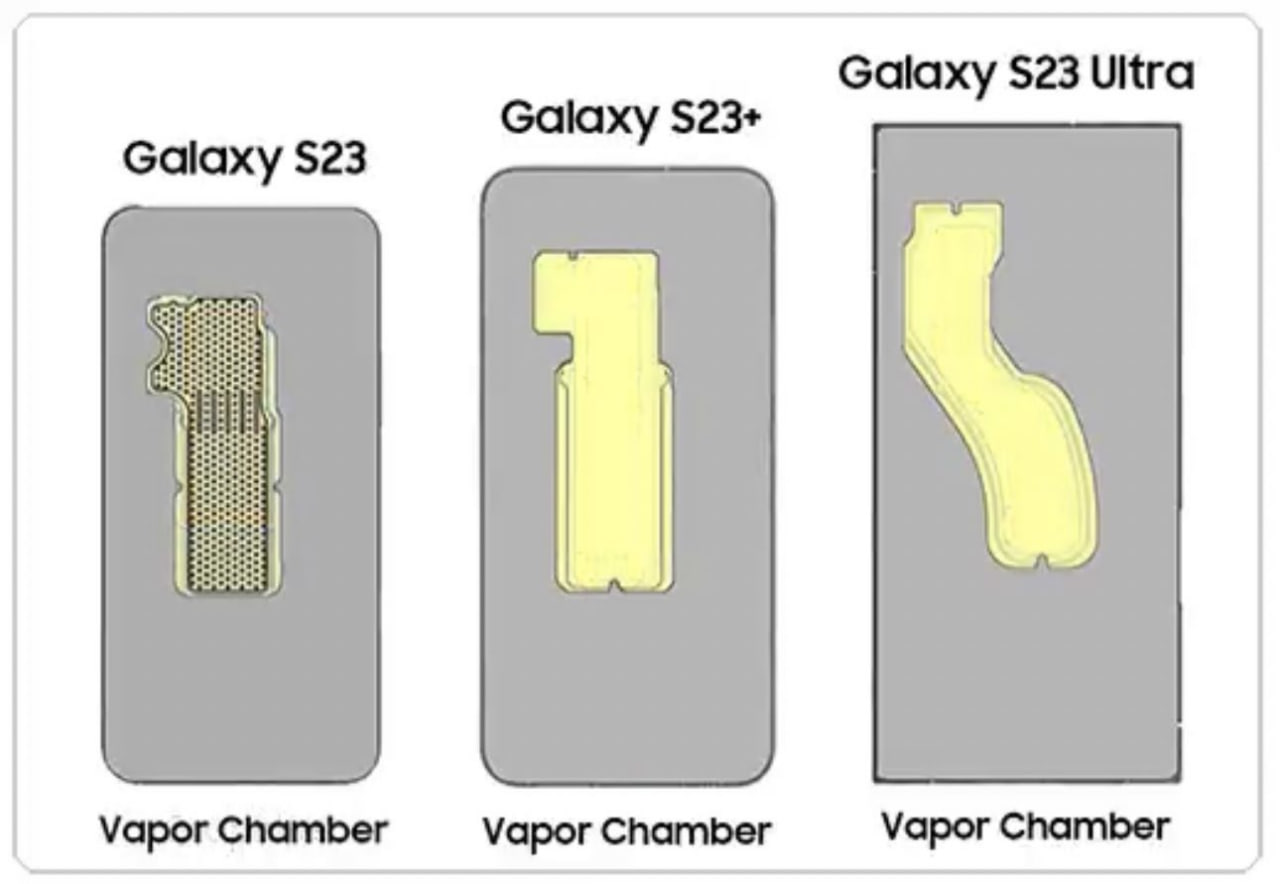
Understanding the root causes helps you target the right solutions. The device’s Snapdragon 8 Gen 1 (or Exynos 2200, depending on region) packs a fast CPU and GPU that ramp up power consumption under load. Combined with a large, high‑refresh AMOLED display, the phone’s internal components produce more heat than older models.
Other contributors include background apps that keep the processor busy, intensive camera processing, and even the case you wear. Ambient temperature matters too—using the phone in direct sunlight or a hot car can push internal temps well beyond the ideal range.
Adjust Settings to Reduce Heat
Many software tweaks are available straight from the Settings menu, and they make a noticeable difference.
- Lower the refresh rate. Switch from the default 120 Hz to 60 Hz in Display → Motion smoothness. The screen draws less power, which translates to less heat.
- Turn off adaptive brightness. While convenient, it forces the display to work harder. Set a comfortable static brightness level instead.
- Disable “Always On Display.” The AMOLED pixels stay lit, adding to the thermal load.
- Limit background activity. In Battery and device care → Background usage limits, restrict apps that you don’t need running all the time.
- Use Game Launcher’s performance mode. This automatically optimizes CPU usage for smoother gaming without overheating.
These tweaks don’t cripple the phone; they simply balance performance with temperature management.
Physical Strategies for Cooling
Sometimes the simplest solutions are the most effective.
- Take short breaks. Give the device a minute or two between heavy tasks to let heat dissipate naturally.
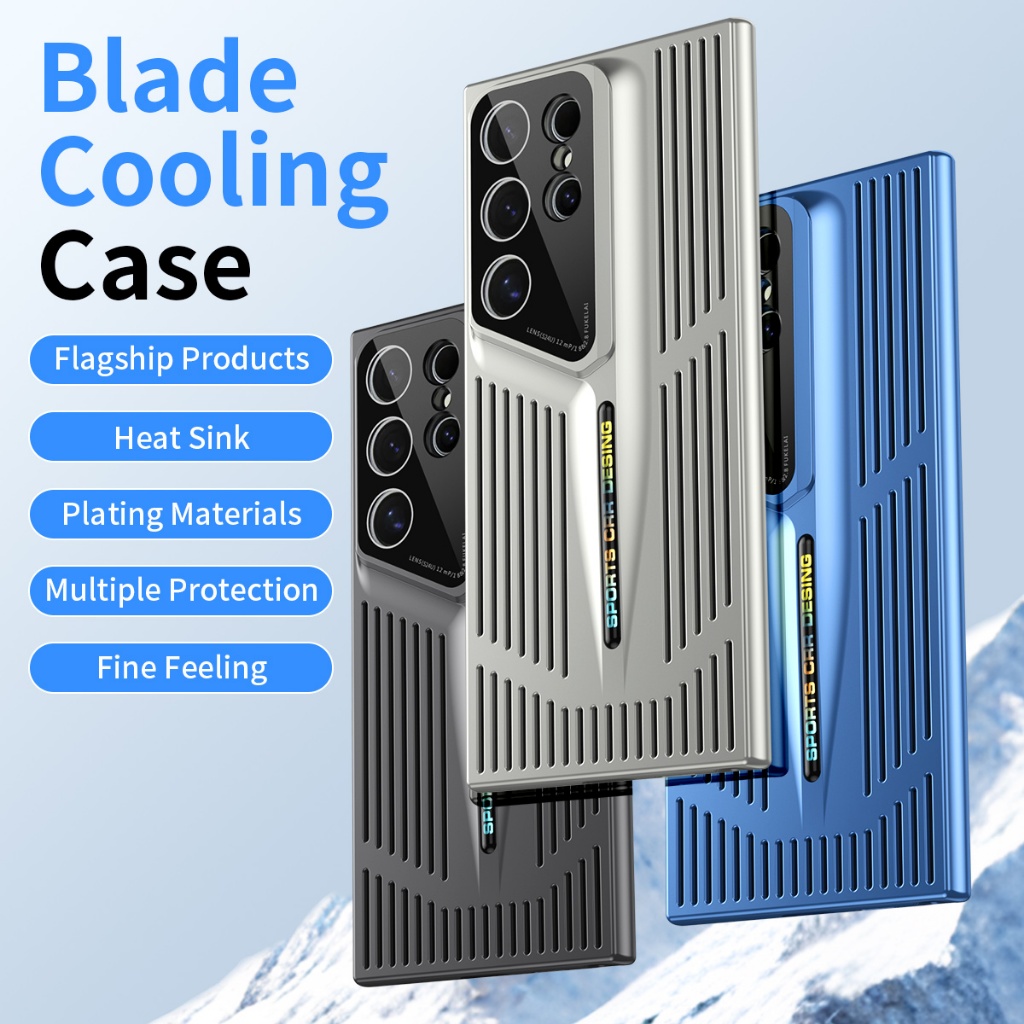
- Remove or swap the case. Thick plastic or metal cases trap heat. Consider a breathable TPU case or go case‑free during intensive sessions.
- Keep the phone out of direct sunlight. Even a few minutes in a sunny window can raise internal temperature dramatically.
- Use a fan or cool surface. Placing the phone on a cool metal surface or using a small clip‑on fan can speed up heat loss.
Smart Accessories and Apps
There are accessories designed specifically to help with thermal management.
- External cooling pads. Thin, USB‑C powered pads act like mini laptop coolers, circulating air across the back of the device.
- Thermal case inserts. Some manufacturers sell removable gel inserts that absorb and disperse heat.
- Battery‑saving apps. Apps like Greenify or Samsung’s own Device care can close background processes automatically, reducing CPU load.
When selecting accessories, prioritize those that don’t block ports or interfere with wireless charging, unless you’re okay with disabling those features while cooling.
Maintenance Tips for Long‑Term Coolness
Regular upkeep keeps the phone’s thermal pathways clear.
- Clean the ports. Dust in the USB‑C or speaker grilles can impede airflow. Use a soft brush or compressed air gently.
- Update software. Samsung’s firmware updates often include power‑efficiency improvements that reduce heat generation.
- Monitor battery health. A swollen or aging battery can overheat more quickly. If you notice bulging or rapid discharge, consider a professional replacement.
- Avoid overcharging. While the S22 Ultra supports fast charging, keeping it plugged in after reaching 100 % can keep the battery warm for longer periods.
By incorporating these habits, you’ll extend the phone’s lifespan and maintain performance stability.
Frequently Asked Questions
Why does my S22 Ultra get hot during video recording?
Recording in 8 K or high‑frame‑rate 4 K uses the camera sensor and processor intensively, which spikes power draw and generates heat. Lowering resolution or using a dedicated camera app that throttles bitrate can help keep temperatures down.
Can I use a protective case while cooling my phone?
Yes, but choose a case made from thin, flexible materials like TPU that allow airflow. Metal or overly rigid cases tend to trap heat, counteracting any cooling effort.
Do battery‑saving apps actually reduce temperature?
They can, especially if they close background services that keep the CPU active. However, the impact varies by app; those integrated with Samsung’s system tools tend to be most reliable.
Is it safe to use a fan attachment while the phone is charging?
As long as the fan draws power through a separate USB‑C port or a low‑draw Bluetooth connection, it won’t interfere with charging. Just ensure the fan’s cable doesn’t block the charger’s connector.