How to Stop Rogue Access Points: A Complete Security Guide
In today’s hyper‑connected offices, a hidden Wi‑Fi hotspot can be as dangerous as an unlocked back door. Understanding preventing rogue access points isn’t just a buzzword exercise; it’s a practical step that safeguards confidential data, keeps compliance officers calm, and stops attackers from piggybacking on your network. This guide walks you through what rogue APs are, why they matter, and the concrete actions you can take to keep your wireless environment clean.
What Exactly Is a Rogue Access Point?
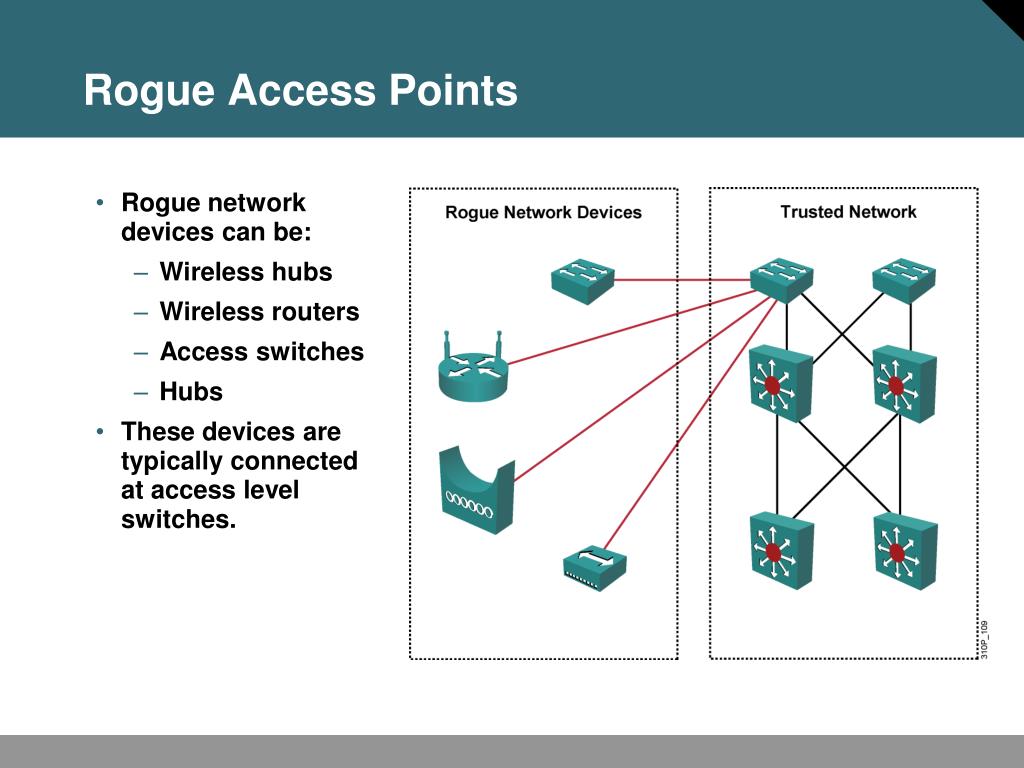
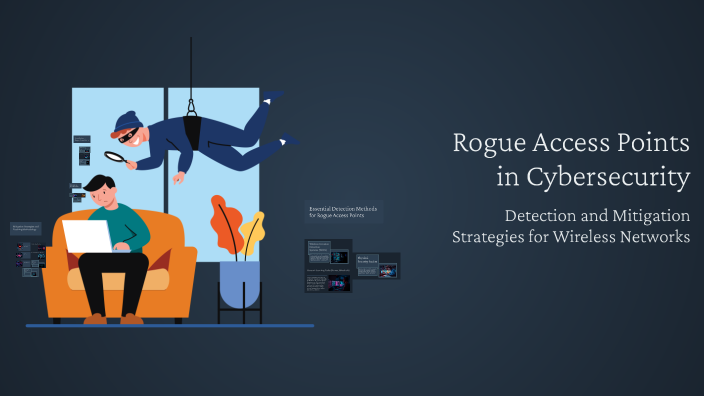
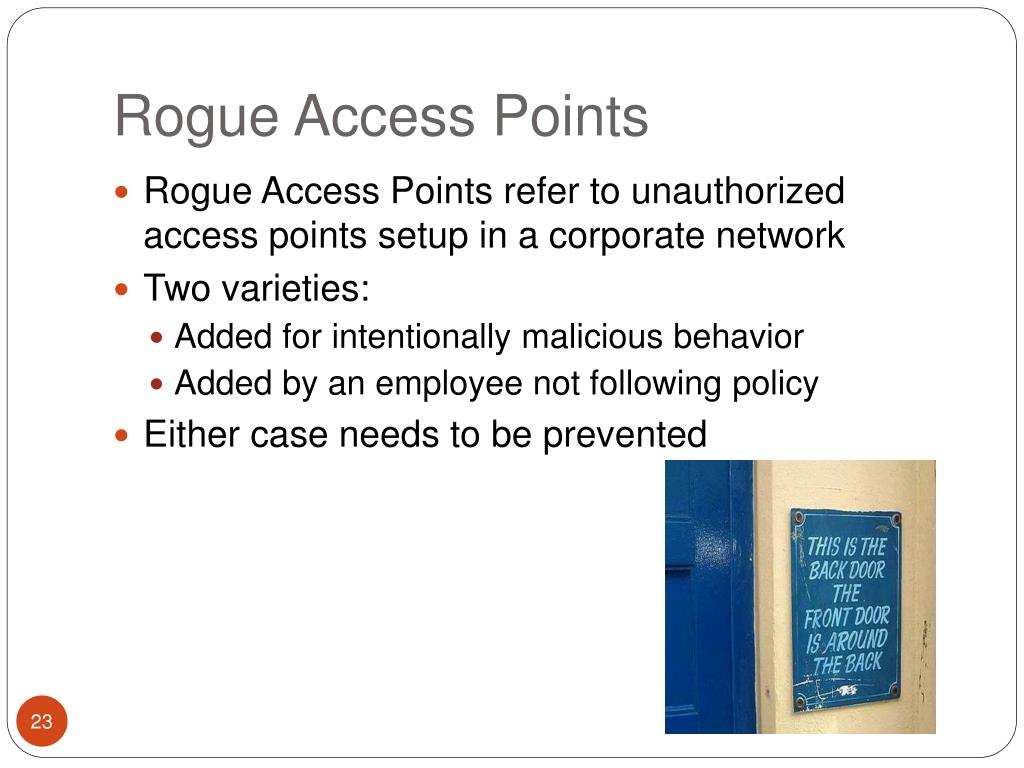
A rogue access point (AP) is any wireless device that broadcasts a network name (SSID) without explicit authorization from the organization’s IT team. It can be a malicious device deliberately planted by an attacker, or an well‑meaning employee who plugs in a personal router to improve Wi‑Fi coverage. Regardless of intent, the result is the same: an uncontrolled entry point that bypasses security controls.
Why Preventing Rogue Access Points Matters
The risks are surprisingly broad:
- Data interception: Unencrypted traffic can be sniffed, giving thieves a view of passwords, emails, and proprietary files.
- Man‑in‑the‑middle attacks: An attacker can masquerade as a legitimate network, redirecting traffic to malicious sites.
- Network disruption: Rogue APs can cause channel interference, slowing down legitimate wireless connections.
- Regulatory fallout: Many compliance frameworks (PCI‑DSS, HIPAA, GDPR) require documented controls over wireless access.
Typical Paths for Rogue APs to Appear
Most organizations discover rogue APs after an incident, but they often slip in through predictable routes:
- Employees bringing personal routers or range extenders to improve coverage in conference rooms.
- Contractors setting up temporary Wi‑Fi for testing equipment, forgetting to remove it later.
- Compromised IoT devices (e.g., smart thermostats) that have built‑in Wi‑Fi and default credentials.
- Physical intrusion where an attacker plants a hidden device in a ceiling tile or wall outlet.
Detecting Rogue Access Points Early
Detection is a blend of technology and vigilance. Here are the most reliable methods:
- Wireless Intrusion Detection Systems (WIDS): Dedicated sensors scan the RF spectrum, flagging any SSID that isn’t on the approved list.
- Network Access Control (NAC) tools: When a new device attempts to authenticate, NAC can quarantine it pending verification.
- Regular site surveys: Walking the premises with a spectrum analyzer reveals hidden transmitters that software might miss.
- Log monitoring: Unusual DHCP requests or unknown MAC addresses in wireless logs often point to a rogue.
Key Strategies for Preventing Rogue Access Points
1. Harden Physical Security
Secure the physical environment as aggressively as you protect the logical one. Lock ceiling tiles, restrict access to wiring closets, and use tamper‑evident seals on wall plates. A hidden AP can’t be installed if there’s no place to hide it.
2. Enforce Strict BYOD Policies
Allowing personal devices is fine—just set clear limits. Prohibit any personal routers or repeaters, and require that all employee‑owned Wi‑Fi adapters be registered in the asset inventory. Include a clause that any unauthorized device will be removed and may trigger disciplinary action.
3. Deploy Centralized Wireless Management
Use a single controller or cloud‑based dashboard to manage all legitimate APs. This gives you a real‑time map of authorized hardware, making any stray SSID stand out immediately. Many solutions also support automatic rogue‑AP shutdown.
4. Implement Strong Authentication
Move beyond simple WPA2‑PSK. Adopt WPA3‑Enterprise with a RADIUS server, and consider certificate‑based authentication for devices that support it. When rogue APs can’t replicate the proper certificates, they’ll be rejected outright.
5. Segment Wireless Traffic
Place guest Wi‑Fi on a separate VLAN with limited access to internal resources. Even if a rogue AP masquerades as the guest network, the damage is confined to a sandboxed segment.
6. Conduct Ongoing Training
People are the weakest link only when they’re unaware. Run brief quarterly reminders about the dangers of rogue APs, show examples of real incidents, and empower staff to report suspicious devices without fear of reprimand.
7. Automate Response Playbooks
When a WIDS alert triggers, an automated script can isolate the offending AP’s MAC address, shut down the corresponding switch port, and send an incident ticket to the security team. Rapid containment buys precious time for forensic analysis.
Putting It All Together: A Practical Checklist
- Maintain an up‑to‑date inventory of every approved wireless device.
- Run a weekly spectrum scan using a WIDS or handheld analyzer.
- Review DHCP logs for unknown MAC addresses at least once per month.
- Verify that all APs use WPA3‑Enterprise with certificate authentication.
- Secure all physical locations where APs could be hidden.
- Train new hires on the rogue‑AP policy during onboarding.
- Document a response workflow and test it quarterly with a tabletop exercise.
FAQ
What’s the difference between a rogue and an unauthorized access point? In practice the terms overlap. “Rogue” usually implies malicious intent, whereas “unauthorized” may simply be an employee‑installed device that hasn’t been approved.
Can I use a personal hotspot on my phone without violating policy? Most policies allow cellular hotspots for short, low‑risk tasks, but they should still be logged and never used to access internal systems.
How often should I perform a wireless site survey? At a minimum quarterly, and after any major office remodel or change in floor plan.
Do MAC address filters help prevent rogue APs? They add a layer of obscurity, but sophisticated attackers can spoof MAC addresses, so rely on authentication and monitoring instead.