How to Trade In Your MacBook: The Ultimate Packing Guide
Why a MacBook Trade‑In Can Be Smart Money
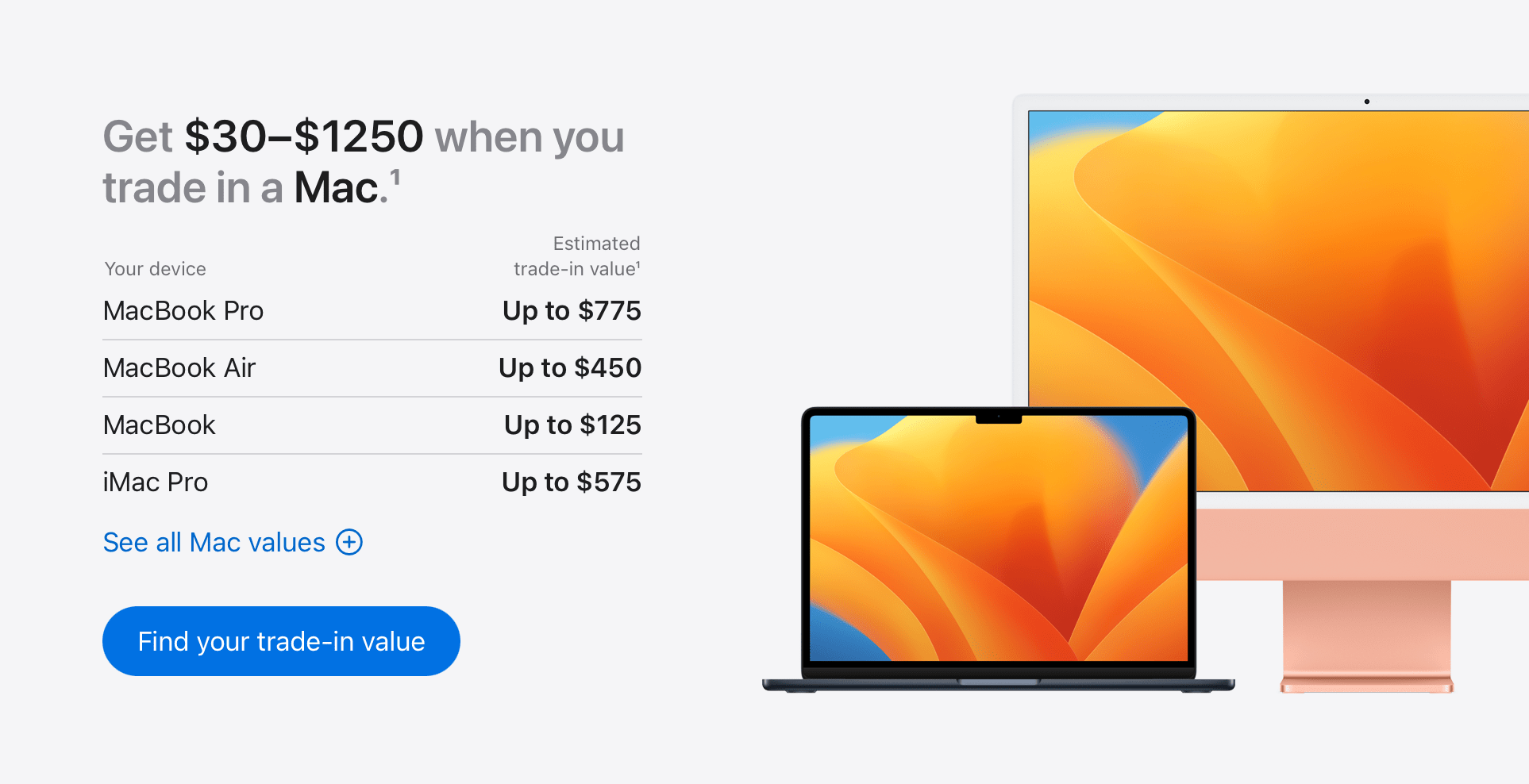
When you decide to trade‑in your MacBook, the appeal is usually two‑fold: a tidy cash boost for your next device and a responsible way to recycle electronics. Apple’s own program, along with a host of third‑party services, offers anywhere from 20 % to 50 % of the current retail price, depending on age and condition. That extra cash can shave months off the cost of a new MacBook Air or even cover an iPad upgrade.
Beyond the financial perk, a trade‑in keeps valuable components out of landfills and gives them a second life. Most programs certify that refurbished units meet strict performance standards before resale, so you’re actually contributing to a circular tech economy.
Picking the Right Trade‑In Service
Not all trade‑in offers are created equal. Apple’s direct program is straightforward: you get a credit toward a new purchase or an Apple Store gift card, and they handle the logistics. Third‑party sites like Gazelle, Best Buy, or Amazon often provide a slightly higher payout, but they may require you to ship the device yourself.
Consider these factors before you settle on a provider:
- Ease of process. Does the site generate an instant quote, or will you need to fill out a lengthy form?
- Turnaround time. Some services pay within days of receiving the laptop; others take weeks.
- Reputation. Look for user reviews that mention missing payments or damaged devices.
Preparing Your MacBook for Shipment
Back up and erase your data
A clean slate protects your privacy and speeds up the inspection. Use Time Machine or iCloud to back up important files, then restart in macOS Recovery (⌘ + R) and choose “Erase All Content and Settings.” This wipes the drive while preserving the operating system for the next owner.
Inspect for damage
Take a quick inventory of scratches, dents, or screen issues. Most trade‑in calculators ask for a condition rating, so being honest now prevents a surprise price drop later. If you spot a cracked screen, you might still get a decent offer, but be prepared for a lower payout.
Gather accessories
Include the charger, power cable, and any original adapters. Missing accessories can shave off a few dollars per item, and some programs actually deduct a “missing‑part” fee from your final credit.
Boxing It Up: Packing Tips that Protect and Impress
Packaging isn’t just about safety; a well‑packed box signals professionalism and can smooth the verification process.
- Use the original box. If you still have the MacBook’s retail packaging, it’s the ideal fit. The molded foam and custom cutouts cradle the laptop perfectly.
- Layer with bubble wrap. If the original box is gone, wrap the MacBook in at least two layers of bubble wrap (¼‑inch bubbles work best). Secure the wrap with a thin strip of tape.
- Choose a sturdy shipping box. A double‑wall corrugated box rated for “heavy” items adds an extra buffer against drops. Aim for a box that leaves about 2 inches of space on all sides.
- Fill the voids. Crumpled kraft paper, packing peanuts, or more bubble wrap should occupy any empty space. The goal is to prevent the laptop from shifting during transit.
- Seal securely. Tape all seams with strong packing tape, and consider a second strip for added reinforcement.
- Label clearly. Write “MacBook Trade‑In – Fragile” on the top and one side. Some services provide a pre‑printed label; if so, affix it over any previous shipping marks.
Shipping Options and What to Expect
Most trade‑in programs include a prepaid shipping label, typically via UPS, FedEx, or the national postal service. If you’re covering shipping yourself, opt for a service with tracking and insurance up to the device’s estimated value. Keep the receipt; it’s handy if the package gets lost.
After the carrier picks up the box, the trade‑in company will inspect the MacBook. If everything matches your description, they’ll issue the promised credit within a few business days. Should they find discrepancies, they’ll contact you to negotiate a revised offer or arrange a return.
Common Pitfalls and How to Avoid Them
Skipping the data wipe. Forgetting to erase your drive can lead to identity theft or, worse, a rejected trade‑in.
Under‑packing. A flimsy box may arrive dented, prompting the evaluator to downgrade the condition.
Leaving accessories behind. Even a missing charger can shave $20–$30 off your payout.
Not keeping the tracking number. Without it, you’ll have little recourse if the parcel disappears mid‑route.
FAQ
Do I have to use the original Apple box?
No, but it’s the safest option. If you don’t have it, a sturdy corrugated box with ample padding works just as well.
How long does the whole trade‑in process take?
From quote to credit, most users see the money in 5–10 business days, assuming the device arrives in the condition described.
Can I trade in a MacBook with a broken screen?
Yes, but expect a lower offer. Some services specialize in “damaged‑device” trade‑ins and may still give you a decent amount for parts.
Is shipping insurance necessary?
It’s advisable if the estimated payout exceeds $150. Many programs include basic coverage, but adding extra insurance gives peace of mind.