How to Translate iPurchase Invoices Quickly Using Google Translate
Why you might need to translate iPurchase invoices
If your business deals with suppliers or clients across borders, the invoices you generate in iPurchase often land on the desk of someone who reads a different language. A clear, accurately translated invoice can mean the difference between a prompt payment and a confusing back‑and‑forth. Even when the numbers are universal, the terms—“net 30”, “service charge”, “tax ID”—need to be understandable to avoid disputes.
Preparing your invoices for translation
Before you hand anything over to Google Translate, give the document a quick tidy‑up. Most translation tools work best with text rather than scanned images, so export the invoice from iPurchase as a searchable PDF or, if that’s not possible, copy the relevant fields into a Word or plain‑text file.
- Strip away unnecessary graphics. Logos and watermarks don’t interfere with the translation but they can clutter the view.
- Keep numbers separate. Highlight totals, tax percentages, and dates so you can double‑check they stay intact after translation.
- Use a consistent layout. A simple table with headings like “Item”, “Quantity”, “Unit Price” translates more cleanly than a free‑form paragraph.
Using Google Translate’s web interface
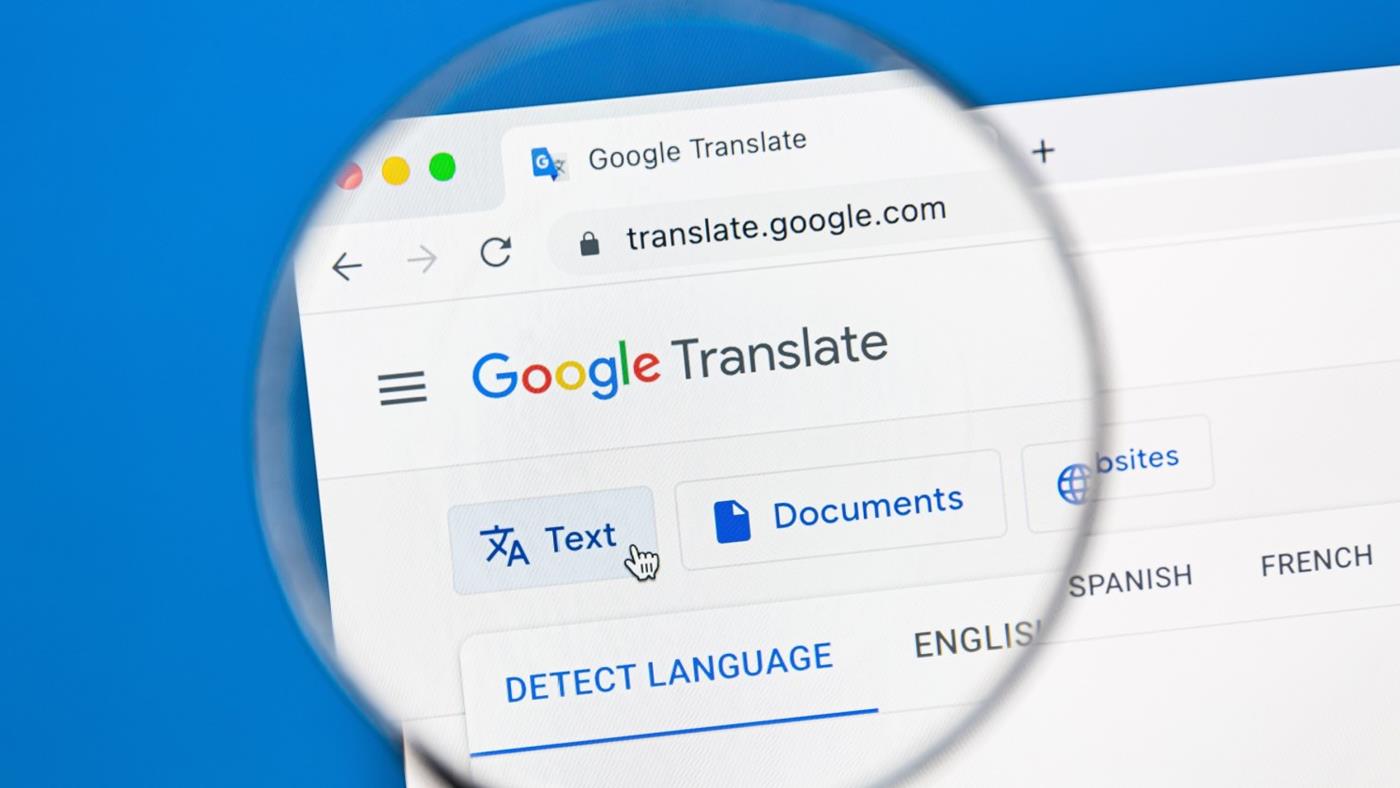
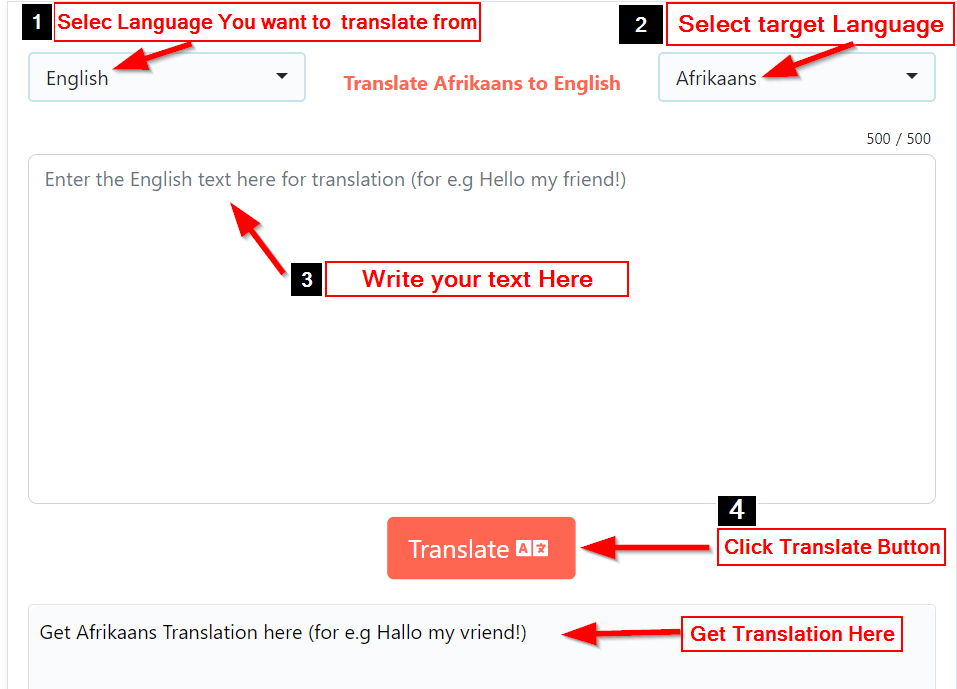
The free web version is surprisingly handy for single‑invoice jobs. Open translate.google.com, click the “Documents” tab, and upload your PDF or DOCX file. Google will automatically detect the source language—usually English or the language you set in iPurchase—and give you a dropdown of target languages.
Once the translation finishes, download the new file. Google presents the result as a downloadable PDF that mirrors the original layout as closely as possible. Open it side‑by‑side with the source to verify that column headings line up and that no line items have been merged or split.
Leveraging Google Translate’s mobile app for on‑the‑go needs
If you’re often out of the office, the Android or iOS app can scan a printed invoice with the camera. Tap the camera icon, point at the document, and the app will overlay a live translation. This is ideal for quick checks, but remember that the OCR (optical character‑recognition) isn’t perfect—especially with small fonts or faint print.
Dealing with formatting and numbers
Numbers rarely need translation, yet Google Translate sometimes rewrites them as words in the target language. After you receive the translated file, run a quick “find and replace” for any numeric strings that have been altered. Also, double‑check date formats; a U.S. MM/DD/YYYY can become DD/MM/YYYY in many European languages, which could affect payment deadlines.
Privacy considerations you shouldn’t ignore
Invoices contain sensitive data—bank details, tax IDs, and sometimes personal addresses. Google’s terms state that uploaded documents may be used to improve its services, which means they could be stored temporarily on their servers. If confidentiality is a top priority, consider the following safeguards:
- Remove or mask account numbers before uploading.
- Use a corporate Google Workspace account with data‑processing agreements.
- Prefer offline translation tools for highly regulated industries.
Alternative tools for higher accuracy
When you need a legally vetted translation, a dedicated translation‑memory system such as SDL Trados or memoQ can retain consistent terminology across multiple invoices. These platforms often integrate with iPurchase via CSV export, letting you feed the same source text into a controlled glossary.
For a middle ground, services like DeepL offer a free tier that generally produces smoother phrasing than Google Translate, especially for Germanic and Romance languages. The workflow remains similar: export, upload, download, then review.
Tips for polishing the final version
Even the best machine translation benefits from a human glance. Scan the document for idiomatic errors—Google might render “net 30” as a literal phrase rather than the accepted financial term in the target language. If you have a bilingual colleague, ask them to proofread the key sections.
Finally, add a short note at the bottom of the invoice stating, “This translation was generated using an automated tool; please contact us for clarification.” That disclaimer sets realistic expectations and reduces the chance of a payment delay caused by a misunderstood term.
Frequently Asked Questions
Can I translate multiple iPurchase invoices at once?
Yes. Google Translate’s document feature accepts batch uploads of up to 10 MB each, so you can zip several PDFs together and translate them in one go.
Will the translated invoice retain the original branding?
Generally, yes. The service reproduces the layout, including logos, but low‑resolution images might appear slightly fuzzy. Replace them manually if visual fidelity is crucial.
Is there a risk of data leakage?
Google states that uploaded files are used to improve its models, but they are deleted after a short period. For highly confidential data, use a self‑hosted translation engine or keep the translation strictly offline.
Do I need to pay for better translation quality?
The free version works for most everyday invoices. However, if you need industry‑specific terminology—like medical billing codes or customs descriptions—a paid plan or a specialized service may yield fewer errors.