How to Watch BBC iPlayer for Free on Your Smart TV
Many households wonder whether BBC iPlayer is truly free when streamed straight to a smart TV. The short answer is yes—there’s no monthly charge—but a few conditions apply. Below we break down what “BBC iPlayer free on your smart TV” actually means, the steps to get it running, and the little gotchas that can trip up even seasoned cord‑cutters.
What You Need Before You Press Play
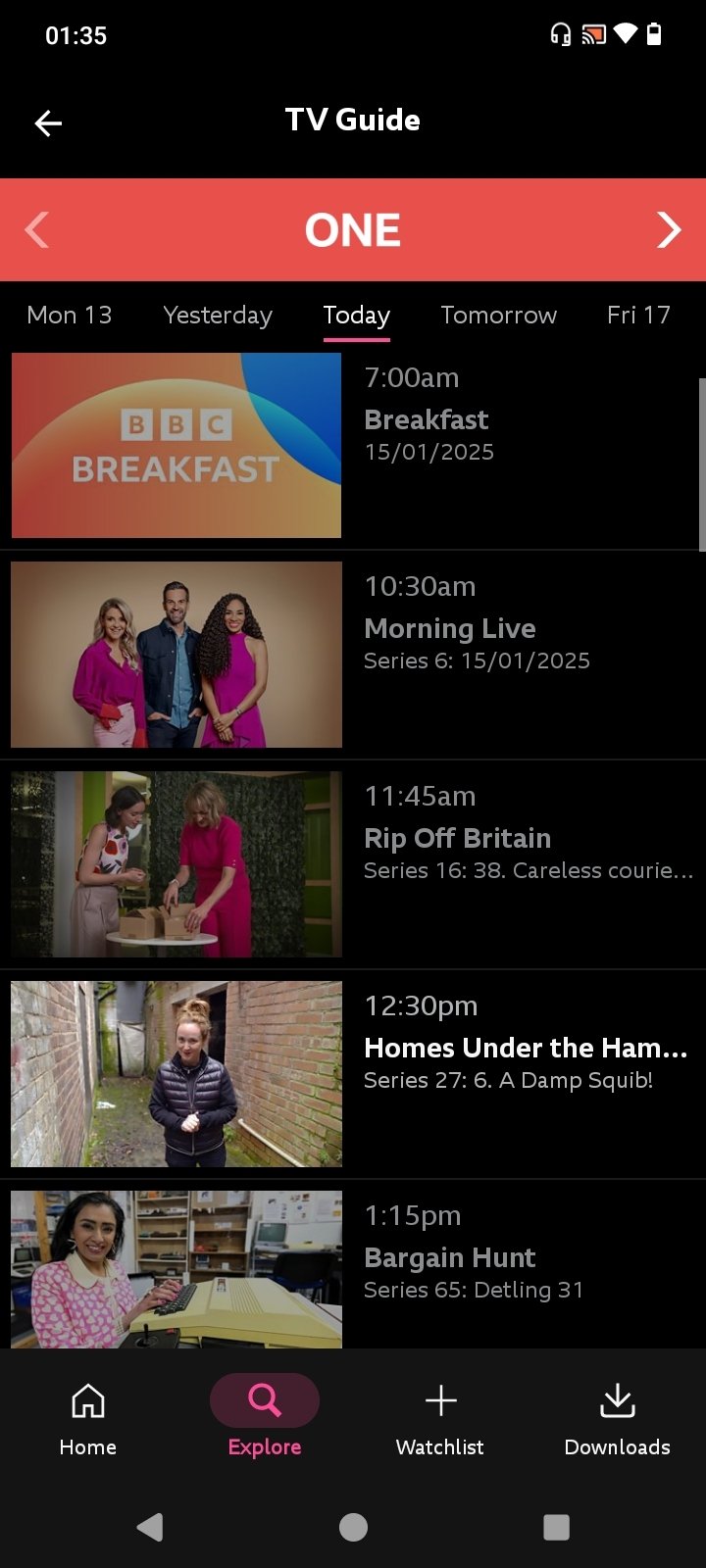
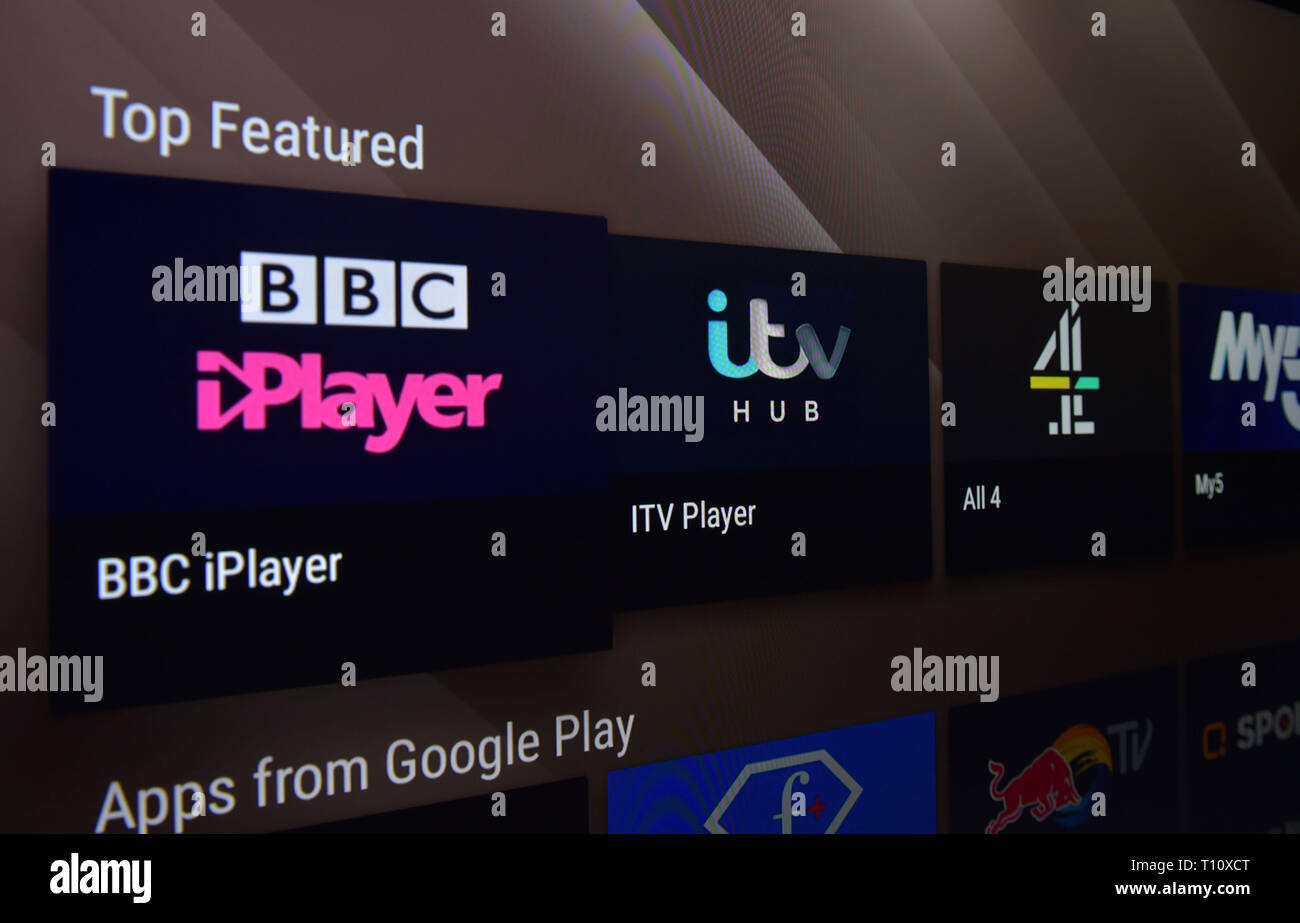
First, you’ll need a reliable internet connection and a TV that can run the iPlayer app. Most modern smart TVs—whether they’re Samsung, LG, Sony, or run Android TV—come with the app pre‑installed or available in their respective app stores. A BBC account isn’t strictly mandatory for live TV, but it does make it easier to pick up where you left off and to access some on‑demand programmes.
Crucially, you must hold a valid TV licence if you’re watching live broadcasts or catching up on programmes that originally aired on TV. The licence cost is separate from any “free” label on iPlayer, and it applies to any device you use, including your smart TV.
Installing the iPlayer App on Popular TV Brands
The process varies slightly by manufacturer, but the core steps are similar.
- Samsung (Tizen OS) – Open the Smart Hub, navigate to Apps, search for “BBC iPlayer,” and click Install. Once installed, log in (if you choose) and you’re ready.
- LG (webOS) – Press the Home button, select LG Content Store, type “BBC iPlayer” into the search bar, and add the app. Launch it from the home screen.
- Sony (Android TV) – Head to the Google Play Store, locate “BBC iPlayer,” and install. Android TV’s familiar interface means you can also pin the app for quick access.
- Other Android‑based TVs – The steps mirror Sony’s: use the Play Store, install, and sign in if desired.
If your TV’s app store doesn’t list iPlayer, you might be using an older model that isn’t supported. In that case, consider a streaming stick (Roku, Amazon Fire TV, or Chromecast) which all carry the iPlayer app and can be plugged into any HDMI port.
Is There Any Cost Involved?
For residents of the United Kingdom, the iPlayer service itself costs nothing. There are no hidden subscription fees, no per‑programme charges, and no premium tier to unlock. The only recurring expense is the TV licence, which, as of the latest public information, stands at £159 per year.
Outside the UK, the app will usually refuse to stream live channels due to regional licensing. Some users resort to VPNs to mask their location, but that skirts the licence agreement and can lead to buffering or outright blocks. The safest route is to use iPlayer only within the UK’s broadcast area.
Common Issues and Quick Fixes
Even with everything set up correctly, you might hit a snag. Here are the most frequent problems and how to troubleshoot them.
- “Content not available in your region” – Double‑check that your TV’s IP address is recognised as UK‑based. Restart your router or, if you’re on a mobile broadband connection, switch to a wired line.
- App won’t launch or crashes – Ensure your TV’s firmware is up to date. An outdated system can cause incompatibility with the latest iPlayer version.
- Missing programmes – Not all BBC content is on iPlayer; some shows are exclusive to other platforms like BritBox. Use the BBC’s programme guide to confirm availability.
- Audio or subtitles not syncing – Go into the app’s settings and toggle the “Audio sync” option, or try a different audio track if one is offered.
Tips for a Smoother Viewing Experience
While the service is free, you can still optimise your setup. Connect your TV to the router via Ethernet for the most stable stream, especially if you watch in high definition. If you share the household connection with multiple devices, consider limiting background downloads during your favourite shows.
Another handy tip: enable “Autoplay next episode” in the iPlayer settings. This feature queues up the following episode automatically, turning a binge‑watch session into a hands‑free experience.
Frequently Asked Questions
Do I need a TV licence to watch BBC iPlayer on my smart TV?
Yes. The TV licence covers any device you use to view live BBC broadcasts or catch up on programmes that originally aired on TV. Watching on-demand content that never aired live technically falls outside the licence requirement, but the BBC’s terms still advise licence holders to use the service.
Can I watch BBC iPlayer abroad on my smart TV?
Officially, no. The service is geo‑restricted to the United Kingdom. While a VPN can mask your location, it violates the BBC’s user agreement and may result in a blocked stream.
What if my smart TV doesn’t have the iPlayer app?
Older or less common TV brands might lack the app in their store. In that case, a cheap streaming stick (Roku, Fire TV, or Chromecast) is a reliable workaround, as they all support iPlayer.
Is there a limit to how many programmes I can watch?
No. As long as the content is available on iPlayer and you have a licence, you can stream unlimited shows and live channels without additional fees.