Master Binance API Using Python: A Straightforward Starter Guide
If you’ve ever wanted to trade on Binance, retrieve market data, or build a trading bot, the Binance API with Python is your go‑to solution. In this guide we’ll walk through everything from prerequisites to live streaming, keeping the explanations clear and actionable.
Binance API with Python: First Steps
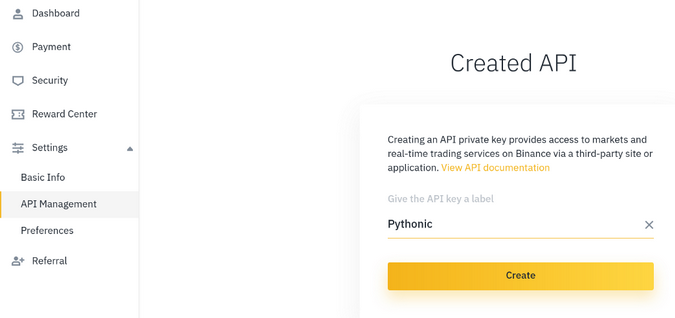
To get started, you need a Binance account and a pair of API keys—one public key and one secret key. These credentials grant your Python code access to Binance’s endpoints while keeping your account safe.
Prerequisites
- Python 3.8 or newer
- An active Binance account
- API key and secret (enable “Read‑Only” or “Trade” as needed)
- Basic knowledge of REST and WebSocket concepts
Installing the Library
The python-binance package wraps most of Binance’s REST and WebSocket calls, so install it with pip install python-binance. If you prefer a lower‑level approach, the requests library works fine for REST calls.
Authenticating Your Client
Here’s a minimal example of creating a client with the official wrapper:
from binance.client import Client
client = Client(api_key="YOUR_API_KEY", api_secret="YOUR_SECRET_KEY")
Keep your secret key out of version control and consider using environment variables or a secrets manager.
Making Simple REST Calls
Fetch the latest price for a symbol:
ticker = client.get_symbol_ticker(symbol="BTCUSDT")
print(ticker)
The response is a dictionary containing the symbol and its latest price. For deeper insights—like order book depth or recent trades—use client.get_order_book or client.get_recent_trades.
Placing an Order
To execute a market order, first specify the side and quantity:
order = client.create_order(symbol='BTCUSDT', side='BUY', type='MARKET', quantity=0.001)
print(order)
Always double‑check the quantity and symbol to avoid unwanted trades. For a limit order, add the price parameter and change type to 'LIMIT' with timeInForce='GTC' (good‑til‑canceled).
Handling Responses and Errors
API calls may raise BinanceAPIException or BinanceRequestException. Wrap calls in try/except blocks, and log the error message:
try:
    result = client.get_account()
except Exception as e:
    print(f"Error: {e}")
For rate‑limit issues, pause the script for a few seconds before retrying.
Using WebSockets for Real‑Time Data
The Binance API offers a WebSocket endpoint for live updates. With python-binance, set up a stream like this:
from binance.websockets import BinanceSocketManager
bm = BinanceSocketManager(client)
conn_key = bm.start_symbol_ticker_socket('BTCUSDT', print)
bm.start()
Each message triggers the callback—in this case, simply printing the live ticker. For more advanced use, store data in a pandas DataFrame or feed it into a trading algorithm.
Best Practices for Production Use
- Rate‑limit awareness: Binance allows 1200 weight units per minute. Design your requests to stay below this threshold.
- Secure storage: Never hard‑code keys; use OS secrets or encrypted vaults.
- Logging: Keep a detailed log of requests and responses for debugging.
- Backtesting: Before deploying a live bot, simulate trades against historical data to validate logic.
- Exception handling: Anticipate network hiccups, timeouts, and API downtime with retries and exponential backoff.
Common Pitfalls
- Wrong API endpoint: Binance has both testnet and production URLs; ensure you’re pointing to the correct one.
- Time drift: The Binance server checks request timestamps. Sync your system clock or use
Client.get_server_timeto correct offsets. - Permission errors: If you receive “Unauthorized”, confirm that the key’s permissions match the requested action.
Next Steps
Once comfortable with basic calls, explore:
- Historical klines for backtesting (client.get_historical_klines)
- Margin trading endpoints (client.get_margin_account)
- Margin pair liquidation data
- Building a full‑stack trading dashboard with Flask and Dash
With these building blocks, you can start crafting sophisticated trading strategies, automate portfolio management, or simply learn how cryptocurrency exchanges expose data programmatically.
FAQs
Q: Do I need to use the official python-binance library?
A: No. You can call the REST endpoints directly with requests or any HTTP client, but the library reduces boilerplate and handles authentication for you.
Q: How do I handle Binance’s strict rate limits?
A: Monitor the X-MBX-USED-WEIGHT-1M header returned in responses, and throttle your requests accordingly. A simple sleep or a token bucket algorithm works well.
Q: Can I test my bot without risking real funds?
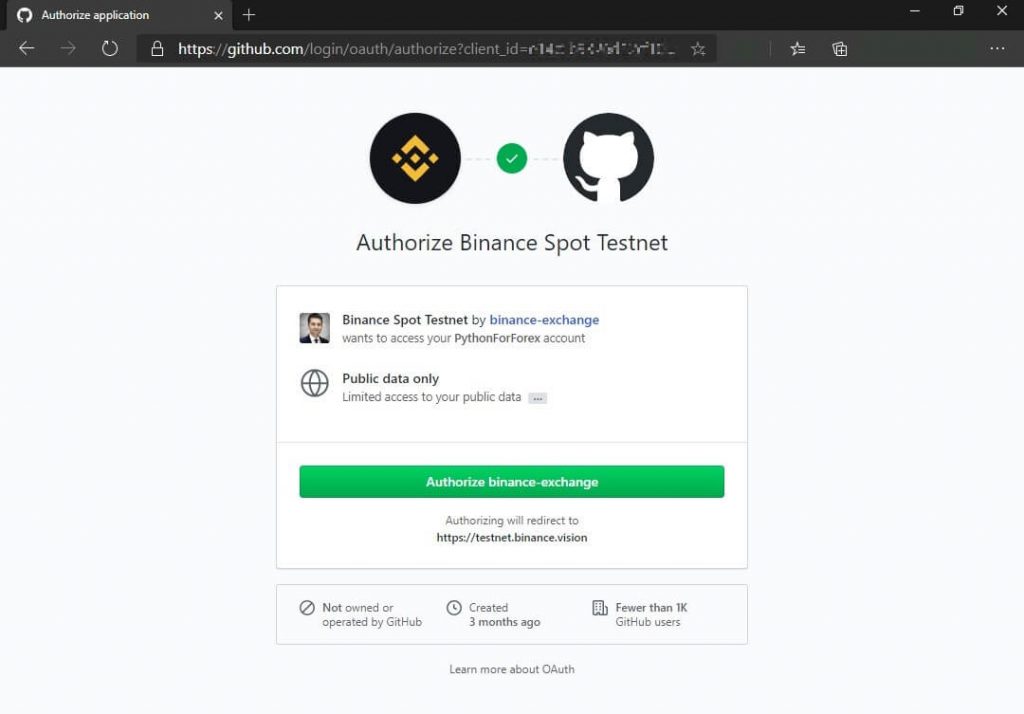
A: Yes. Binance offers a testnet environment. Replace the client URL with the testnet endpoint and use test API keys. All trades are simulated.
Q: Is the Binance API stable for high‑frequency trading?
A: The API is reliable for many use cases, but for ultra low‑latency trading, consider using the Binance Futures WebSocket streams