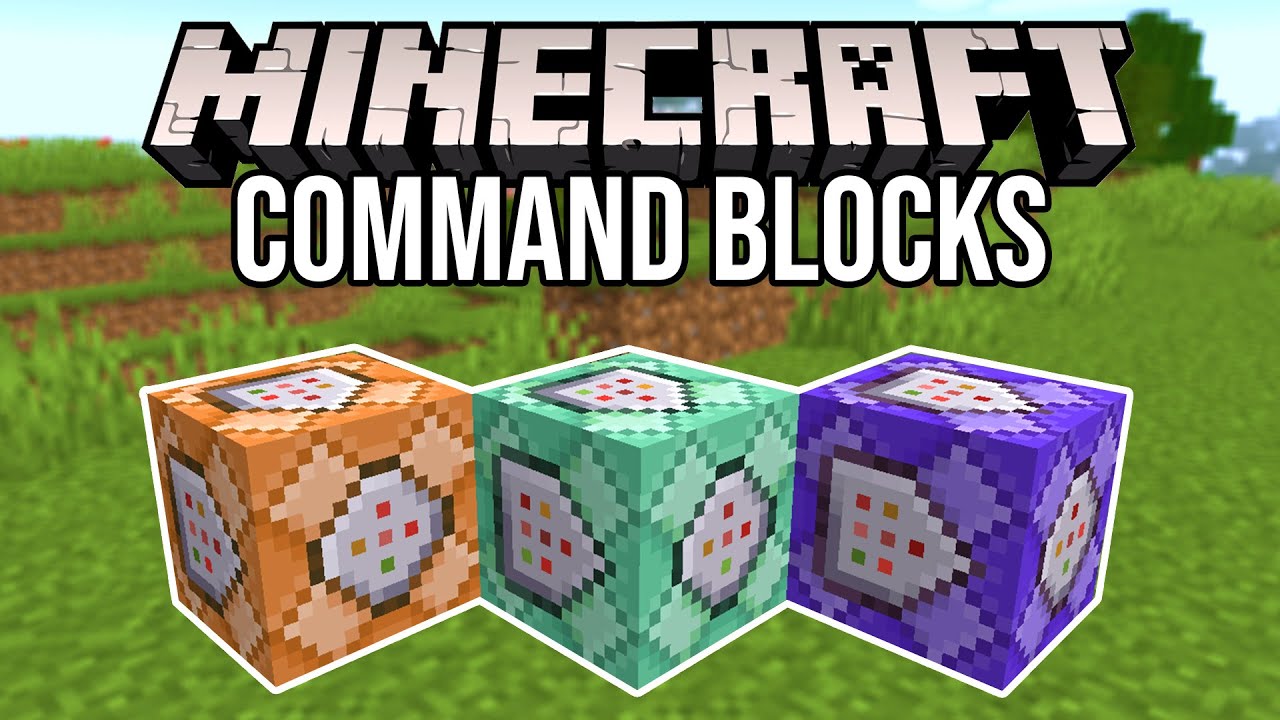
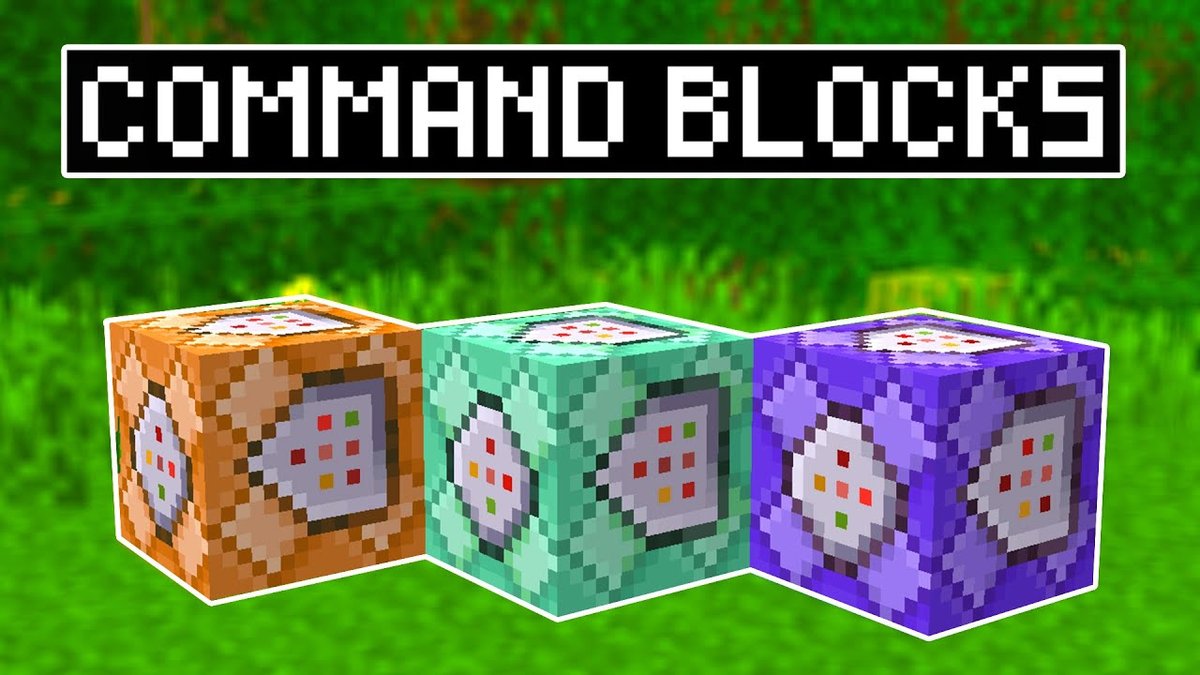
Mastering Command Block Commands in Minecraft
What Is a Command Block?
A command block is a special type of block that lets you run console commands without leaving the game world. It’s only available in Creative mode, and it can execute anything from simple teleportation to complex data‑manipulation scripts. Because it runs commands exactly as if you typed them into the chat, it becomes a powerful tool for map makers, server admins, and players who love a little automation.
How to Get and Place a Command Block
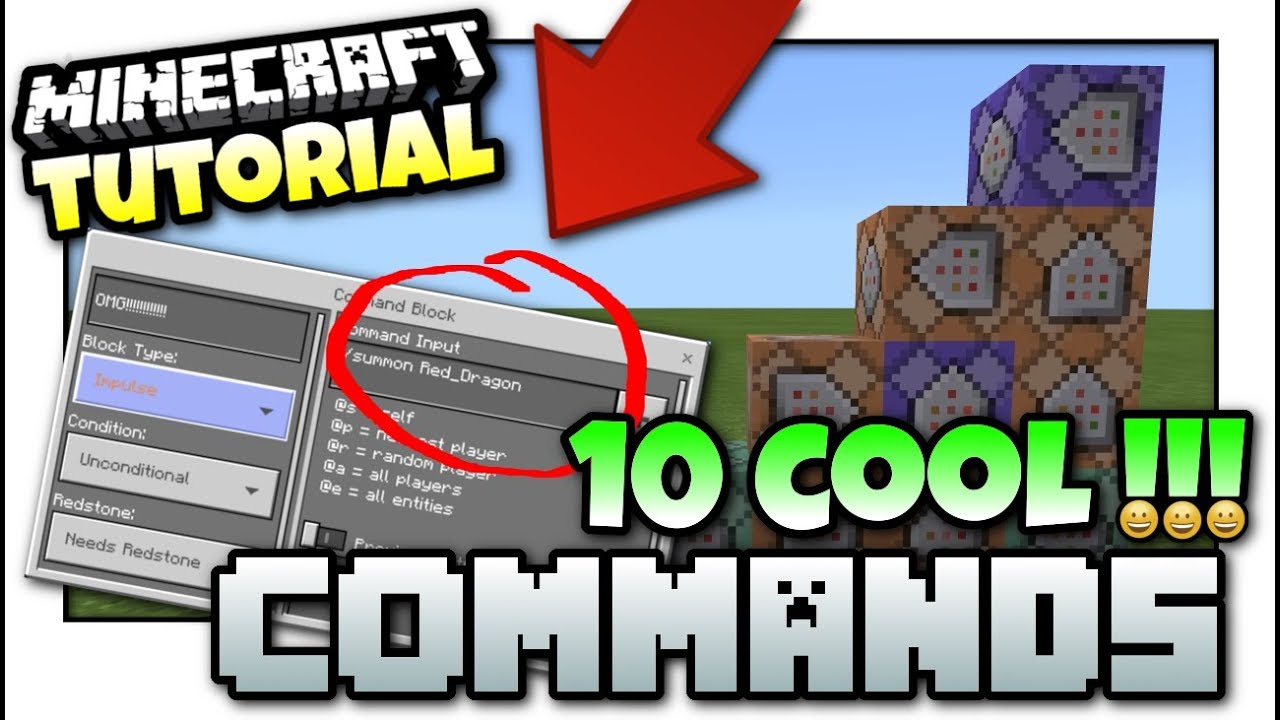
First, you need to enable cheats in your world or have operator status on a server. Open the chat and type /give @p command_block. The block will appear in your inventory, ready to be placed like any other block. After positioning it, right‑click (or use the appropriate interaction key) to open its GUI, where you’ll write the command and choose the activation method: Impulse (single use), Repeat (continuous), or Chain (linked to other blocks).
Understanding the GUI Options
- Impulse – Fires once when powered.
- Repeat – Fires every game tick while powered.
- Chain – Executes after the block it’s attached to runs, useful for building command sequences.
Essential Command Block Commands for Beginners
If you’re just starting, these commands will give you a taste of what’s possible.
- /tp – Instantly moves a player or entity to a set of coordinates. Example:
/tp @p 100 64 -200teleports the nearest player to the specified location. - /give – Grants items to a player.
/give @p diamond_sword{Enchantments:[{id:"minecraft:sharpness",lvl:5}]}provides a fully enchanted sword. - /setblock – Places a block at a location, useful for building hidden doors or structures.
/setblock ~1 ~-1 ~ stoneputs stone one block east and one block down from the command block. - /effect – Applies status effects.
/effect give @a speed 30 2 truegives every player Speed II for 30 seconds without showing particles. - /time set – Controls the day‑night cycle.
/time set nightinstantly switches to night.
Advanced Tricks and Automation
Once you’re comfortable with the basics, you can start chaining commands together for more elaborate setups. A common pattern is a clock circuit that powers a repeating command block every few ticks, creating a simple timer. Combine this with /execute to run commands conditionally based on player position, scoreboards, or entity states.
For instance, a hidden treasure chest that only appears when a player stands on a pressure plate could be built with these steps:
- Place a repeating command block set to Always Active with the command
/execute if entity @a[x=10,y=64,z=-5,distance=..2] run setblock 10 64 -5 chest. - Follow it with a chain command block that immediately replaces the chest with air after a short delay, preventing it from staying forever.
Scoreboards add another layer of depth. By tracking custom objectives—like the number of mobs a player has slain—you can trigger events when thresholds are reached. Example: /scoreboard objectives add kills minecraft.custom:minecraft.kill_entity creates a “kills” objective, and a command block can check /execute if score @p kills matches 100.. run give @p nether_star to reward a player after a hundred kills.
Working with JSON and Data Tags
Modern Minecraft relies heavily on JSON for text components and NBT (Named Binary Tag) data for items and entities. Command blocks can manipulate these tags directly, enabling things like custom names, lore, or even invisible armor stands that serve as invisible markers.
To give a player a renamed, unbreakable pickaxe, you could use:
/give @p diamond_pickaxe{display:{Name:"{\"text\":\"Miner’s Pride\",\"italic\":false}"},Unbreakable:1b}Notice the nested JSON for the name and the Unbreakable:1b tag that prevents durability loss. Mastering these data structures opens the door to mini‑games, adventure maps, and even role‑playing scenarios.
Debugging Common Issues
Even seasoned map makers hit snags. Here are a few frequent pitfalls and quick fixes:
- Command not running – Verify that the block is powered. If you’re using a chain block, make sure the previous block in the chain is set to Conditional only when you need it to depend on the prior command’s success.
- Target selector errors – Double‑check selector syntax. For example,
@p[distance=..5]works, but@p[dist=5]will fail silently. - JSON formatting mistakes – Use a JSON validator or the
/data getcommand to inspect the exact NBT structure you’re trying to apply. - Performance lag – Repeating command blocks that run heavy commands (like massive entity summoning) can cause FPS drops. Spread intensive tasks across multiple ticks or limit their radius.
Creative Ideas to Inspire Your Next Build
Command blocks aren’t just for admin tools; they’re also the backbone of many player‑created experiences. Consider these concepts for your next project:
- Dynamic weather zones – Use
/weatherin specific regions, toggling storms when players enter a forest biome. - Custom mob spawners – Replace vanilla spawners with commands that summon mobs with tailored equipment and AI.
- Teleportation puzzles – Chain multiple
/tpcommands to create a maze where each correct step moves the player closer to the exit. - Leaderboard displays – Combine scoreboards with
/titleto showcase top players in real time.
FAQ
- Can I use command blocks in Survival mode? No, command blocks are unobtainable in Survival without cheats. However, you can place them in Creative, then switch to Survival to let them run.
- What’s the difference between Impulse and Repeat? Impulse fires once per redstone pulse, while Repeat executes every tick while powered, making it ideal for continuous effects.
- Do command blocks work on all Minecraft versions? The core functionality exists across Java and Bedrock editions, but some commands (especially those involving NBT) differ slightly. Always check the version‑specific command reference.
- How can I protect my command block contraptions from griefers? Use the
/setblockcommand to replace them with barrier blocks when a player leaves an area, or set the region’s game rulecommandBlockOutputto false to hide command feedback.