Mastering Hard News: Crafting Compelling TV News Scripts
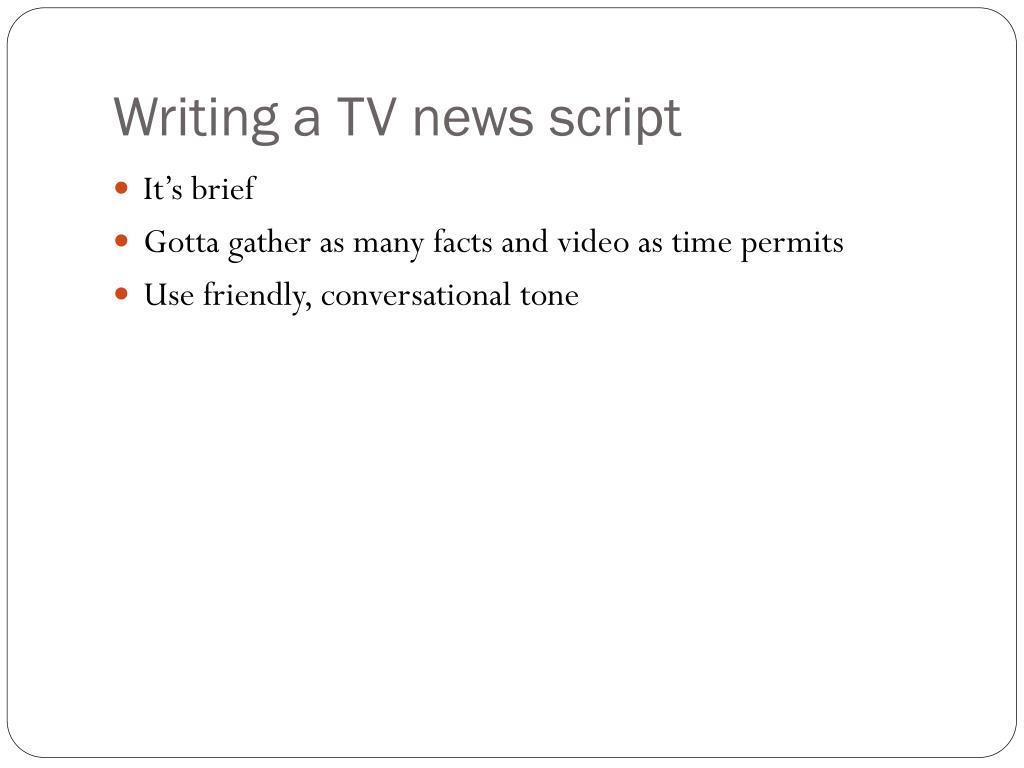
When a breaking event unfolds, the newsroom’s job is to distill chaos into clear, gripping stories. That means crafting compelling TV news scripts that inform, engage, and respect viewers’ limited attention span. Hard news—politics, crime, natural disasters—requires a disciplined approach: precise facts, a tight structure, and a voice that commands the screen.
Understand the Audience and Purpose
The first step is to ask who you’re writing for. A national broadcast reaches millions with varied interests; a local station may need to emphasize community impact. Identify the core question viewers want answered: “What happened?” “Why is it important?” The answer shapes every word. Remember, a script is a map for anchors, not a diary of the day’s events.
Structure of a Hard‑News Script
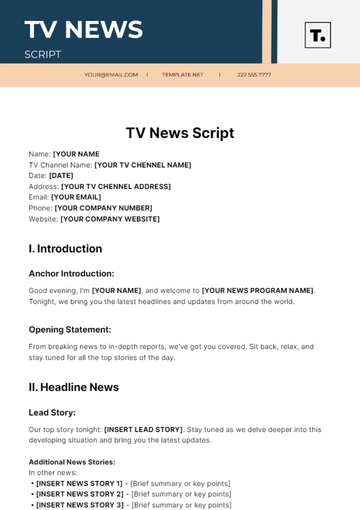
Hard‑news scripts follow a classic pyramid: the headline, the lead, body, and a concise closing. The headline should be a single sentence, bold and memorable. It’s the headline that viewers will see on their screens and in their heads. Below that, the lead delivers the essential facts. The body expands with context, quotes, and data, but always returns to the story’s heart. The closing wraps up with a call to action or a preview of related stories.
Writing the Lead: Hook, Who, What, When, Where
In hard news, the lead must satisfy the 5 Ws and 1 H. Begin with a hook that grabs attention—perhaps an unexpected statistic or a vivid image. Then state the who, what, when, where, and why. Keep sentences short, ideally under 12 words, to aid clarity when spoken. Avoid jargon unless it’s common knowledge; replace it with plain language that resonates with a broad audience.
Balancing Brevity and Detail
Television is a visual medium. The script should leave room for graphics, footage, and live shots. Aim for 130–150 words per minute of spoken content. Use active verbs to cut filler. When citing sources, include the name and credential but keep the sentence concise: “According to Dr. Elena Ruiz, a climate scientist at MIT…” This approach builds credibility without bogging down the narrative.
Visuals and Voice‑over Harmony
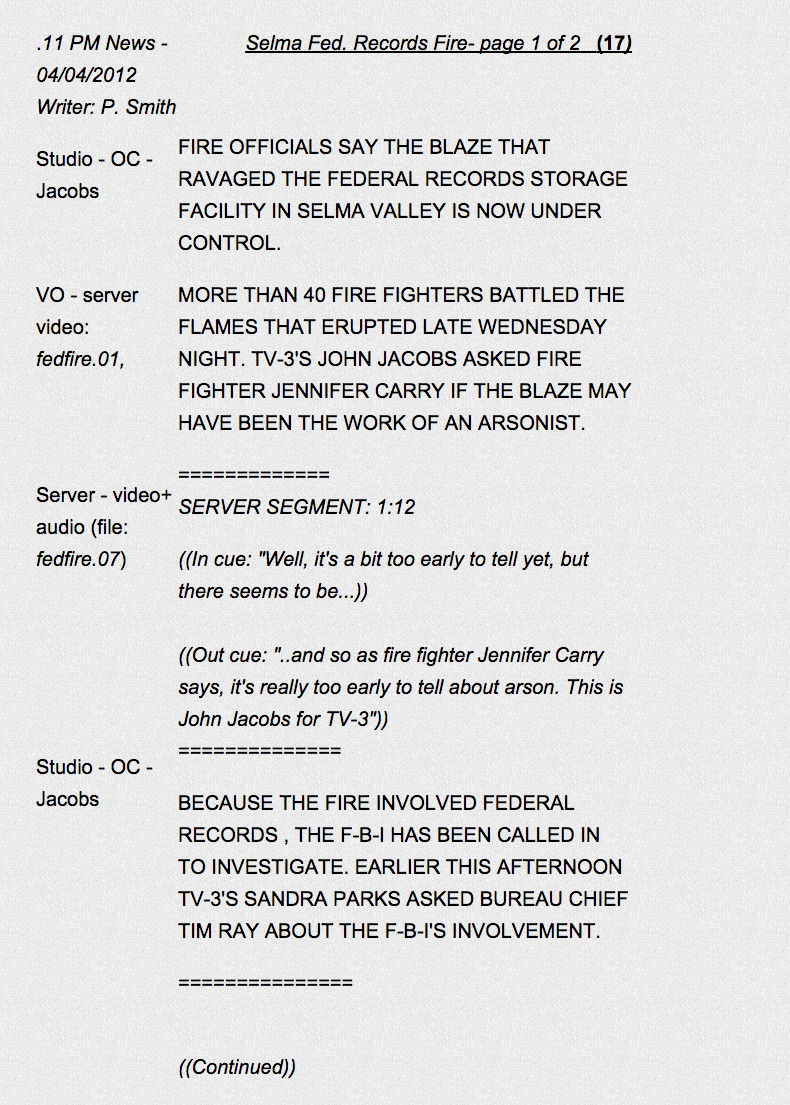
Every line on the screen should be paired with a visual cue—b-roll, charts, or on‑air footage. Write the script in two columns: the anchor’s lines and the visual description. This ensures seamless transitions. For example, “Cut to satellite image of the flood zone” precedes a line about rising water levels. Aligning visuals with narration helps viewers process complex information quickly.
Fact‑Checking and Source Credibility
In hard news, errors can erode trust. Verify every statistic, quote, and figure with at least two independent sources. Note the source’s authority in the script: “U.S. Census Bureau reports…” This transparency not only protects the station but also empowers viewers with context. Keep a checklist for fact‑checking items that the production team can review before broadcast.
Revision and Collaborative Feedback
Editing is a team effort. After the initial draft, circulate it among producers, fact‑checkers, and the anchor for feedback. Encourage questions like, “Does this sentence flow when spoken?” or “Is this detail necessary for the story’s core?” Iterate until the script sounds natural when read aloud, not just written. A second pair of eyes can catch hidden redundancies or pacing issues.
Final Tips for Live Delivery
- Practice the script aloud, focusing on pacing and intonation.
- Use cues like “And now….” to signal transitions.
- Maintain eye contact with the camera, not the script.
- Stay flexible—be ready to skip a line if live footage changes the story.
Frequently Asked Questions
- What’s the difference between a hard‑news lead and a feature lead? A hard‑news lead delivers the most critical facts first, while a feature lead may open with a hook or anecdote.
- How long should a hard‑news script be for a 5‑minute segment? Roughly 650–750 words, allowing for 15–20 seconds of visual breaks.
- Can I use social media quotes in the script? Yes, if the quote is verified and adds credibility; attribute the platform and user name.