Mastering Zoho Books Sales Orders: Boost Your Business
When you want to master sales orders in Zoho Books, you’re not just learning how to create a record—you’re unlocking a streamlined path from quote to cash. A well‑managed sales order keeps inventory in sync, prevents duplicate shipments, and gives your team a clear snapshot of what’s on the way. Below is a step‑by‑step playbook that turns the tool’s features into tangible gains for your business.
Mastering Sales Orders in Zoho Books: Key Steps
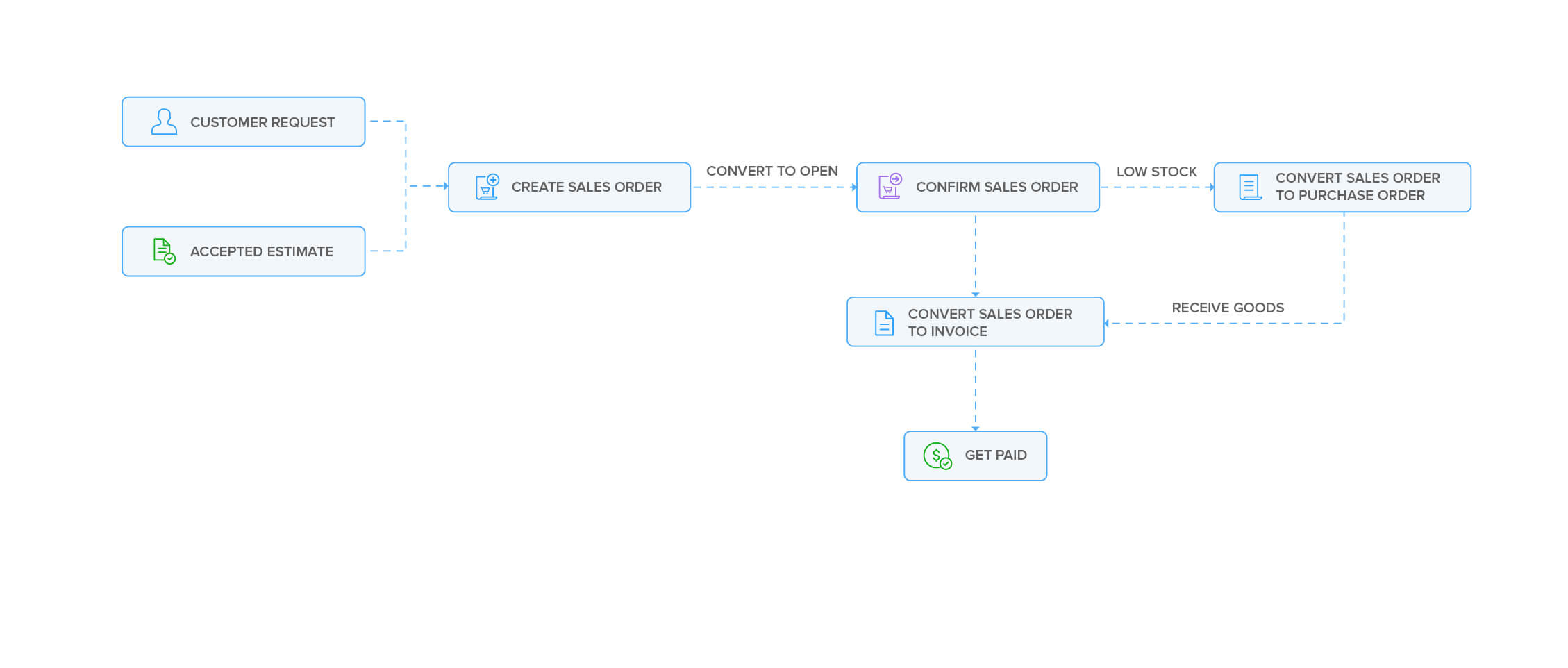
Sales orders in Zoho Books sit between a quotation and the final invoice. They capture what the customer wants, lock in pricing, and trigger downstream actions such as inventory checks or shipment notifications. Follow these steps to make the process repeatable and error‑free.
Setting Up the Sales Order Template
- Navigate to Settings → Templates → Sales Order.
- Choose a layout that matches your brand’s visual identity.
- Enable the Send when saved toggle if you want customers to receive the order immediately.
- Save and preview to confirm that fields like “Order Number” and “Due Date” appear correctly.
Entering Customer Details
- Search for the customer by name or email; if they’re new, use the Create Customer button.
- Populate the Billing Address and Shipping Address fields. Consistent addresses avoid later fulfillment hiccups.
- Attach any relevant documents—product catalogs or signed agreements—directly to the order.
Adding Products and Pricing
- Click Add Item and select from the product list.
- Use the Qty column to specify units, and the Unit Price to lock in the agreed price. If the price varies by quantity, enable tiered pricing.
- Verify that the Tax field reflects the correct rate; Zoho Books auto‑applies taxes based on the customer’s location.
Reviewing and Sending the Order
- Double‑check the subtotal, tax, and total to ensure the numbers add up.
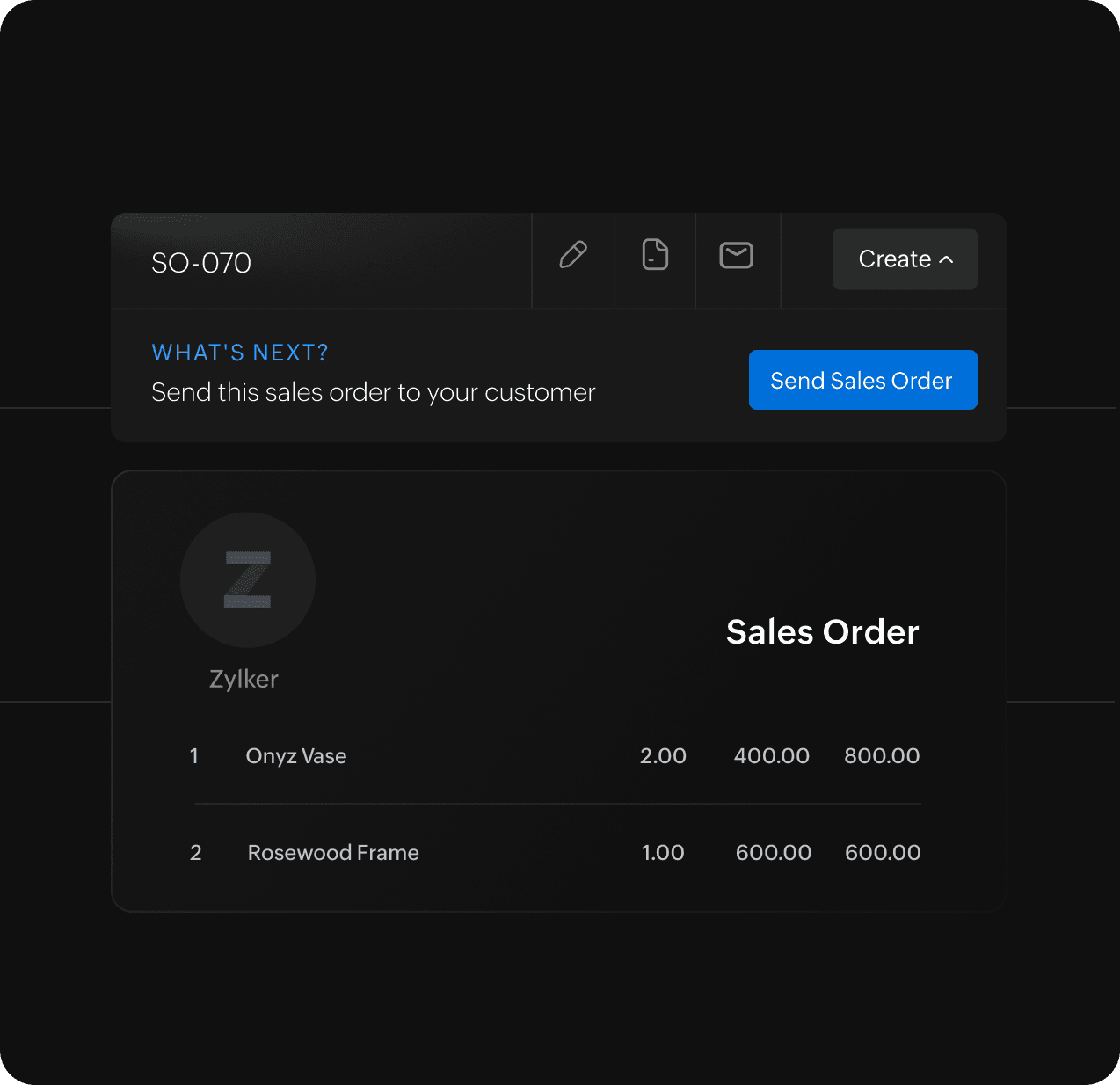
- Use the Save & Send button to dispatch the order to the client. A confirmation email will be sent automatically.
- For internal review, choose Save as Draft and circulate among the sales or fulfillment team.
Converting to Invoice
- Once the goods are shipped or services rendered, open the sales order.
- Click Convert to Invoice. Zoho Books will pre‑populate the invoice with the same line items and totals.
- Adjust the invoice date or add payment terms before finalizing.
- Send the invoice and track its status through the Payments tab.
Common Pitfalls and How to Avoid Them
Duplicate Orders
- Enable the Auto‑Generate Order Numbers feature to prevent manual entry errors.
- Regularly audit the Orders list for any entries that look similar.
Pricing Errors
- Maintain a centralized product catalog; avoid entering prices manually in each order.
- Use Price Books if you have tiered or region‑specific pricing.
Missing Tax Configurations
- Set up tax zones under Settings → Tax and link them to customers.
- Review tax rules annually, especially after regulatory changes.
Automation Tips for a Smooth Workflow
Recurring Orders
- For subscription‑style products, set up a Recurring Sales Order that auto‑generates every month.
- Combine with Subscription Billing to automate invoicing.
Email Templates
- Customise the email body to include delivery estimates, return policies, or payment instructions.
- Use merge tags like
{{customer_firstname}}for a personal touch.
Workflow Rules
- Under Automation → Workflow Rules, create a rule that triggers a Slack alert when a high‑value order is created.
- Use conditions such as Order Total > $5,000 to keep key stakeholders informed.
Integrating with Other Zoho Apps
Zoho Inventory
- Link sales orders to inventory to auto‑deduct stock levels.
- Set up Automated Reorder Points so you never run out of critical items.
Zoho CRM
- Sync customer details between CRM and Books to avoid