The Best PC Controllers for Winning FPS Battles
When it comes to first‑person shooters, a solid controller can be the difference between a clean headshot and a frustrating miss. While many players default to keyboard and mouse, a well‑chosen gamepad offers comfort for marathon sessions and can actually improve precision in certain titles. Below we break down the top PC controllers for FPS games, highlighting what makes each one click‑ready for fast‑paced action.
What to Look for in a PC Controller for FPS
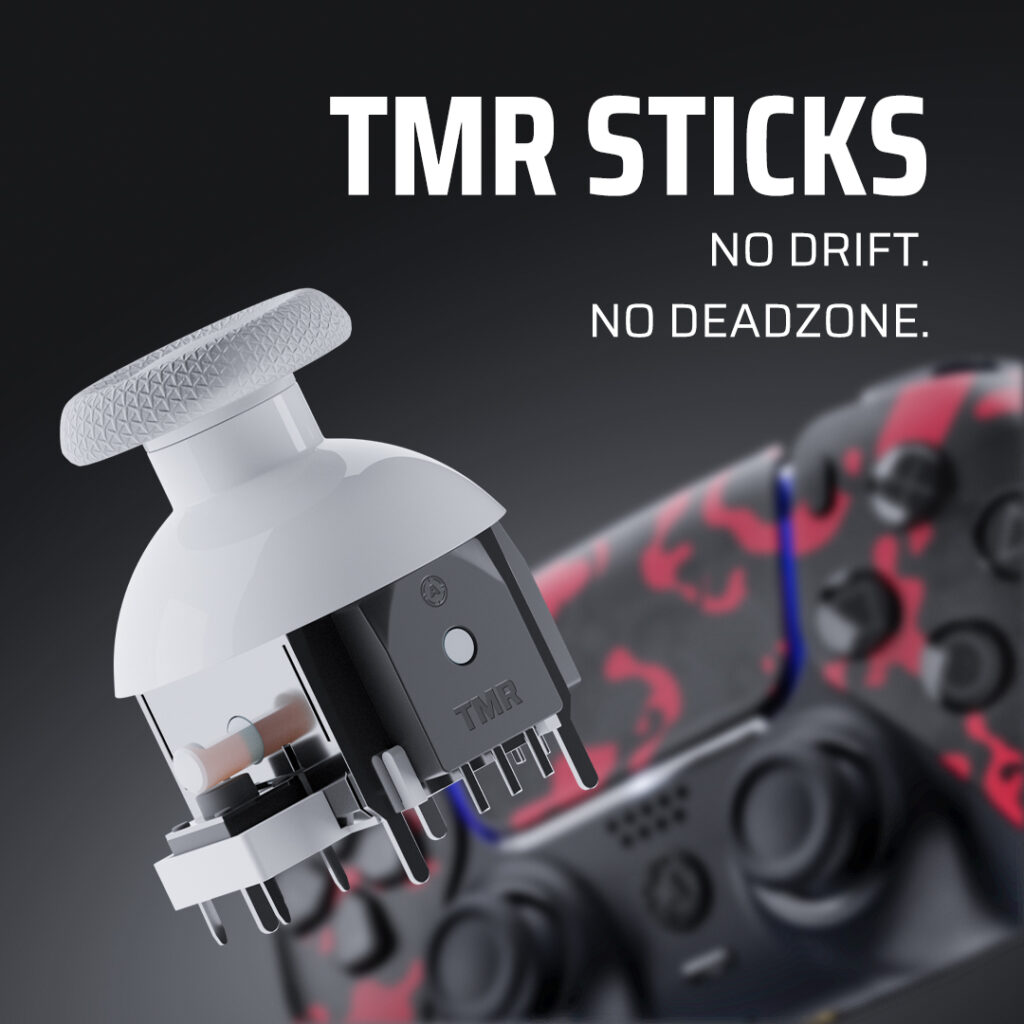
Before diving into the list, it helps to know which features truly matter for shooters. Ergonomic shape and weight distribution keep your hand steady during rapid fire. Responsive analog sticks, ideally with a “dead‑zone” adjustment, let you fine‑tune aim. Triggers with short travel—or “trigger stop” mods—reduce the distance your fingers need to pull, shaving milliseconds off reaction time. Finally, consider connectivity: wired controllers eliminate latency, while modern Bluetooth units have caught up in speed and offer the freedom of a clutter‑free desk.
Xbox Series X|S Controller – The All‑Rounder
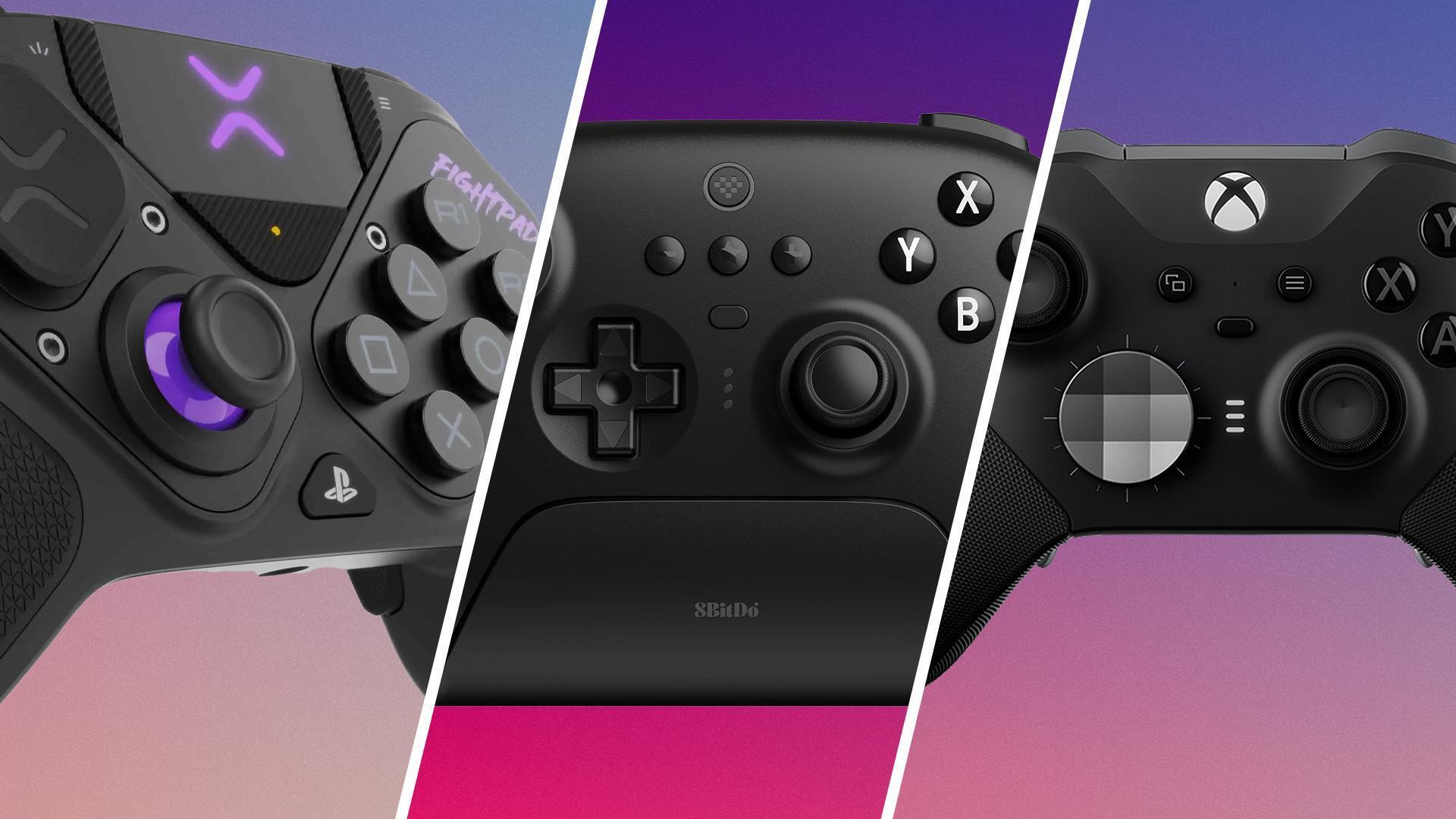
The Xbox Series X|S controller remains the gold standard for PC gaming, largely because Windows treats it as a native device. Its refined grip and slightly concave triggers provide a natural feel for pulling the trigger on the fly. The D‑pad is crisp, making weapon swapping a breeze, and the textured back plate keeps sweaty palms from slipping. For FPS fans who value plug‑and‑play simplicity, this controller’s low latency—especially when wired—makes it a reliable choice.
PlayStation 5 DualSense – Immersive Haptics Meet Precision
Sony’s DualSense brings adaptive triggers that can simulate the resistance of a sniper rifle’s pull or the recoil of a shotgun, adding a tactile layer to your gameplay. While the controller’s ergonomic shape is a bit bulkier than the Xbox’s, its responsive sticks and robust build hold up well under intense fire. Windows support is seamless via the official DualSense driver or Steam’s built‑in compatibility, so you get the haptic benefits without extra software.
Why It Stands Out for FPS
- Adaptive triggers for nuanced feedback
- High‑definition haptic vibrations that convey in‑game events
- Strong battery life for wireless sessions
Razer Wolverine V2 – Customizable for Competitive Edge
If you crave a controller that feels like a mouse, the Razer Wolverine V2 delivers with its interchangeable thumbsticks and remappable multi‑function buttons. Its Razer Mecha-Tactile buttons register clicks with a crisp, mouse‑like feedback, while the wired USB‑C connection ensures zero lag. The controller also includes a “trigger stop” that shortens the trigger pull, a boon for rapid‑fire weapons in titles like Call of Duty or Valorant.
Logitech F310 – Budget Friendly, No‑Compromise Functionality
For gamers on a tighter budget, the Logitech F310 offers solid performance without breaking the bank. Its X‑input mode mirrors the layout of Xbox controllers, ensuring most games recognize it instantly. The D‑pad is a bit clicky, but the analog sticks are accurate enough for most FPS titles. While it lacks the premium feel of higher‑end models, its durability and straightforward plug‑and‑play design make it a sensible entry point.
Steam Controller – Unconventional Yet Powerful
Although discontinued, the Steam Controller still holds a niche appeal for FPS enthusiasts who enjoy deep customization. Its dual‑trackpad layout can mimic mouse movement with remarkable precision, and the “Gyro Aim” feature lets you adjust aim by tilting the controller—a hybrid approach that many players swear by in games like Counter‑Strike: Global Offensive. Steam’s built‑in configuration tools let you map any button to any function, turning the controller into a personalized control hub.
Wired vs. Wireless: Which Wins in FPS?
Wired controllers guarantee the lowest possible input lag, a critical factor when split‑second reactions decide matches. However, modern Bluetooth standards (especially Bluetooth 5.0) have narrowed the gap dramatically. If you value a tidy setup and don’t mind swapping batteries or charging, a high‑quality wireless controller—like the Xbox Series X|S or DualSense—will serve you well. For competitive play, many pros still plug in their favorite gamepad to eliminate any doubt about latency.
FAQ
Do I need a controller for FPS games on PC?
Not at all—keyboard and mouse remain the dominant setup for most competitive shooters. But a controller can be more comfortable for casual play, couch co‑op, or titles that support aim‑assist, such as Fortnite or Apex Legends.
Is wired truly better than wireless for fast‑paced shooters?
In theory, a wired connection removes any chance of radio interference and ensures consistent latency. In practice, top‑tier Bluetooth controllers now deliver sub‑10 ms lag, which is imperceptible for most players.
Can I use an Xbox controller on Windows without extra software?
Yes. Windows includes native drivers for Xbox controllers, so they work out of the box via USB or Bluetooth. For older Xbox models, a small driver update may be required, but no third‑party software is necessary.