The Ultimate Guide to Buying a Wireless Mechanical Keyboard
Choosing a wireless mechanical keyboard can feel like stepping into a maze of switch types, battery specs, and connectivity quirks. You want the tactile joy of a mechanical board without the clutter of cords, yet you also need reliability for work or gaming. This guide walks you through the essential factors—so you can zero in on a model that fits your typing style, budget, and lifestyle.
Why Go Wireless? The Real Benefits
First, consider what you gain by cutting the cable. A wireless setup clears desk space, making ergonomics easier to achieve. It also offers flexibility: you can shift the keyboard between a home office and a couch without unplugging. Modern Bluetooth and RF solutions have narrowed latency, so the performance gap with wired boards is now minimal for most users.
That said, wireless isn’t a cure‑all. Battery life, signal interference, and occasional pairing hiccups are real trade‑offs. Understanding these nuances helps you weigh the pros against any potential cons.
Switch Types: Feel, Sound, and Performance
The heart of any mechanical keyboard is its switches. They dictate the tactile feedback and acoustic profile you’ll experience day after day.
- Linear switches (e.g., Cherry MX Red) glide smoothly with minimal resistance—ideal for fast typing or gaming.
- Tactile switches (e.g., Brown) provide a subtle bump at the actuation point, giving feedback without loud clicks.
- Clicky switches (e.g., Blue) deliver a pronounced click, perfect for those who love an audible cue.
When you add wireless into the mix, look for switches rated for low power consumption. Some manufacturers pair specific switches with optimized firmware to extend battery life.
Connectivity Options: Bluetooth vs. 2.4 GHz RF
Bluetooth 5.0 and later versions have become the go‑to for most keyboards, offering compatibility with laptops, tablets, and phones. If you primarily use a PC or console, a dedicated 2.4 GHz dongle often delivers lower latency and a more stable connection.
Consider the number of devices you’ll pair simultaneously. Some keyboards can remember up to three Bluetooth profiles, letting you switch between a desktop and a phone with a simple key combo.
Battery Life and Charging Convenience
Battery endurance varies widely. Boards with RGB lighting or high‑power switches may need a recharge every few weeks, while minimalist models can last months on a single charge. Look for the following features:
- Built‑in rechargeable battery—most modern keyboards use lithium‑ion cells.
- USB‑C charging—faster and more universal than micro‑USB.
- Power‑saving modes—auto‑sleep after inactivity can dramatically extend life.
Some premium models even offer a quick‑charge option: a few minutes of charging yields several hours of use, a handy perk for on‑the‑go professionals.
Layout and Form Factor: Finding the Right Size
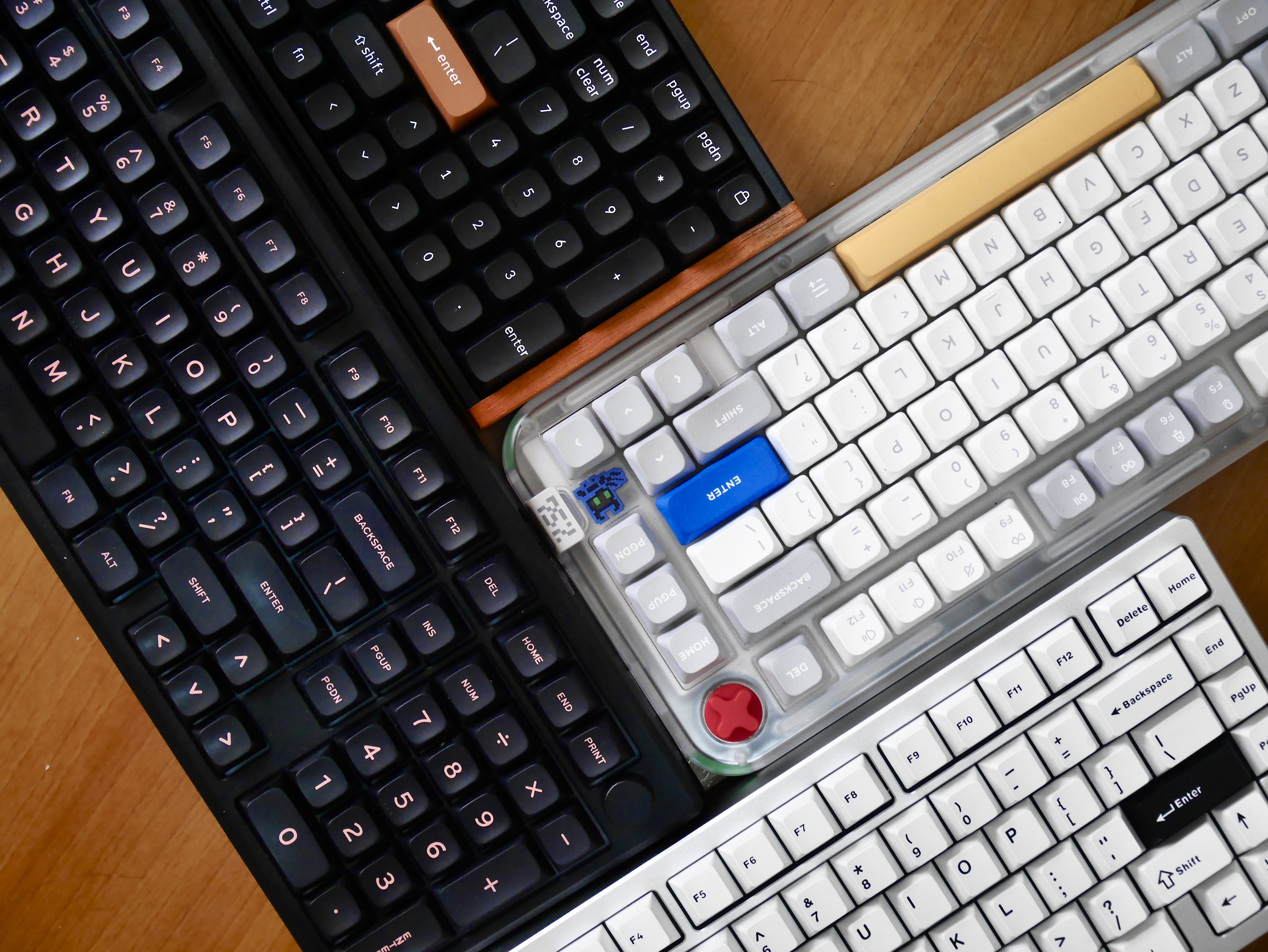
Mechanical keyboards come in several layouts: full‑size (104 keys), tenkeyless (TKL), and compact 60% or 65% designs. Your choice hinges on three questions:
- Do you rely on a numeric keypad for data entry? If so, a full‑size board is safest.
- Is desk space at a premium? Tenkeyless or 65% models free up room while preserving essential navigation keys.
- Do you travel often? Smaller layouts slip into backpacks with ease.
Remember that compact boards often require function‑layer combos for arrows and media controls, which may affect your workflow.
Build Quality and Materials
A sturdy chassis matters for both durability and typing feel. Aluminum frames add heft and reduce flex, while high‑grade plastics keep weight down without compromising strength. Look for a keyboard with a reinforced plate—this helps keep the keys stable, especially during rapid typing or gaming sessions.
Keycap material also influences comfort. PBT caps resist shine and offer a textured feel, whereas ABS caps can feel smoother but may develop a glossy finish over time.
Extra Features Worth Considering
Beyond the basics, many wireless mechanical keyboards pack additional perks:
- RGB lighting—adds flair and can serve functional purposes, like indicating active profiles.
- Programmable keys—macro layers let you assign complex commands, a boon for gamers and creators.
- Hot‑swap sockets—swap switches without soldering, extending the board’s lifespan.
- Water‑resistant coating—protects against spills, a practical safeguard for busy desks.
While appealing, each extra adds cost and potentially impacts battery life. Prioritize features that align with your daily needs.
Price Range and Value Assessment
Wireless mechanical keyboards span from budget-friendly $50 models to premium $250+ flagships. The sweet spot for most users lies between $80 and $150, offering solid build, reliable wireless performance, and a decent selection of switches.
When evaluating price, factor in long‑term value: a higher upfront cost may be justified by a longer battery lifespan, better keycap durability, or a warranty that covers the wireless module.
Top Picks Across Different Use Cases
Below are brief examples of keyboards that have earned praise in various categories. This isn’t an exhaustive list, but a starting point for deeper research.
- Best All‑Rounder: A mid‑range TKL board with Bluetooth 5.0, hot‑swap sockets, and a USB‑C port.
- Best for Gaming: A low‑latency 2.4 GHz model with linear switches, RGB lighting, and a detachable wrist rest.
- Best Compact: A 60% layout with PBT keycaps, long‑lasting battery, and multi‑device Bluetooth pairing.
- Best Budget: An entry‑level wireless board featuring tactile switches and a modest aluminum frame.
How to Test Before You Buy
If possible, visit a local store or attend a tech meetup. Pay attention to three aspects:
- Switch feel—does the actuation force suit your typing style?
- Latency—type a short paragraph and notice any lag, especially when using Bluetooth.
- Connectivity stability—move the keyboard around the room to see if the signal drops.
When buying online, read recent user reviews focusing on battery performance and durability over time. Look for comments about firmware updates, as manufacturers that provide regular improvements can extend the lifespan of their devices.
Frequently Asked Questions
Can I use a wireless mechanical keyboard for competitive gaming?
Yes, many gamers favor wireless boards with 2.4 GHz dongles that deliver sub‑5 ms latency, comparable to wired keyboards. Choosing linear switches and disabling RGB lighting can further reduce input lag.
How often do I need to charge a wireless mechanical keyboard?
Battery life varies, but a typical mid‑range model lasts between two weeks and a month with moderate use. Turning off backlighting and enabling auto‑sleep can push the interval toward the higher end.
Is Bluetooth reliable for typing on a laptop?
Modern Bluetooth 5.0 connections are generally stable for typing and office work. Interference can occur near many wireless devices, so keep the receiver within a reasonable range and avoid crowded Wi‑Fi channels when possible.
Do wireless keyboards support macro programming?
Many do, especially those aimed at gamers. Check the product specs for dedicated macro keys or software that lets you assign custom commands.

![The 5 Best Mechanical Keyboards[Buying Guide] - YouTube](https://i.ytimg.com/vi/FiYL6MmeJ7o/maxresdefault.jpg)