What Can AMD’s Vega 7 Laptop Graphics Really Do?
Understanding Vega 7 Laptop AMD Radeon Graphics Power
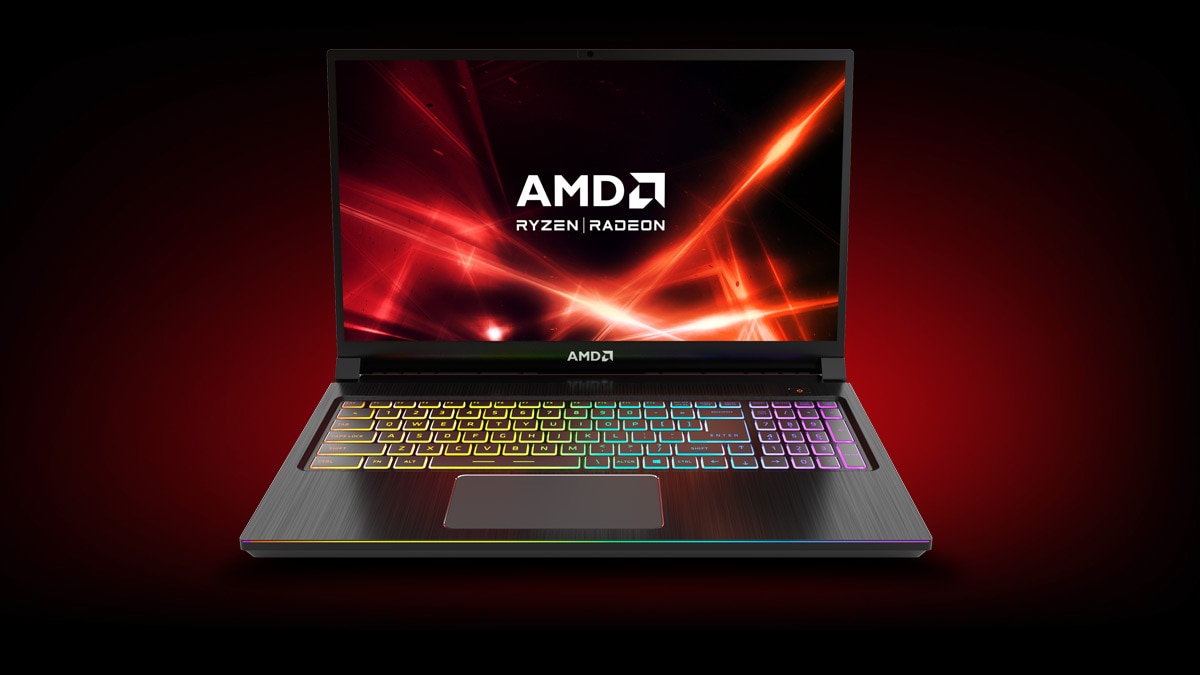
The name “Vega 7” might sound like a code name for a secret weapon, but it’s actually AMD’s integrated GPU built into many Ryzen 5 and Ryzen 7 mobile processors. In a laptop, this GPU shares system memory and delivers the kind of performance you’d expect from a modest dedicated graphics card. If you’re wondering whether a thin‑and‑light notebook can handle light gaming, video editing, or everyday visual tasks, the answer hinges on how the Vega 7’s architecture translates into real‑world power.
How Vega 7 Stacks Up Against Other Integrated Solutions
Before the Ryzen 4000 series, Intel’s UHD graphics dominated the entry‑level market. Vega 7, however, brings a higher count of compute units (typically eight) and a wider memory bandwidth thanks to the unified 7 nm process. In benchmark terms, Vega 7 often scores 15‑20 % higher in 3DMark Fire Strike than Intel’s UHD 620, and it can push 60 fps at 720p in titles like Fortnite when settings are turned down.
That said, it’s still an integrated solution. Compared with a mid‑range dedicated GPU such as the GTX 1650, Vega 7 lags behind by roughly 40‑50 % in raw rasterization performance. The key takeaway is that Vega 7 offers a sweet spot for users who need more than basic display output but don’t want the bulk, heat, and cost of a separate graphics card.
Real‑World Tasks Where Vega 7 Shines
Video playback and light editing – The GPU’s hardware video decoder supports H.264, HEVC, and VP9, allowing smooth 4K streaming on most laptops without taxing the CPU. When you open a program like DaVinci Resolve, the integrated GPU can accelerate color correction and basic effects, making 1080p editing feel snappy.
Casual gaming – Indie titles, older AAA games, and esports staples run comfortably. Expect 30‑40 fps at 1080p in Rocket League, and around 50 fps in Stardew Valley. Pushing higher resolutions or ultra settings will quickly reveal the limits, but for many gamers the experience is more than acceptable.
Productivity and creative work – Applications that rely on GPU acceleration, such as Adobe Photoshop’s filters or Blender’s viewport rendering, benefit from the extra cores. While you won’t replace a workstation GPU, the integrated graphics can shave seconds off tasks that would otherwise be CPU‑bound.
Power Consumption and Thermal Considerations
One of Vega 7’s hidden strengths is efficiency. Because it lives on the same die as the CPU, power draw is shared and can be throttled dynamically. In typical web browsing, the GPU adds less than 2 W of consumption, which translates to a modest impact on battery life. Under load, the combined CPU‑GPU package may spike to 25‑30 W, but modern laptop cooling solutions keep temperatures in the 80‑90 °C range without resorting to noisy fans.
If you prioritize silence and all‑day battery life, look for laptops that advertise “AMD Ryzen 5 5600U” or “Ryzen 7 5800U” paired with Vega 7, as these chips are tuned for low‑power operation while still delivering the GPU punch.
Choosing the Right Laptop for Vega 7
Not every notebook with a Vega 7 chip is created equal. Pay attention to these factors:
- RAM size and speed – Since the GPU uses shared memory, 16 GB of DDR4/LPDDR4X at 3200 MHz will noticeably improve performance over an 8 GB kit.
- Display resolution – Pairing Vega 7 with a 1080p panel makes the most sense; a 4K screen will demand more bandwidth and can diminish frame rates.
- Battery capacity – Larger cells (around 55‑70 Wh) help offset the extra draw during gaming or video work.
- Thermal design – Thin chassis are appealing, but a well‑ventilated chassis with a copper heat pipe will sustain higher performance longer.
Future Outlook: Vega 7 in the Next Generation
AMD’s upcoming “Zen 4” mobile line is expected to bring “RDNA 3”‑based integrated graphics, which will eclipse Vega 7’s capabilities. However, for the current market, Vega 7 remains a solid choice for budget‑conscious users who still want a taste of AMD’s Radeon heritage. As software continues to leverage GPU acceleration, the gap between integrated and entry‑level dedicated graphics is narrowing.
FAQ
Can Vega 7 handle modern AAA games?
Only at low settings and reduced resolutions. Expect 20‑30 fps in newer titles like Cyberpunk 2077 if you drop the resolution to 720p and turn off most effects.
Is Vega 7 better than Intel’s Iris Xe graphics?
In most benchmarks, Vega 7 edges out the older Iris Xe (found in 11th‑gen Intel chips) by a small margin, especially in tasks that benefit from higher compute unit counts. The newer Iris Xe Max, however, can surpass Vega 7.
Do I need dedicated graphics for video editing?
If you work mainly with 1080p footage and simple effects, Vega 7 is sufficient. For 4K editing or heavy effects, a laptop with a dedicated GPU will provide smoother timelines and faster renders.
How does system RAM affect Vega 7 performance?
Since the GPU shares system memory, faster and larger RAM reduces bottlenecks. Upgrading from 8 GB @ 2666 MHz to 16 GB @ 3200 MHz can boost frame rates by up to 10 % in GPU‑dependent tasks.