Why You Can't Log In to Instagram and How to Fix It
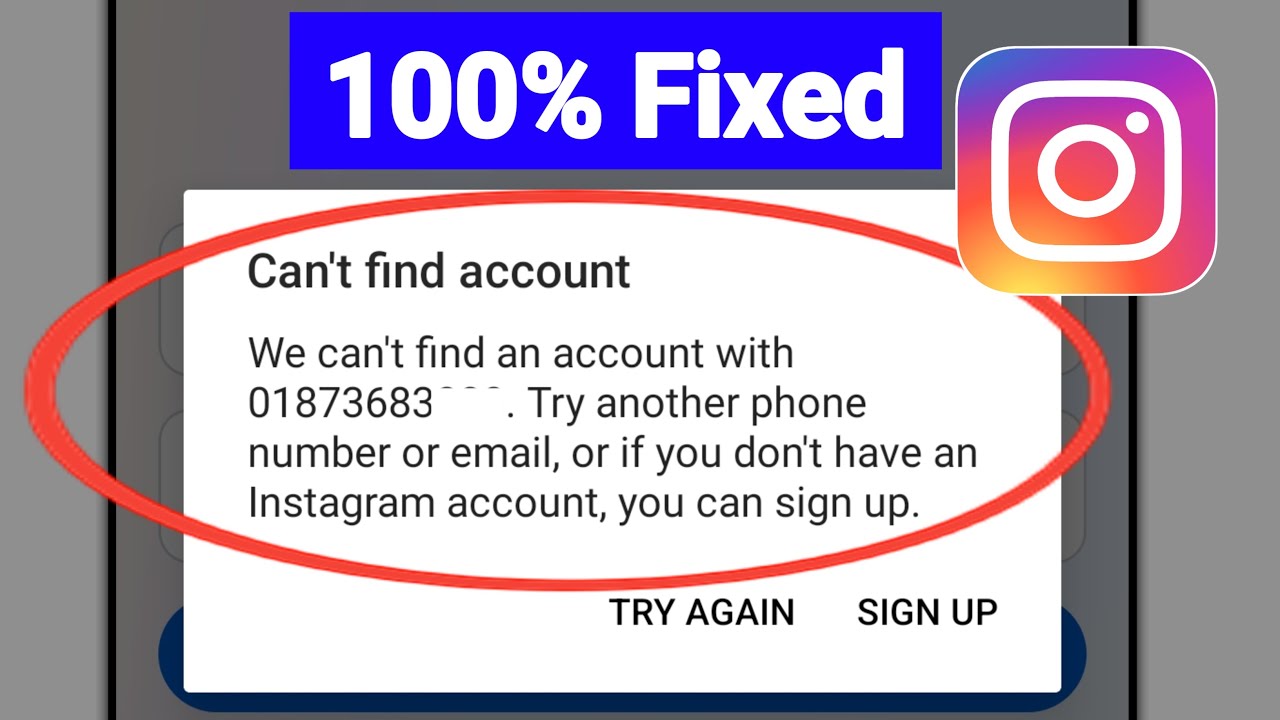
Seeing that dreaded “Can’t login to Instagram?” message can feel like a digital roadblock, especially when you’re trying to share a moment or respond to a friend. The good news is most login hiccups have a straightforward remedy. Below we’ll walk through the most common culprits, give you a step‑by‑step troubleshooting checklist, and let you know when it’s time to call Instagram’s support team.
Common Reasons You Can't Log In to Instagram
Before diving into fixes, it helps to understand why Instagram might reject your credentials. Here are the usual suspects:
1. Incorrect password or username
Typos happen. Instagram treats “JohnDoe” and “johndoe” as different usernames, and passwords are case‑sensitive. A simple spelling slip can lock you out.
2. Account disabled or banned
If you’ve violated community guidelines—spammy behavior, copyrighted content, or repeated harassment—Instagram may temporarily or permanently disable the account.
3>Network or connectivity problems
Spotty Wi‑Fi, VPNs, or carrier restrictions can prevent the app from reaching Instagram’s servers, resulting in a login failure.
4>App glitches or outdated version
Older app versions sometimes clash with new authentication protocols. Likewise, corrupted cache data can throw a wrench in the process.
5>Two‑Factor Authentication (2FA) issues
When you’ve enabled 2FA, you’ll need a code sent via SMS or an authenticator app. If you can’t receive the code—perhaps because of a changed phone number—you’ll be stuck at the login screen.
6>Security lockout after multiple failed attempts
Instagram temporarily blocks login attempts after several wrong passwords to protect the account, showing a “Try again later” notice.
Step‑by‑Step Troubleshooting
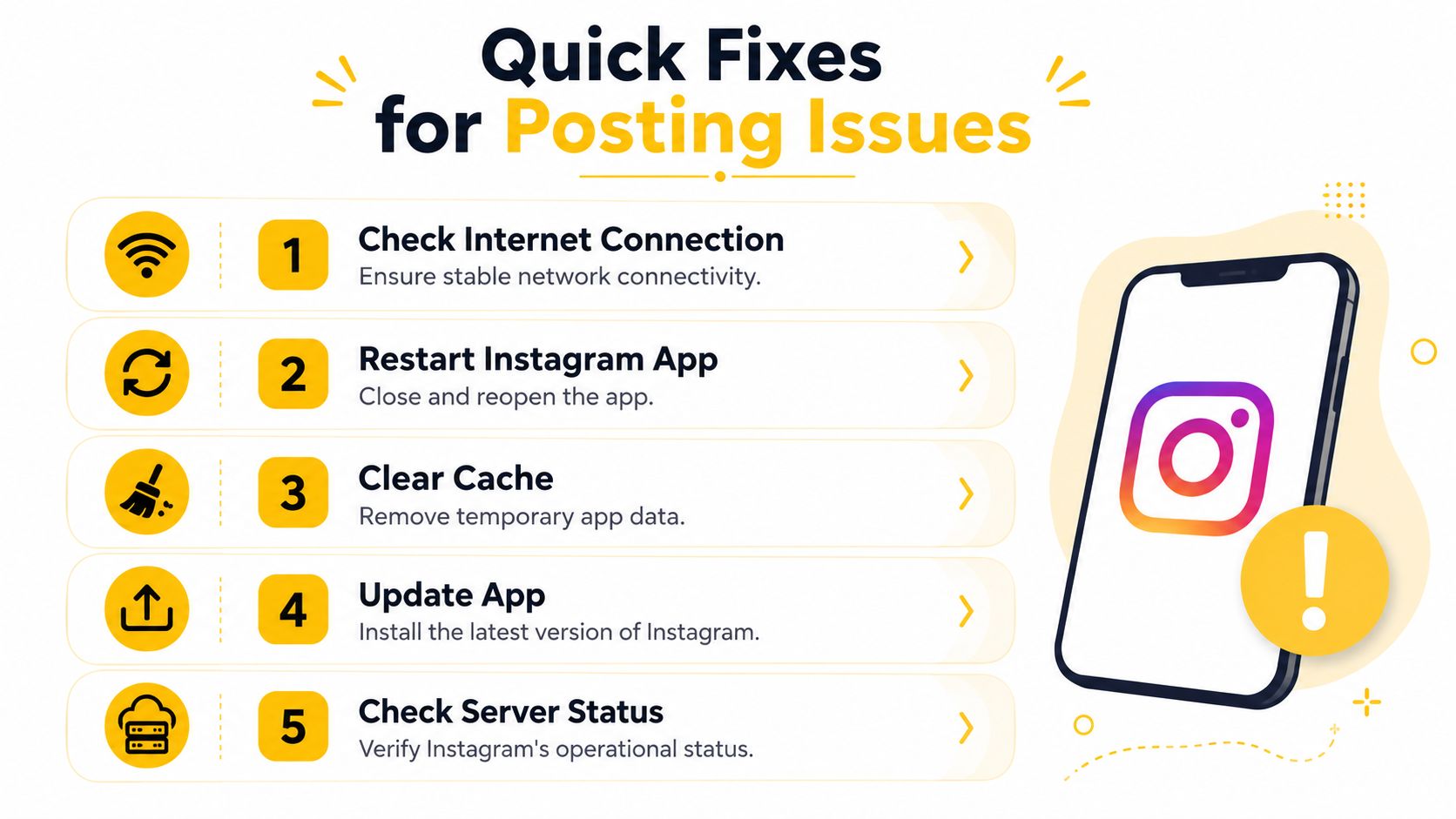
Now that you know the likely cause, follow this checklist. One or more of these steps should get you back into your feed.
- Verify your credentials. Double‑check the spelling of your username and ensure the password matches what you saved. If you’re unsure, tap “Forgot password?” and follow the reset link sent to your email or phone.
- Check Instagram’s server status. Occasionally the platform experiences outages. A quick search for “Instagram status” or a glance at @instagram’s official Twitter can confirm if the problem is on their end.
- Restart your device. Powering off and on clears temporary memory glitches that might interfere with the app’s network calls.
- Switch networks. Move from Wi‑Fi to mobile data (or vice‑versa) and disable any VPNs or proxy services that could be masking your IP address.
- Update or reinstall the app. Visit the App Store or Google Play Store, install the latest version, and delete the old app if the update doesn’t resolve the issue.
- Clear cache (Android) or offload the app (iOS). On Android, go to Settings → Apps → Instagram → Storage → Clear Cache. On iOS, press and hold the app icon, choose “Remove App,” then reinstall.
- Reset Two‑Factor Authentication. If you no longer have access to the phone number or authenticator app, use the “Need more help?” link on the login screen. Instagram will guide you through identity verification via email.
- Wait out a lockout. If you’ve triggered a security block, give it 30 minutes to an hour before trying again. Re‑attempting too soon can extend the ban.
If none of the above works, it’s time to reach out to Instagram directly.
When to Contact Instagram Support
Support should be your last resort, but certain scenarios demand it:
- Your account shows “Disabled” or “Banned” and you believe it’s a mistake.
- You can’t reset the password because the email or phone number linked to the account is no longer accessible.
To contact them, open the login screen, tap “Get help logging in,” then choose “Need more help?” Fill out the form with as much detail as possible—include a photo of your ID if requested, as Instagram may ask for verification to protect your privacy.
Prevent Future Login Problems
Keeping your account healthy reduces the chances of being locked out again. Consider these habits:
- Use a password manager. A reliable manager stores complex passwords and auto‑fills them, eliminating typographical errors.
- Enable Two‑Factor Authentication on a stable device. Keep the phone number tied to your account up to date.
- Regularly review linked email addresses and phone numbers. Update them immediately after changing carriers or email providers.
- Follow community guidelines. Avoid content that could trigger a ban, and steer clear of aggressive follow‑/unfollow automation tools.
FAQ
Q: I forgot my Instagram password but no reset email arrives. What should I do?
A: First, check your spam or junk folder. If it’s still missing, verify that the email address associated with the account is correct. You can also request a reset link via SMS if a phone number is linked.
Q: My account says it’s “Temporarily Disabled.” How long does that last?
A: Temporary disables typically last 24‑48 hours. During that window, avoid trying to log in repeatedly, as each attempt can extend the lockout. If the period passes without restoration, submit an appeal through the app’s support link.
Q: Can a VPN cause login failures?
A: Yes. Instagram may block logins from IP addresses that appear suspicious or are associated with known VPN services. Try disabling the VPN or switching to a different network.
Q: Why does Instagram keep asking for a verification code even after I entered it?
A: This often indicates a mismatch between the device’s clock and Instagram’s server time. Ensure your device’s date and time are set to “Automatic.” If the problem persists, reinstall the app.