Why Your Phone Drains While Charging and How to Stop It
Why Your Phone Might Drain While Charging
If you’ve ever watched the battery icon wobble down even as the charger is plugged in, you’re not alone. This puzzling behavior can stem from a mix of hardware quirks and software habits, and it’s rarely a single‑cause mystery. Understanding the why is the first step toward a reliable fix, so let’s break down the most common culprits behind a phone draining while charging.
Faulty Charger or Cable
A frayed cable, a worn‑out adapter, or a mismatched voltage can interrupt the power flow. In such cases the phone may switch between charging and discharging, creating the illusion of a perpetual drain. Even cheap third‑party chargers that claim fast‑charging speeds sometimes deliver inconsistent current, which forces the battery management system to compensate by pulling power from the cell.
Battery Health Issues
Over time, lithium‑ion cells lose capacity and develop internal resistance. When resistance climbs, the charger has to work harder just to keep the voltage stable. If the battery can’t accept the incoming charge fast enough, the device may still consume power faster than it’s being replenished, especially under load.
Background Apps & Settings
Heavy apps running in the background—think navigation, streaming, or cloud backup—keep the processor and radios humming. If the phone is also set to high‑performance mode, the power draw can outpace the charger’s output, especially with a low‑watt adapter. This is why you sometimes see the battery dip while a video plays and the charger is plugged in.
Software Glitches
Occasionally, an operating‑system bug or a rogue app can misreport battery levels or fail to throttle power consumption when plugged in. Recent OS updates sometimes introduce such glitches, and a quick reboot can reveal whether the issue was temporary or systemic.
Practical Fixes to Stop the Drain
- Inspect the charger and cable. Swap in a known‑good charger and a fresh USB‑C or Lightning cable. Look for exposed wires or bent connectors.
- Use the correct wattage. Phones that support fast charging often need a 20 W or higher adapter. Using a 5 W charger on a power‑hungry device can cause the battery to dip.
- Close unnecessary apps. Before you plug in, quit streaming services, location‑heavy maps, and any background sync that isn’t essential.
- Enable battery‑saving modes. Most smartphones have a “Charging Optimized” or “Low Power” toggle that limits background activity while the device is on the charger.
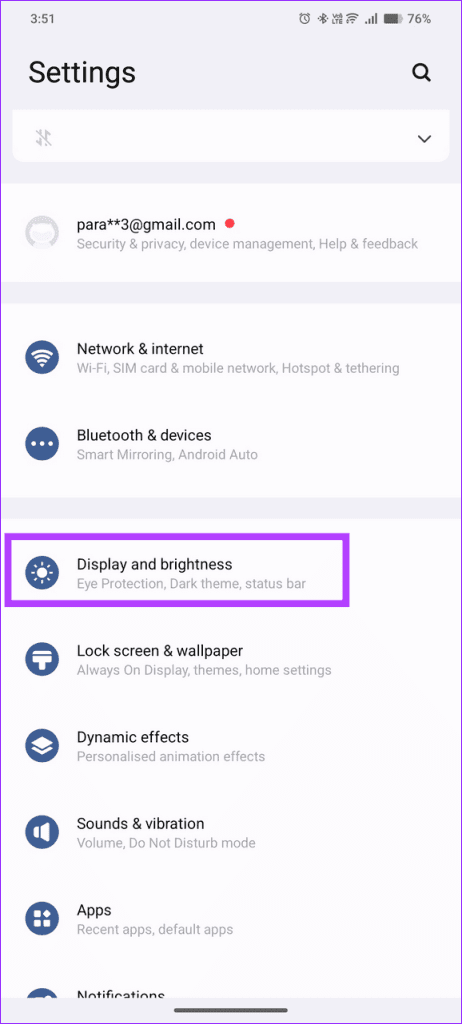
- Check battery health. On iOS, go to Settings → Battery → Battery Health; on Android, look for “Battery → Battery Usage” or a dedicated health dashboard. If the maximum capacity is below 80 %, consider a professional replacement.
- Update or reset software. Install the latest OS patch. If the problem persists, back up your data and perform a factory reset to eliminate stubborn software bugs.
- Avoid heat. Charging on a soft surface or under direct sunlight can raise the device’s temperature, accelerating the drain. Keep the phone on a hard, flat surface with good airflow.
When to Seek Professional Help
If you’ve tried a new charger, cleared background tasks, and confirmed the battery’s health is still decent, yet the drain continues, it may be time for a technician. Persistent issues could point to a faulty charging port, a damaged power management IC, or a deeper battery defect that only a certified service center can safely address. Don’t ignore signs like swelling, rapid overheating, or the charger’s plug feeling unusually warm.
FAQ
Why does my phone get hotter when it’s draining while charging?
Heat is a byproduct of inefficient power transfer. A mismatched charger, a damaged cable, or a battery that’s struggling to accept charge will generate extra resistance, which shows up as warmth.
Can a low‑quality third‑party charger damage my phone?
Yes. Cheap chargers often lack proper voltage regulation, which can lead to over‑ or under‑charging. Over time, this stresses the battery and may cause the kind of draining behavior you’re seeing.
Does turning on airplane mode help while charging?
It can. Airplane mode disables cellular, Wi‑Fi, and Bluetooth radios, reducing power draw dramatically. If the battery still drops with airplane mode on, the issue is likely hardware‑related.
Should I replace the battery if it’s over two years old?
Most lithium‑ion batteries start to lose noticeable capacity after 18‑24 months of regular use. If you notice a consistent inability to hold charge or the draining‑while‑charging symptom, a replacement is often the most cost‑effective solution.
![My Iphone Battery Drains Fast! Here’S Why. [Updated For Ios 13] – WAMWHM](https://cdn.technobezz.com/c/Why_Is_My_I_Phone_Battery_Draining_So_Fast_27_Tips_To_Try_d9279d8354/Why_Is_My_I_Phone_Battery_Draining_So_Fast_27_Tips_To_Try_d9279d8354.jpg)