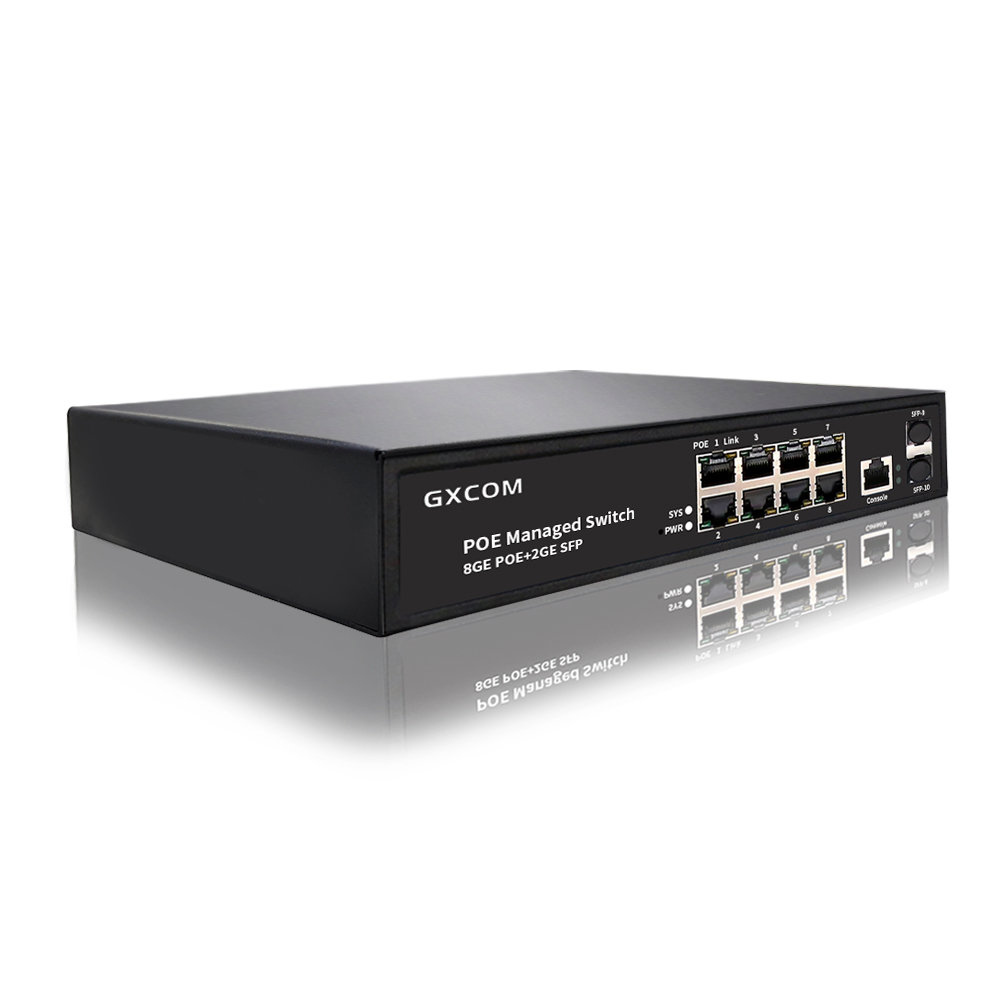
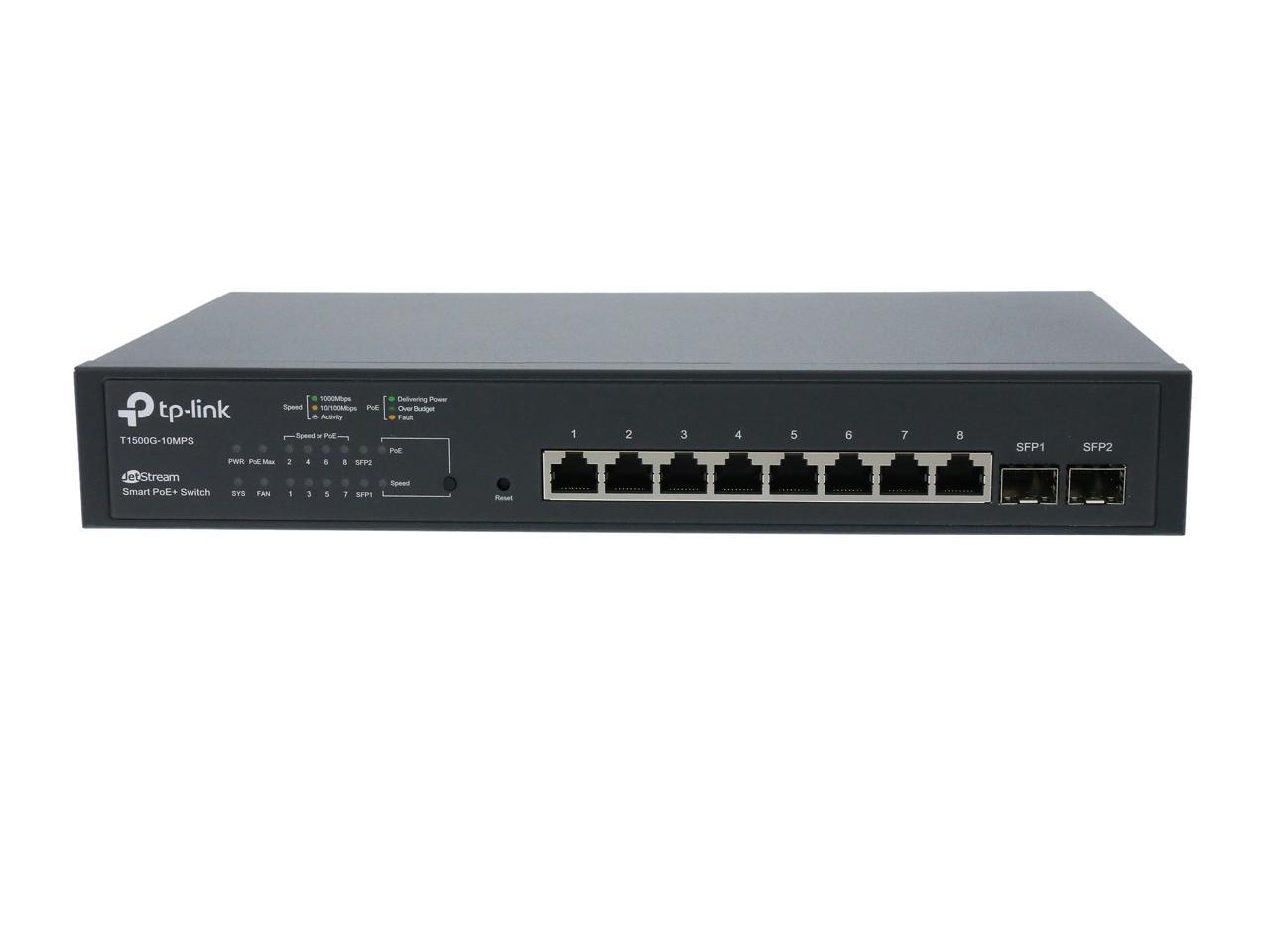
8‑Port PoE Switch With 2 SFP Ports: The Complete Guide
Power‑over‑Ethernet (PoE) has become the go‑to method for delivering both data and electricity to devices like IP cameras, Wi‑Fi access points, and VoIP phones. When you pair an 8‑port PoE switch with two SFP (small‑form‑factor pluggable) ports, you get a compact hub that can also handle fiber connections for longer runs or higher‑speed uplinks. This guide walks you through the essentials—what the hardware does, why the SFP ports matter, and how to pick a model that fits your network.
What Is an 8‑Port PoE Switch?
An 8‑port PoE switch combines eight Ethernet ports that can supply up to 30 watts (standard PoE) or 60 watts (PoE +) to each attached device. In practice, that means a single switch can power a small surveillance system, a handful of Wi‑Fi access points, or a mix of both without needing separate power adapters.
Because the power is delivered over the same cable that carries data, installation is quicker, cable clutter is reduced, and the risk of voltage drops in long runs is minimized. Most modern switches also support auto‑negotiation, so non‑PoE devices can be plugged in without any special configuration.
Why Two SFP Ports Add Real Value
SFP slots let you swap in either copper (RJ‑45) or fiber modules, turning a regular Ethernet port into a high‑speed, long‑distance link. With two SFP ports, you can:
- Connect the switch to a fiber‑backbone uplink, preserving bandwidth for video streams or high‑definition Wi‑Fi.
- Create a redundant link to a second router or core switch, improving network resilience.
- Bridge two separate networks—perhaps a wired office LAN and a remote outdoor camera system—without running extra copper cabling.
In short, SFP ports future‑proof your setup, letting you upgrade to 1 Gbps or even 10 Gbps fiber without swapping the whole switch.
Key Features to Look For
Power budget—Check the total wattage the switch can deliver across all PoE ports. If you plan to power eight devices at 30 W each, you’ll need at least a 240 W budget, plus some headroom for future expansion.
PoE standard—Make sure the model supports the PoE standard your devices require (802.3af, 802.3at, or 802.3bt). Many newer switches offer mixed‑mode ports that can automatically detect the needed power level.
Uplink speed—Look for SFP modules that match your backbone speed. For most small‑business scenarios, 1 Gbps fiber is sufficient, but 10 Gbps options are becoming more affordable.
Management options—Unmanaged switches are plug‑and‑play, while managed or smart switches let you monitor power consumption, set port‑level VLANs, and schedule power cycles for rebooting devices remotely.
Cooling and noise—A fanless design is ideal for office environments, but make sure the chassis has adequate passive cooling if you’ll be pushing the switch near its power limit.
Typical Use Cases
Small offices often deploy an 8‑port PoE switch with 2 SFP ports to feed a cluster of access points on each floor, while using the SFP uplink to connect to the main router in the server room. Retail stores may use the same hardware to power security cameras and digital signage, linking the switch to the corporate network via fiber for reliable, low‑latency video transmission.
In industrial settings, the SFP ports enable connections to rugged fiber switches located outside the plant, keeping the PoE switch safely inside a climate‑controlled cabinet. This separation helps maintain uptime even when the environment is harsh.
Installation Tips for a Smooth Setup
Start by mapping out power requirements. List each PoE device, note its maximum power draw, and add a safety margin of about 10 % to the total. This prevents the switch from throttling power when the budget is exceeded.
When inserting SFP modules, handle them gently and align the gold contacts precisely. Use the correct type of fiber—single‑mode for long distances (over a kilometre) and multimode for shorter runs (up to 550 m). After the modules are in place, verify link status on the switch’s LED indicators or through its web interface.
Route Ethernet cables away from high‑interference sources such as fluorescent lights or heavy machinery. Even though PoE reduces the need for separate power cords, proper cable management still matters for airflow and future maintenance.
Maintenance and Troubleshooting Basics
Most issues stem from either power budgeting or link failures. If a PoE device won’t power up, check the switch’s port status page to see if it reports “insufficient power” and consider redistributing devices across ports.
For fiber links, a common culprit is dirty connectors. A quick clean with an alcohol‑based wipe often restores connectivity. If the problem persists, swap the SFP module with a known‑good one to isolate a faulty component.
Regular firmware updates are worth the effort. Vendors typically release patches that improve power management algorithms and add support for newer PoE standards. Schedule updates during low‑traffic windows to avoid disrupting critical devices.
Frequently Asked Questions
Can I mix PoE and non‑PoE devices on the same switch?
Yes. Most 8‑port PoE switches automatically detect whether a device needs power. Non‑PoE devices simply receive data, and the switch supplies no electricity to that port.
Do I need a separate power source for the switch?
The switch itself requires a dedicated AC adapter or PoE‑in (if the model supports it). The PoE ports draw power from that internal supply, so one reliable power source powers both the switch and all attached devices.
Is a managed switch worth the extra cost?
If you need to monitor power usage, set VLANs, or perform remote reboots, a managed or smart switch pays off. For a simple plug‑and‑play setup with a handful of devices, an unmanaged unit is usually sufficient.
Can I upgrade the SFP ports to higher speeds later?
Yes, as long as the switch hardware supports the higher data rate. You can replace the existing SFP modules with 10 Gbps versions, provided the switch’s internal bus can handle the increased throughput.