How to Diagnose and Fix Siemens Lighting Failure Reports
What the Failure Report Actually Shows
When a Siemens fixture trips, the built‑in diagnostics log a failure report. That report isn’t a cryptic error code; it’s a snapshot of the lamp’s electrical conditions at the moment something went wrong. Typically you’ll see a status indicator on the ballast, a short‑term blink pattern, and a numeric code that can be read with a handheld scanner or the Siemens i‑Light app.
Understanding what each element means is the first step. A steady amber light usually means “lamp aging,” while a rapid double flash points to a short circuit on the mains side. The numeric code (for example, 0x1A3) maps to a specific fault category in the Siemens service manual.
Common Causes Behind Siemens Lighting Faults
- Ballast overheating – Dust accumulation or blocked airflow can raise the temperature enough to trigger a shutdown.
- Incorrect lamp type – Using a non‑compatible LED tube in a fluorescent ballast will cause a mismatch in voltage regulation.
- Loose wiring – Vibrations in commercial spaces often loosen terminal screws, leading to intermittent arcing.
- Power surges – Sudden spikes from the building’s UPS or utility grid can overload the ballast’s protection circuitry.
These are the scenarios that show up most frequently in the field, but each facility may have its own quirks. That’s why the troubleshooting guide stresses a systematic approach rather than jumping straight to replacement.
Step‑by‑Step Troubleshooting Process
1. Verify the symptom. Walk to the fixture, note the LED color, and count any blink pattern. Compare what you see with the table in the Siemens manual; the pattern often narrows the fault down to a single category.
2. Retrieve the failure code. Connect the handheld scanner or launch the i‑Light app, then select the fixture from the device list. Write down the code verbatim – a single character off can send you down the wrong path.
3. Consult the code reference. Siemens publishes a PDF that translates each hexadecimal code into a descriptive fault, such as “lamp ignition failure” or “ballast temperature alarm.” Keep this document open on a tablet for quick cross‑checking.
4. Inspect the physical hardware. Turn off the circuit breaker, remove the lamp, and look for obvious issues: cracked sockets, corroded contacts, or debris on the heat sink. Clean any dust with a soft brush; never spray liquids directly into the fixture.
5. Test the lamp. If the lamp is a replaceable type, swap it with a known‑good unit. If the new lamp lights without error, the original lamp was the culprit. If the error persists, the problem likely lies in the ballast or wiring.
6. Check the wiring. With power still off, tighten all terminal screws and verify that wire colors match the wiring diagram. Look for signs of insulation damage that could cause a short.
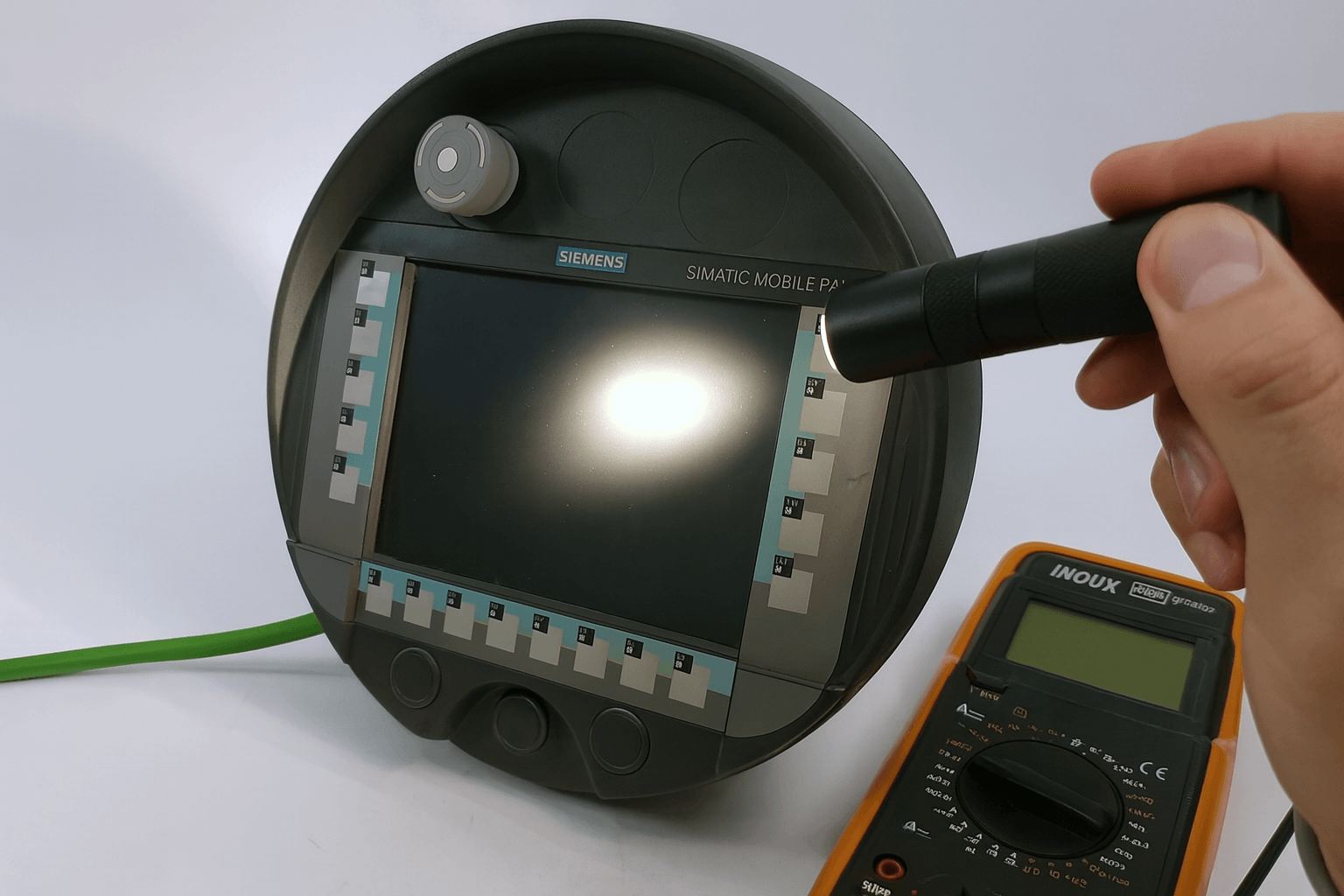
7. Measure voltage. Using a multimeter, confirm that the incoming line voltage is within the fixture’s rated range (typically 120‑277 V AC). A reading outside that range suggests a broader electrical issue that must be addressed by an electrician.
8. Reset the report. Many Siemens ballasts have a reset button or a software reset command in the i‑Light app. Perform the reset, then power the circuit back on and observe whether the fault reappears.
If after these steps the failure report still shows up, you’ve likely isolated a ballast defect. At that point, replace the ballast according to the manufacturer’s instructions and log the replacement in your maintenance system.
When to Call a Professional
While the guide equips most facility managers to handle routine faults, certain red flags warrant a licensed electrician. Persistent overheating after cleaning, repeated ballast failures in the same zone, or any indication of a wiring fault that could affect fire safety are all signals to step back.
Additionally, if the failure code references “communication error” on a networked lighting system, you may be dealing with a firmware mismatch that requires a technician with access to Siemens’ service portal.
Best Practices to Minimize Future Failures
- Schedule quarterly dust removal for high‑bay fixtures.
- Maintain an inventory of approved lamp types and keep a log of replacements.
- Use surge protectors on circuits that serve critical lighting areas.
- Document each failure report and the corrective action taken; patterns emerge over time.
Quick Reference Checklist
- Observe blink pattern and LED color.
- Record failure code accurately.
- Consult Siemens code guide.
- Inspect and clean fixture.
- Swap lamp with a known‑good unit.
- Tighten wiring connections.
- Measure line voltage.
- Reset the report.
- Replace ballast only if fault persists.
FAQ
Q: What does a flashing amber light mean on a Siemens panel?
A: A flashing amber usually signals an overheating ballast. Check for dust, verify that the fixture’s ventilation isn’t blocked, and let the unit cool before resetting.
Q: Can I ignore a failure report if the light still works?
A: Not advisable. Even if illumination seems normal, the underlying fault can worsen, leading to sudden shutdowns or safety hazards.
Q: How often should I reset the failure report?
A: Reset only after you’ve addressed the root cause. Frequent resets without repairs mask the real issue and can void warranty coverage.
Q: Is there a way to update the ballast firmware yourself?
A: Firmware updates require the Siemens service portal and a qualified technician. Attempting it without proper tools can corrupt the ballast’s control module.