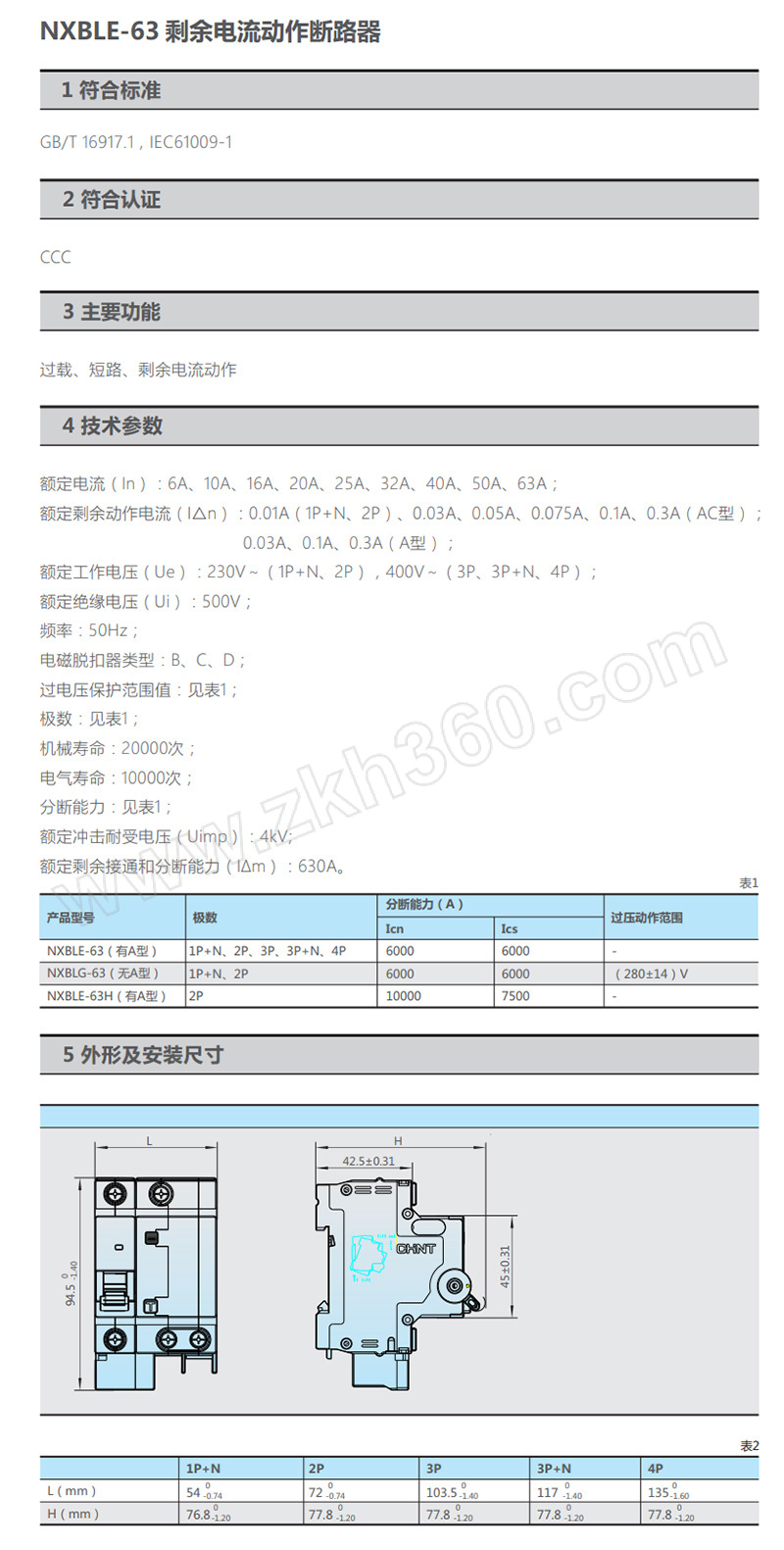
How to Fix Common NXBLE63 C63 Issues
The NXBLE63 C63 is a compact Bluetooth‑Low‑Energy (BLE) module that shows up in everything from industrial sensors to wearable gadgets. When it stops responding, drops connections, or behaves erratically, a systematic NXBLE63 C63 troubleshooting approach can save you time and money. Below is a practical guide that walks you through diagnosis, repair, and preventive care, all without requiring a Ph.D. in electronics.
Understanding the NXBLE63 C63 Module
Before you open the case, it helps to know what you’re dealing with. The NXBLE63 C63 integrates a Nordic nRF52832 SoC, a 2.4 GHz antenna, and a small voltage regulator. Its firmware lives on flash memory, while the radio stack handles BLE advertising, scanning, and connection management. Because the module is often soldered onto a PCB, most issues stem from power irregularities, antenna mismatches, or firmware glitches.
Typical specifications include:
- Operating voltage: 1.7 V – 3.6 V
- Current draw: ~5 mA idle, up to 30 mA during transmission
- Range: up to 30 m at line‑of‑sight
Keeping these numbers in mind will guide you when you measure voltages or check signal strength.
Typical Symptoms and Their Causes
Most users encounter one of three patterns: complete silence, intermittent connectivity, or erratic data payloads. Here’s a quick map:
- No power‑on LED – often a failed regulator or a shorted supply line.
- Frequent disconnections – usually antenna detuning, mismatched impedance, or excessive noise on the power rails.
- Garbage data or CRC errors – firmware corruption or a cracked crystal oscillator.
If you can match the symptom to a cause, you’ll skip a lot of guesswork later.
Step‑by‑Step Diagnostic Process
1. Visual inspection
Start by looking for obvious damage: burnt pads, cracked components, or loose solder joints. A magnifying lamp can reveal hairline fractures that cause intermittent failures.
2. Power validation
Use a digital multimeter to confirm the supply voltage at the module’s VDD pin while the host board is powered. It should stay within the 1.7 V‑3.6 V window. If you see dips below 1.5 V during transmission bursts, the regulator is likely overloaded.
3. Clock check
Measure the frequency of the 32 kHz crystal with an oscilloscope. A deviation beyond ±100 ppm can corrupt BLE timing and lead to dropped packets. Replace the crystal if the waveform looks noisy or the frequency is off.
4. Antenna continuity
With the device powered off, probe the antenna feed line for continuity. A high resistance indicates a broken trace or a bad connector. In many cases, a simple re‑solder fixes the issue.
5. Firmware sanity
If the hardware checks out, try re‑flashing the latest firmware from the manufacturer’s website. Use a standard SWD (Serial Wire Debug) adapter; the nRF52832 supports this out of the box. A corrupted image is a common culprit after unexpected power loss.
Common Repairs and When to Replace
When a component fails the diagnostic steps, you have two options: repair or replace. Small surface‑mount capacitors, especially the decoupling ones near the RF front‑end, are cheap and often the first thing to swap. Re‑soldering a cracked antenna trace also restores signal integrity in many cases.
If the SoC itself shows signs of failure—persistent CRC errors despite a fresh firmware flash, or no response to SWD programming—it’s usually more cost‑effective to replace the entire module. The NXBLE63 C63 is sold in single‑unit packs for roughly $8‑$12, making a swap a reasonable investment.
Preventive Maintenance Tips
To keep the module humming, consider these habits:
- Always power the board up and down gently; sudden voltage spikes can fry the regulator.
- Use a low‑ESR ceramic capacitor (0.1 µF) close to the VDD pin to smooth out high‑frequency noise.
- Route the antenna trace away from high‑current traces or large ground planes that can detune the antenna.
- Periodically run a BLE “advertising scan” test from a phone or laptop to verify that the module still broadcasts correctly.
Implementing these steps during regular maintenance cycles reduces the chance of surprise outages.
Frequently Asked Questions
Why does my NXBLE63 C63 reset after a firmware update?
Most resets happen because the update didn’t complete cleanly, leaving the flash partially written. Re‑flashing the firmware using a verified SWD connection usually resolves the issue.
Can I use a different antenna with the NXBLE63 C63?
Yes, provided the new antenna matches the 2.4 GHz design and you adjust the trace length accordingly. Mismatched impedance can reduce range dramatically.
What tools do I need for basic repairs?
A good soldering iron with a fine tip, a digital multimeter, an oscilloscope (or a cheap logic probe for basic checks), and a SWD programmer are enough to tackle most problems.
Is it safe to operate the module at the upper voltage limit of 3.6 V?
Operating at 3.6 V is within spec, but it increases current draw and heat. If your design allows, staying around 3.0 V extends component life.