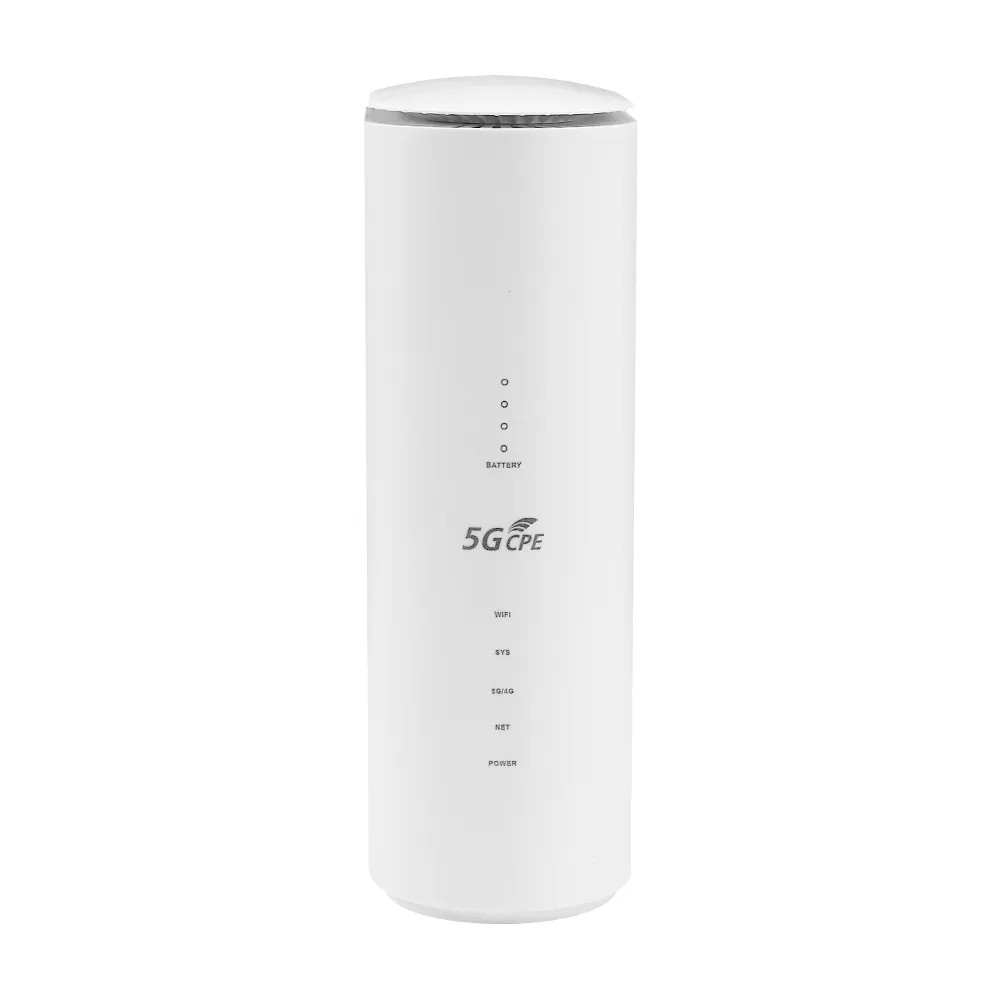
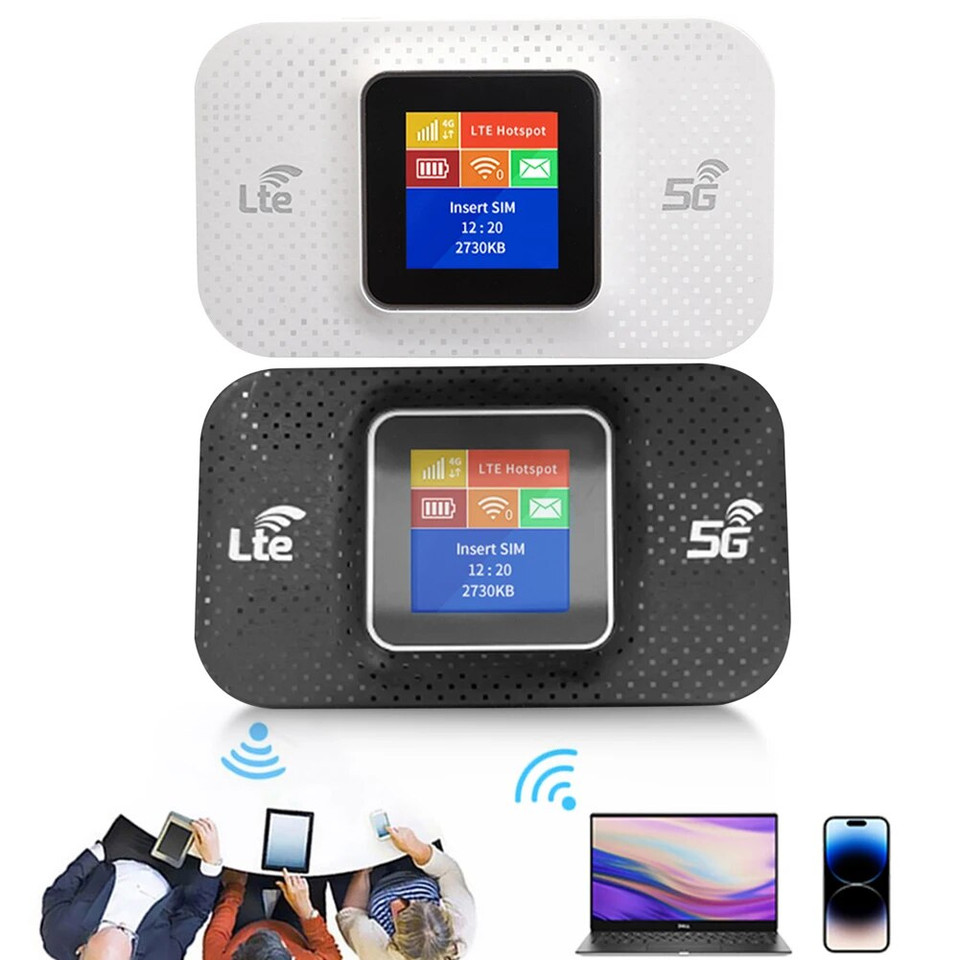
Top 5 5G LTE Routers With SIM Card Slots for Seamless Connectivity
Why a 5G LTE Router with a SIM Card Slot Makes Sense
If you’re tired of unreliable Wi‑Fi from a distant hotspot or you live in an area where traditional broadband is a pipe dream, a 5G LTE router that accepts a SIM card can be a game‑changer. These devices blend the speed of 5G with the flexibility of cellular data, letting you plug in a SIM and get internet wherever the signal reaches. The best 5G LTE router with a SIM card slot essentially becomes your own private mobile broadband hub—no contracts, no hidden fees, just the data you need.
Key Features to Look For
- Supported Bands: Make sure the router covers the 5G NR bands used by your carrier. Most modern units also fall back to LTE, which is a safety net when 5G coverage thins out.
- WAN Ports: An Ethernet WAN port is handy if you ever want to pair the router with a fiber line or DSL backup.
- Wi‑Fi Standards: Look for Wi‑Fi 6 (802.11ax) or at least Wi‑Fi 5 (802.11ac) to keep local devices running smoothly.
- Antenna Design: Built‑in omnidirectional antennas work for most homes, but external detachable antennas give you a boost if your signal is weak.
- Management Interface: A clear web dashboard or mobile app makes monitoring data usage and switching networks painless.
- Security: WPA3 encryption, built‑in firewall, and regular firmware updates keep your network safe from prying eyes.
Our Top Picks
1. Netgear Nighthawk M5 (MR5200)
The Nighthawk M5 is a compact powerhouse that supports both sub‑6 GHz 5G and 4G LTE. Slip a SIM into the slot, and you’ll see download speeds that can rival many cable plans—especially in urban corridors where 5G is dense.
- Pros: Wi‑Fi 6, dual‑band (2.4 GHz/5 GHz) Wi‑Fi, a 2.5 GbE Ethernet port, and a battery that lasts up to 13 hours for truly mobile setups.
- Cons: The price tag leans toward the premium side, and the small LCD screen can be hard to read in bright light.
2. Huawei 5G CPE Pro 2 (H122‑8)
Huawei’s CPE Pro 2 packs a lot of tech into a modest box. It works on a wide range of 5G NR bands and falls back to LTE without a hitch. The built‑in Wi‑Fi 6 router can handle dozens of devices, making it a solid choice for families.
- Pros: Broad band support, four Gigabit Ethernet ports, and a sleek design that blends into a living‑room shelf.
- Cons: Firmware updates can be slower outside of Huawei’s primary markets, and the admin interface feels a bit dated.
3. TP-Link Archer MR600 (4G LTE‑Only, but Future‑Proof)
While not a true 5G device, the Archer MR600 is worth mentioning for those who are still on the cusp of 5G rollout. It offers solid LTE speeds, a sturdy SIM slot, and a full‑size Ethernet backhaul.
- Pros: Affordable, easy setup, and a reliable LTE fallback when 5G isn’t yet available.
- Cons: No 5G support yet, and the Wi‑Fi is limited to 802.11ac.
4. Zyxel LTE5401‑A
Zyxel’s LTE5401‑A is a business‑grade router that can double as a home hub. It handles carrier‑grade LTE and offers an optional 5G module for future upgrades. The SIM slot sits under a removable panel, protecting it from dust.
- Pros: Robust VPN support, dual‑SIM capability for carrier redundancy, and a solid metal chassis.
- Cons: The interface leans toward IT professionals, which might overwhelm casual users.
5. Asus 4G-AC68U (LTE with 5G Ready)
The Asus 4G‑AC68U isn’t a native 5G router yet, but its design anticipates a 5G module upgrade. Its Wi‑Fi 6 support and powerful processors make it a versatile bridge between current LTE networks and upcoming 5G plans.
- Pros: Excellent Wi‑Fi coverage, AiMesh compatibility for expanding mesh networks, and strong parental controls.
- Cons: No built‑in 5G bands now; you’ll need an external 5G dongle for true 5G speeds.
How to Set Up Your New Router
Installation is usually a three‑step dance: insert the SIM, configure the network, and fine‑tune Wi‑Fi settings. Start by locating the SIM tray—often on the side or bottom—then slide in your carrier’s micro‑SIM or nano‑SIM. Power up the unit, connect a laptop or phone to the default Wi‑Fi SSID (found in the quick‑start guide), and log into the admin portal. From there, you can select your carrier, set a data limit, and enable security features like WPA3.
Most modern routers also let you set up a guest network, schedule automatic reboots, and even share your VPN credentials across all connected devices. Take a few minutes to rename the SSID to something personal yet non‑identifiable, and you’ll be good to go.
When to Choose a SIM‑Based Router Over Cable
If you live in a rural town where coaxial or fiber lines are miles away, a SIM‑based router can shave weeks off the waiting period for a new line. It’s also a solid backup for home offices; a sudden outage on your primary ISP won’t cripple video calls if your 5G router is ready to pick up the slack.
On the flip side, if you already have a high‑speed fiber plan with unlimited data, the cost of a 5G data plan might outweigh the convenience. In that scenario, a traditional router still makes sense.
Frequently Asked Questions
Can a 5G LTE router replace my existing broadband?
It can, provided your carrier offers a data plan with enough allowance and the 5G signal at your location is strong. Many users report speeds comparable to mid‑tier cable plans.
Do I need a specific type of SIM card?
Most routers accept nano‑SIMs, though some still support micro‑SIMs with an adapter. Check the device’s specifications to be sure.
Is the router’s Wi‑Fi speed limited by the cellular connection?
Yes. The Wi‑Fi side can deliver gigabit‑class speeds, but the actual internet throughput will match what the 5G or LTE network provides at that moment.
How secure is a SIM‑based router?
Security depends on the router’s firmware. Look for WPA3, automatic updates, and a built‑in firewall. Using a strong, unique admin password is also essential.