Unlock Creativity with the Best Free Icon Plugins for Figma
Why Icon Plugins Matter in Figma
Icons are the language of the interface. They guide users, add personality, and break up text. In Figma, a design tool that thrives on collaboration, having an easy way to access a wide range of icons is essential. Free icon plugins eliminate the friction of searching external sites and bring the entire icon library right into your project.
Seamless Integration
When an icon plugin lives inside Figma, you can drag, drop, and resize icons instantly. No need to export SVGs from another app and then import them back. That streamlines workflows, especially during rapid prototyping or when iterating on multiple screen variations.
Design Consistency
Using a single source of icons ensures consistent stroke width, alignment, and style across the entire design system. When all designers pull from the same plugin library, the visual language remains tight and professional.
How to Find the Top Free Icon Plugins
The Figma Community is vast, and so is its plugin ecosystem. To identify truly useful free plugins, focus on community ratings, active maintenance, and license clarity.
Community Recommendations
Check the comments section of popular plugins; developers and users often discuss bugs or missing features there. A plugin with active dialogue usually indicates ongoing support.
Plugin Store Filtering
Use the “Free” filter and sort by the number of installs. The plugins that attract thousands of users are typically battle-tested.
Compatibility and Updates
Look for recent update dates. Icon sets that sync with external services (like Font Awesome) tend to update automatically, keeping your icons fresh.
Top 5 Free Icon Plugins
Below are five plugins that combine breadth, quality, and ease of use. Each offers unique strengths, so pick one that matches your workflow.
Iconify
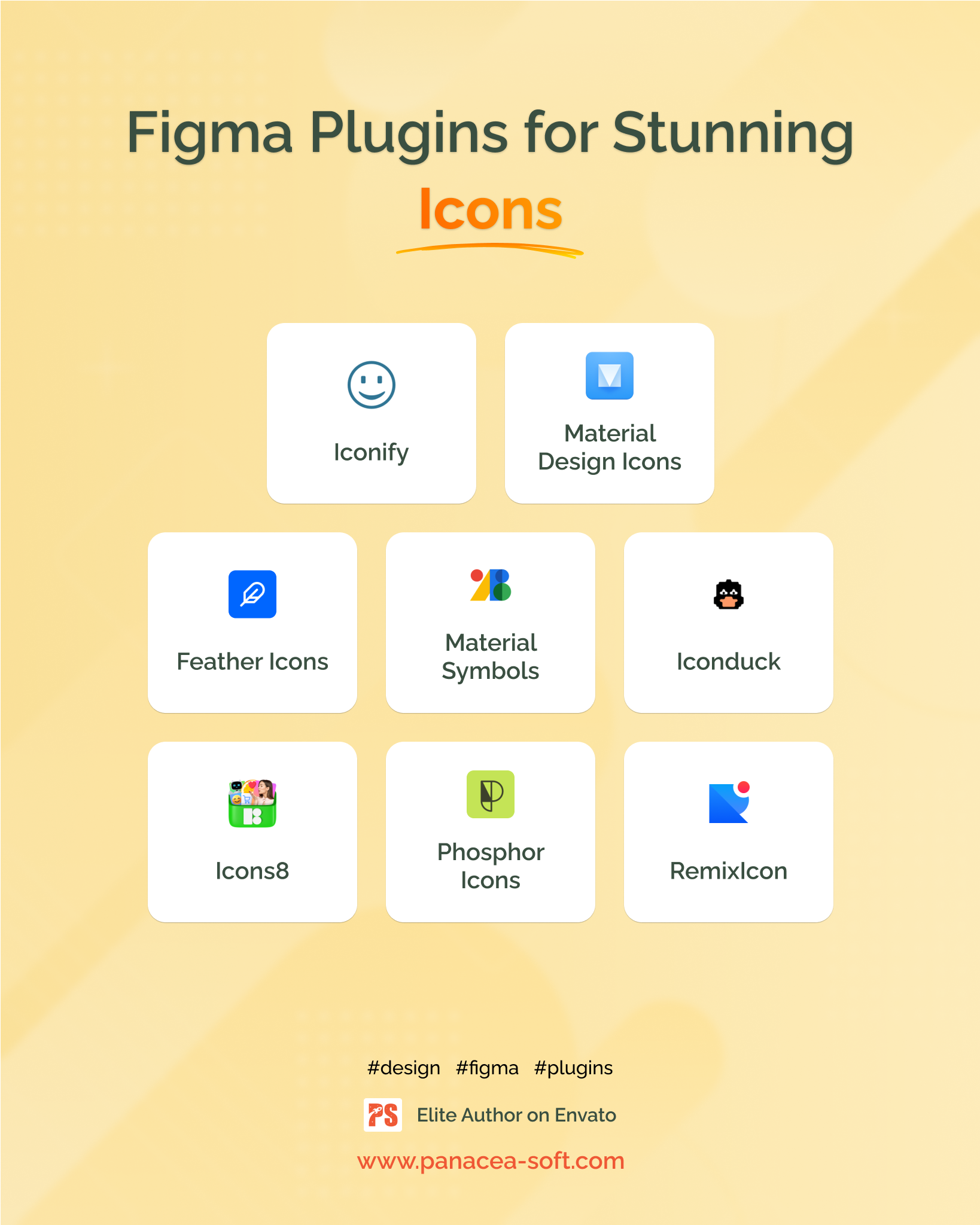
Iconify aggregates over 50 icon collections, from Material Design to Feather, within a single interface. Search by keyword, filter by style, and choose the exact icon you need. The plugin also supports custom tags, making it easy to find brand icons or niche symbols.
Feather Icons
Feather delivers a minimalistic, open-source set of 280 icons. Its simplicity aligns with Figma’s vector tools, allowing designers to adjust strokes and colors without extra effort. The plugin ships with a lightweight UI, reducing performance impact.
IconPark
IconPark offers a curated selection of more than 4,000 icons in a clean Chinese design aesthetic. Though it’s popular in East Asia, it’s also valuable for designers seeking flat, line-based symbols. The plugin lets you import icons as components, preserving editability.
Open Iconic
Open Iconic provides over 200 flat icons that are perfect for low‑budget projects. The plugin includes a handy search box and offers icons in both SVG and PNG formats, accommodating designers who need quick bitmap exports.
Font Awesome (Free Version)
Font Awesome’s free tier includes 1,500 icons spanning solid, regular, and light styles. The plugin integrates directly with the online API, ensuring you always have the latest releases. While the free set is limited compared to the pro version, it covers most UI needs.
Best Practices for Using Icon Plugins
Organize and Reuse
After inserting an icon, convert it to a component. This lets you reuse the same icon across multiple frames, ensuring any style change propagates instantly.
Customizing Colors & Sizing
Many plugins let you pick a base color before insertion. For projects that require color variations, you can also apply Figma’s color styles directly to the icon component afterwards.
Keeping a Library
Export your favorite icons into a dedicated Figma library file. That way, you don’t need to search the plugin each time, and you can maintain version control over the icons you use.
Troubleshooting Common Issues
Performance Lags
If the plugin stalls, try clearing the cache or limiting the number of icons displayed at once. Some plugins load icons on-demand to keep the UI snappy.
License Conflicts
Even free plugins may have usage restrictions. Verify the license (usually MIT or CC‑0) before using icons in commercial products to avoid legal headaches.
Future of Icon Plugins in Figma
The plugin ecosystem will only grow richer. Expect deeper integration with icon services that offer live updates, custom icon creation, and AI‑generated symbol suggestions. Designers who stay up‑to‑date will keep their workflows lean and modern.
Frequently Asked Questions
- What makes a free icon plugin reliable? Community reviews, recent updates, and a clear license are the best indicators of reliability.
- Can I use these icons in a commercial app? Yes, provided you respect the license, which is usually permissive for commercial use.
- How do I replace an icon later? Convert the icon to a component; later changes can be made in the master component and will update everywhere.